
Have you ever wished your motion sensor lights would stay on longer or even all night? Maybe you want extra security or just don’t like the lights turning off when you’re still nearby.
The good news is, there are simple tricks you can use to keep those lights on without rewiring or buying new equipment. You’ll discover easy, practical tips that work. Keep reading, and you’ll learn how to take control of your motion sensor lights—making your space safer and more convenient exactly the way you want.
How Motion Sensor Lights Work
Understanding how motion sensor lights work is the first step if you want to keep them on longer or trick them into staying lit. These lights rely on sensors that detect movement or heat, triggering the light to switch on. Knowing what type of sensor your light uses and how it activates can help you control its behavior more effectively.
Types Of Motion Sensors
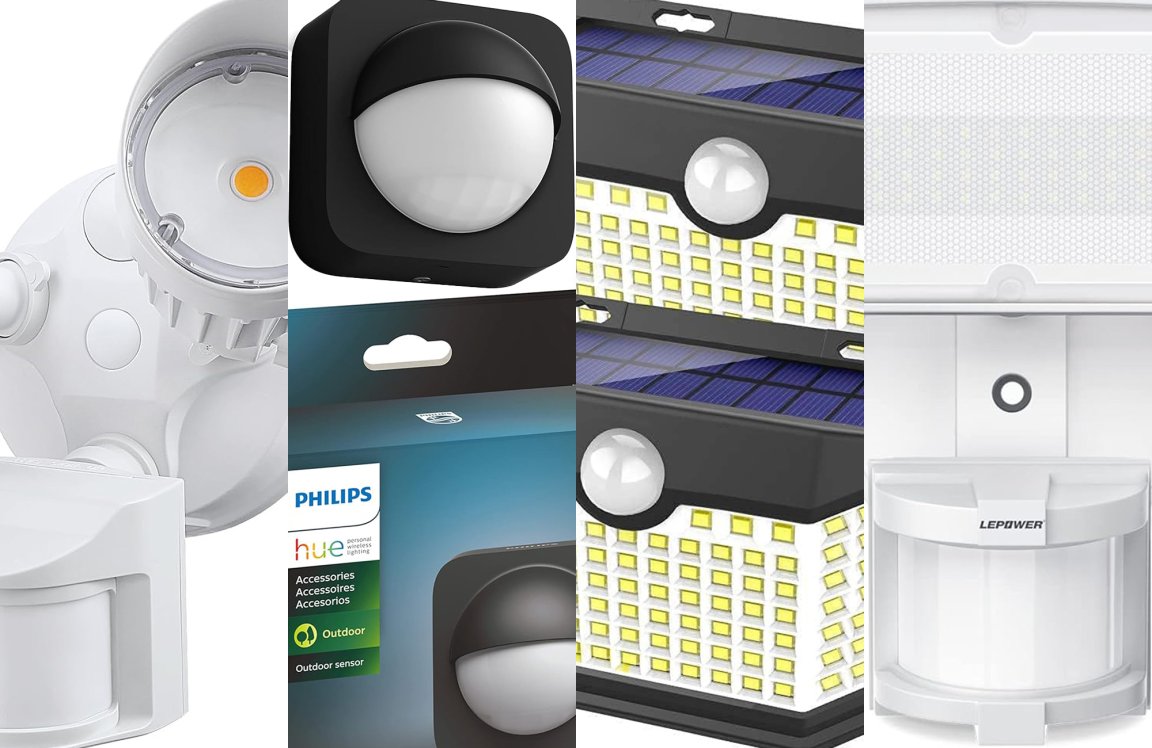
There are mainly three types of motion sensors used in lighting systems:
- Passive Infrared (PIR) Sensors:These detect heat emitted by living beings. They are common in outdoor and security lights.
- Ultrasonic Sensors:These emit sound waves and detect movement by measuring the reflection of those waves. They work well in enclosed spaces.
- Microwave Sensors:These send out microwave pulses and detect movement by changes in the reflected waves. They cover larger areas but can be more sensitive.
Do you know which type your motion sensor light uses? This can make a big difference in how you approach keeping it on.
Common Activation Mechanisms
Motion sensor lights usually activate based on three main triggers:
- Movement Detection:The sensor picks up motion within its range and turns the light on immediately.
- Heat Changes:PIR sensors detect changes in infrared heat, so a person or animal moving nearby will trigger the light.
- Time Settings:Once activated, the light stays on for a preset duration before turning off if no further movement is detected.
Understanding this timing is key. Have you ever noticed how your light turns off just when you need it most? Adjusting the timer or keeping the sensor’s detection zone in mind can help you avoid that frustration.
Reasons To Keep Lights On
Keeping motion sensor lights on can serve many important purposes. It’s not just about illumination—it’s about creating a safer, more comfortable environment around your home or workplace. Understanding why you might want these lights to stay on helps you decide when and how to adjust their settings effectively.
Security Purposes
Lights that stay on deter unwanted visitors and reduce the chances of break-ins. A well-lit exterior makes it harder for intruders to approach unnoticed. Have you ever felt safer just because your porch light was on?
Constant lighting can also help you monitor your property better. It’s easier to spot any unusual activity when the area is consistently lit. Motion sensor lights that don’t turn off leave no dark corners for trouble to hide.
Convenience And Safety
Imagine coming home with your hands full and not having to fumble for a switch. Lights that stay on provide immediate visibility, making entry safer and more convenient. This is especially helpful during harsh weather or late at night.
Keeping lights on also reduces the risk of accidents. You can avoid tripping over objects or slipping on steps when your path is always illuminated. How often have you wished for better lighting when walking outside in the dark?
Adjusting Sensor Settings
Adjusting the sensor’s sensitivity can keep motion lights on longer. Changing the timer setting also helps extend the light duration. Small tweaks make a big difference in how the sensor reacts.
Adjusting the sensor settings on motion sensor lights can increase their effectiveness. It’s a smart way to ensure your lights stay on when needed. By making simple tweaks, you can customize the lights to suit your needs. Below are some key areas you can adjust to make your motion sensor lights more reliable.Sensitivity Controls
Sensitivity settings determine how easily the light reacts to movement. Lower sensitivity may miss small movements. If set too high, the light might turn on with minor disturbances. Adjust the sensitivity to a medium level. Test the settings by walking in front of the sensor. This will help achieve the right balance between responsiveness and stability.Time Delay Options
Time delay controls how long the light stays on after detecting motion. Shorter delay may cause the light to turn off too soon. Longer delay ensures the light stays on longer, providing more visibility. To adjust, locate the time delay setting on the light. Set it to a period that suits your needs, such as 5 or 10 minutes. This ensures ample lighting when needed.
Credit: www.amazon.ca
Simple Tricks To Prevent Shutdown
Motion sensor lights turn off after no motion is detected. This saves energy but can be annoying. Simple tricks can keep these lights on longer. These methods help trick the sensor into thinking there is movement. Try easy ways to prevent shutdown.
Using Reflective Surfaces
Reflective surfaces can bounce light and signals. Place mirrors or shiny objects near the sensor. This creates small movements in the sensor’s view. Reflections move with changing light and shadows. It fools the sensor into staying active.
Try these ideas:
- Use a small mirror angled to catch light.
- Place a shiny metal or glass object nearby.
- Use reflective tape on nearby walls or posts.
These reflections create subtle motion signals. The sensor thinks someone is moving around. This keeps the light on longer without real movement.
Creating Continuous Movement
Continuous movement tricks the sensor into staying on. A slow, steady motion is best. Use simple objects to create this motion near the sensor.
Try these options:
- Hang a small wind chime that moves with air.
- Attach a lightweight string or ribbon that sways.
- Use a small fan to gently move objects near the sensor.
These motions are enough to keep the sensor triggered. The light will stay on as long as the movement continues. This is an easy way to avoid shutdown without touching the sensor.
Technical Hacks For Experts
If you have a solid grasp of electrical work and want your motion sensor lights to stay on without the usual interruptions, some technical hacks can help you achieve that. These tricks require a bit of know-how and safety precautions but can give you full control over your lighting setup. Let’s dive into practical ways you can override the sensor functions and keep the lights shining.
Bypassing The Sensor
Bypassing the sensor involves disconnecting or isolating the motion detection component so the light receives constant power instead of switching on only when movement is detected. This can be done by identifying the sensor wires and rerouting the electrical connection.
Here’s what you need to do:
- Turn off the power supply at the breaker to avoid electric shock.
- Open the sensor housing carefully and locate the sensor’s input and output wires.
- Disconnect the sensor wires and connect the power supply wire directly to the light fixture’s power input.
This simple reroute tricks the light into thinking it’s always receiving a trigger signal. However, you must ensure the connections are secure and insulated properly. Have you ever felt the satisfaction of making a device work exactly how you want? This hack gives you that hands-on control.
Rewiring For Constant Power
Rewiring your motion sensor light for constant power is a deeper modification. It means altering the wiring so the sensor is effectively bypassed on the electrical circuit level, allowing the light to stay on continuously.
Consider these steps:
- Access the junction box where the sensor and light wires meet.
- Use a multimeter to identify the live, neutral, and sensor trigger wires.
- Disconnect the sensor trigger wire and connect the live wire directly to the light’s live input.
- Double-check your connections, then close the junction box and restore power.
After rewiring, your light will no longer depend on motion detection. Remember, this change means the light consumes power constantly, which might affect your energy bill. Does the convenience of constant lighting outweigh the potential extra cost for you?
Potential Risks And Considerations
Tricking motion sensor lights to stay on might seem useful. Yet, it brings risks that need careful thought. These risks affect your safety, electricity bills, and the light device itself. Understanding these dangers helps you make smarter choices.
Energy Consumption
Keeping motion sensor lights on continuously uses more electricity. This increases your energy bills quickly. The lights waste power when no one is around. This defeats the main purpose of sensor lights, which is saving energy. Constant power use also raises your home’s carbon footprint.
Think about how long the light stays on. Longer use means higher costs. Using tricks to keep the light on can lead to unnecessary power waste. Consider if the extra energy use is worth it before trying these methods.
Sensor Damage
Motion sensor lights are designed to turn on and off often. Forcing them to stay on can damage the sensor parts. The sensor might become less sensitive or stop working. This shortens the life of the light fixture.
Some tricks involve covering the sensor or blocking its view. This can cause the sensor to malfunction. Dirt, dust, or physical damage from these actions can ruin the sensor. Repairing or replacing sensors can be costly and frustrating.
Alternative Lighting Solutions
Alternative lighting solutions offer ways to keep your space lit without relying solely on motion sensors. These options give more control over when lights turn on and off. They also help avoid the frustration of lights shutting off too soon. Choosing the right solution depends on your needs and setup.
Manual Override Switches
Manual override switches let you turn motion sensor lights on or off by hand. You can keep the lights on continuously without motion triggering. This is useful for tasks that need steady light. Installing an override switch is simple for most motion sensor models. It also allows quick control in case of sensor issues.
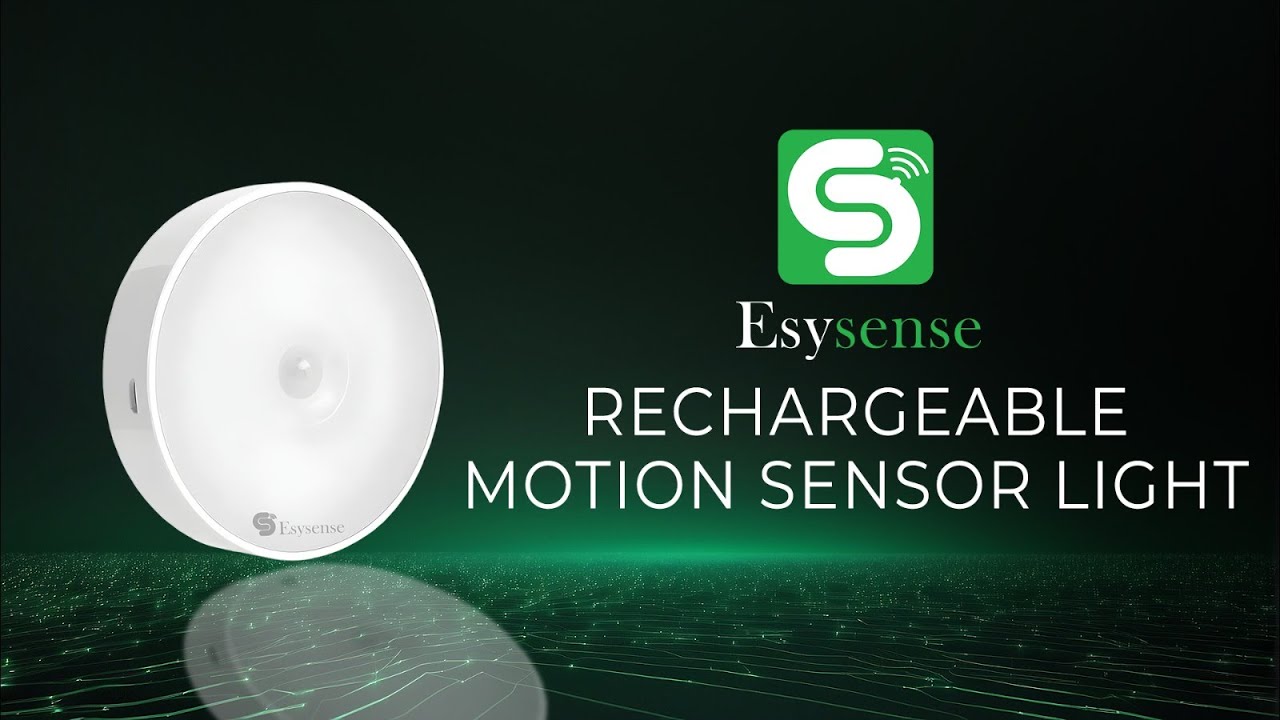
Smart Lighting Systems
Smart lighting systems connect to your phone or voice assistants. You control the lights remotely or set schedules for when they stay on. These systems can work with or without motion sensors. You can adjust brightness and color too. Smart lights add flexibility and save energy by using timers or apps.
Credit: www.youtube.com
Credit: www.popsci.com
Frequently Asked Questions
How Can I Keep Motion Sensor Lights On Continuously?
You can keep motion sensor lights on by using a timer override or covering the sensor temporarily. Adjusting sensor sensitivity or using a remote control can also help maintain constant light.
Is It Safe To Trick Motion Sensor Lights To Stay On?
Tricking motion sensor lights is generally safe but may reduce the sensor’s effectiveness. Ensure no electrical modifications are made, and follow manufacturer guidelines to avoid damage or warranty void.
Can Motion Sensor Lights Detect Small Pets Or Objects?
Most motion sensor lights detect larger movements and may not sense small pets or objects. Sensitivity settings can be adjusted, but very small or slow movements might go unnoticed.
What Tools Help Override Motion Sensor Light Settings?
Tools like remote controls, manual switches, or sensor covers can override motion sensor settings. These allow users to control the light without triggering the sensor repeatedly.
Conclusion
Tricking motion sensor lights to stay on can save you time and effort. Small adjustments make a big difference in how sensors respond. Try simple steps like covering sensors or adjusting sensitivity. Test changes to see what works best for your space.
Stay safe and avoid blocking important areas. These tips help control your lights without extra costs. Enjoy steady lighting when you need it most. Simple tricks make your home more comfortable and secure. Keep experimenting until you find the right balance for your needs.



