
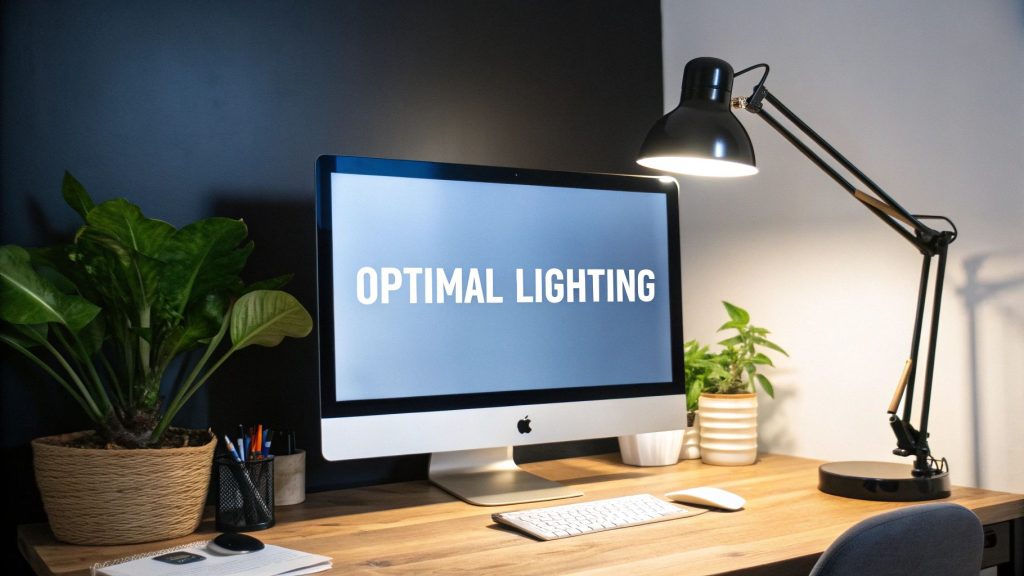
Are you tired of struggling with glare and shadows while working at your computer? The right desk lamp placement can make a huge difference in your comfort and productivity.
Imagine reducing eye strain, improving focus, and creating a workspace that feels just right. You’ll discover simple, effective ways to position your desk lamp so your computer work becomes easier and more enjoyable. Keep reading to find out how a small change can transform your entire workday.
Choosing The Right Desk Lamp
Choosing the right desk lamp is key for comfortable computer work. It helps reduce eye strain and improves focus. The right lamp brightens your workspace without glare or shadows. Consider lamp type, brightness, and adjustability to fit your needs.
Types Of Desk Lamps
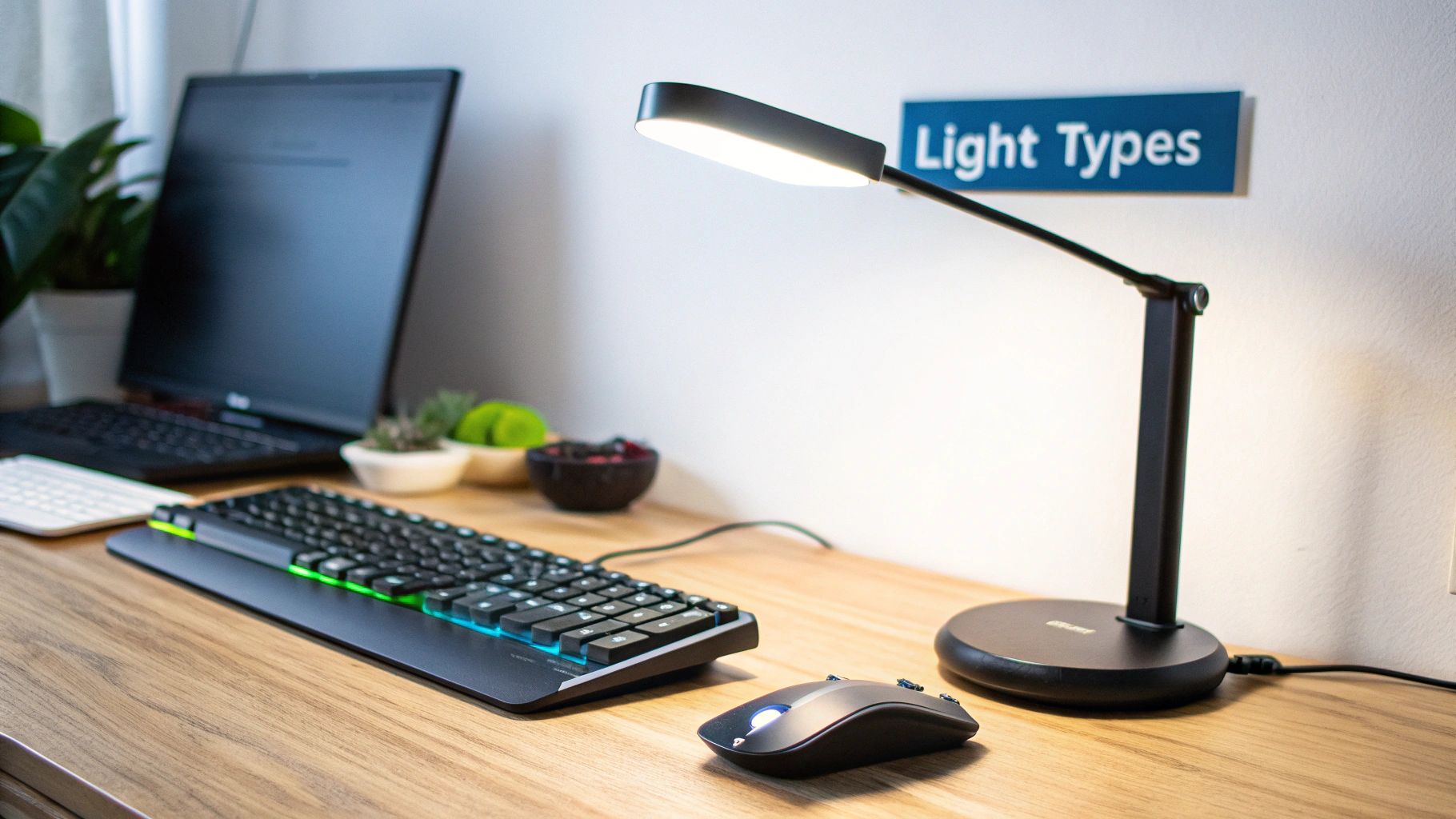
Desk lamps come in many styles. Some common types include:
- Task lamps:Focused light for detailed work.
- Ambient lamps:Soft light that fills the room.
- LED lamps:Energy-efficient and long-lasting.
- Clamp lamps:Attach to desks, saving space.
- Architect lamps:Adjustable arms for flexible lighting.
Choose a lamp type that fits your desk space and work style.
Brightness And Color Temperature
Brightness affects how well you see your screen and papers. Too bright causes glare. Too dim strains your eyes.
Color temperature changes the light color. Measured in Kelvins (K):
- Warm light (2700K–3000K):Soft, yellowish light. Good for relaxing.
- Neutral light (3500K–4500K):Balanced light. Good for work and reading.
- Cool light (5000K–6500K):Bright, blueish light. Mimics daylight.
Neutral or cool light works best for computer tasks.
Adjustability Features
Adjustability helps direct light where you need it. Look for:
- Swivel heads to change light direction.
- Extendable arms for height and reach control.
- Dimmer switches to adjust brightness levels.
- Flexible necks for easy positioning.
These features let you customize lighting for comfort and efficiency.
Optimal Lamp Placement
Optimal lamp placement can transform your computer workspace into a comfortable and efficient environment. Proper lighting reduces eye strain and glare, helping you stay focused longer. How you position your desk lamp makes a big difference, especially depending on which hand you use most.
Positioning For Right-handed Users
If you’re right-handed, place your desk lamp on the left side of your desk. This setup prevents your hand from casting shadows over your work area. It also keeps the light flowing across the page or keyboard naturally.
Try to angle the lamp so the light shines directly on your tasks without shining into your eyes or the screen. Adjust the brightness to avoid harsh glare but keep the area well-lit. Have you noticed how even small changes in light direction affect your comfort?
Positioning For Left-handed Users
Left-handed users should position their desk lamp on the right side of the desk. This avoids shadows caused by your dominant hand and keeps the workspace evenly illuminated. Many left-handed people overlook this tip and end up straining their eyes more than necessary.
Make sure the lamp’s beam covers your work surface evenly. You can experiment with lamp height and angle until it feels natural. What’s your current lamp setup—does it support your dominant hand well?
Distance From Screen And Work Area
Keep your desk lamp about 12 to 18 inches away from your work area. This distance provides enough light without creating glare on your computer screen. Position the lamp so it lights your keyboard and documents clearly.
Too close, and the light may be too harsh. Too far, and your workspace can become dim. Adjust the distance until you find a balance where your eyes feel comfortable, even during long sessions.
Reducing Glare And Eye Strain
Place the desk lamp to the side of your computer screen to avoid direct glare. Soft, indirect light reduces eye strain during long work hours. Adjust brightness to keep your workspace well-lit but comfortable.
Reducing glare and eye strain is crucial for maintaining comfort and productivity during computer work. Poor lighting can lead to headaches and fatigue, making it hard to concentrate on your tasks. By adjusting your desk lamp correctly, you can create an optimal environment that protects your eyes and boosts your efficiency.Avoiding Screen Reflections
Position your desk lamp so that it illuminates your workspace without reflecting on your screen. It’s best to place the lamp to the side of your monitor, preferably on the opposite side of your dominant hand. This way, your hand won’t cast shadows on your work area, and the light won’t bounce back into your eyes from the screen. Think about the angle of the lamp’s light. Ensure it shines downward and slightly away from the screen. This reduces the chances of glare, letting you work comfortably for longer periods.Using Diffusers And Shades
Consider using a lamp with a diffuser or shade to soften the light. Diffusers help scatter the light evenly, reducing harsh shadows and glare. You might find that adjustable shades allow you to direct light where you need it most. This flexibility can make a big difference in minimizing eye strain. Try experimenting with different lamp settings and observe how your eyes feel. Adjust until you find the perfect balance that feels right for you.Balancing Ambient And Task Lighting
Don’t rely solely on your desk lamp. Combine it with ambient lighting to create a well-lit environment. Overhead lights or floor lamps can provide a base level of illumination, preventing sharp contrasts between different areas of your workspace. Your desk lamp should complement the ambient light, focusing on specific tasks like reading or writing. This layered lighting approach ensures your eyes aren’t straining to adjust between bright and dark areas. Ask yourself: Does your workspace feel evenly lit and comfortable? If not, tweak your lighting setup until it supports your needs effectively.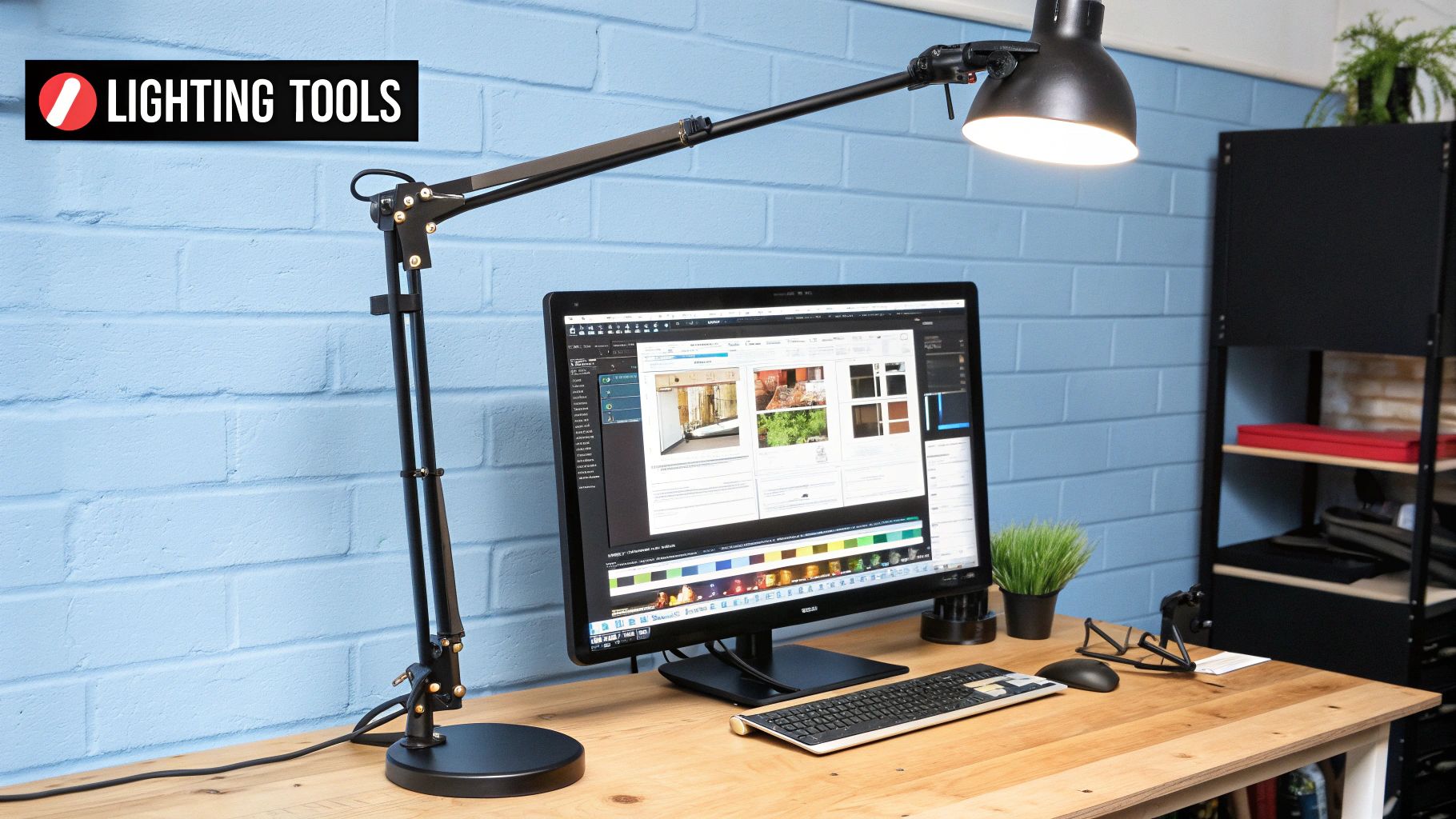
Credit: www.mount-it.com
Enhancing Workspace Comfort
Creating a comfortable workspace improves focus and reduces eye strain. Proper lighting plays a key role in making your desk area inviting and efficient. Thoughtful placement of your desk lamp can balance brightness and reduce glare for computer work.
Combining Natural And Artificial Light
Use natural light as the main source during the day. Position your desk near a window to benefit from sunlight. Add a desk lamp to fill in shadows and brighten dark areas. This mix prevents eye fatigue and keeps the workspace lively.
Adjusting Lamp Height And Angle
Set the lamp height so light spreads evenly on your work surface. Keep the lamp angled to avoid shining directly into your eyes or on the screen. Adjusting these helps reduce glare and reflections, making it easier to see details.
Maintaining Consistent Lighting Throughout The Day
Light changes as the day goes on. Move your desk lamp or adjust its brightness to keep steady lighting. Consistent light prevents sudden eye strain from bright or dark spots. Use lamps with dimmers for flexible control.
Energy Efficiency And Lamp Maintenance
Energy efficiency and proper lamp maintenance improve your workspace lighting. They lower electricity bills and extend lamp life. Well-maintained desk lamps provide steady light, reducing eye strain during computer work.
Choosing the right bulbs and keeping the lamp clean keeps your desk lamp working at its best. Regular upkeep prevents flickering or dim light. Replacing bulbs promptly ensures optimal brightness and comfort.
Choosing Energy-saving Bulbs
Select bulbs labeled as energy-efficient or LED. These bulbs use less power and last longer than traditional bulbs. LED bulbs produce bright, clear light ideal for computer tasks. They generate less heat, making your workspace cooler.
- Look for bulbs with low wattage but high brightness
- Choose bulbs with a color temperature between 4000K and 5000K for natural light
- Pick bulbs with long life spans to reduce replacements
Regular Cleaning And Upkeep
Dust and dirt on the lamp reduce light output. Clean the lamp shade and bulb regularly. Use a soft cloth or brush to avoid damage. Turn off and unplug the lamp before cleaning.
- Remove dust from vents to avoid overheating
- Check lamp joints and switches for loose parts
- Keep the lamp base stable to prevent falls
Replacing Bulbs For Optimal Performance
Replace bulbs as soon as they dim or flicker. Use the correct bulb type and wattage for your lamp. Avoid over-bright bulbs that cause glare. Proper bulb replacement keeps light steady and comfortable.
- Turn off the lamp and unplug it before changing bulbs
- Handle bulbs carefully to avoid breakage
- Dispose of old bulbs according to local regulations

Credit: hirosarts.com
Credit: www.mount-it.com
Frequently Asked Questions
How Should I Position My Desk Lamp For Computer Work?
Place the desk lamp on the side opposite your dominant hand. Angle the light to avoid screen glare and shadows. This reduces eye strain and improves visibility for typing and reading documents.
What Type Of Bulb Is Best For Desk Lamps?
Use LED bulbs with a color temperature of 4000K to 5000K. They provide bright, natural light that reduces eye fatigue. LEDs are energy-efficient and have a long lifespan.
How Bright Should A Desk Lamp Be For Computer Work?
Aim for a brightness level of 450 to 800 lumens. This range offers enough light without causing glare on your screen. Adjustable brightness lamps allow customization based on ambient light.
Can Desk Lamp Placement Reduce Eye Strain?
Yes. Proper placement prevents harsh shadows and glare on your computer screen. Position the lamp to illuminate your workspace evenly, helping to reduce eye fatigue and discomfort.
Conclusion
Placing your desk lamp correctly helps reduce eye strain and improve focus. Position the lamp to avoid glare on your screen or papers. Use adjustable lamps to direct light where you need it most. Soft, warm light creates a comfortable workspace.
Try different placements until you find what feels best for you. Good lighting makes computer work easier and more pleasant. Keep your workspace bright, but not too harsh. Simple steps can make a big difference in your daily comfort.



