
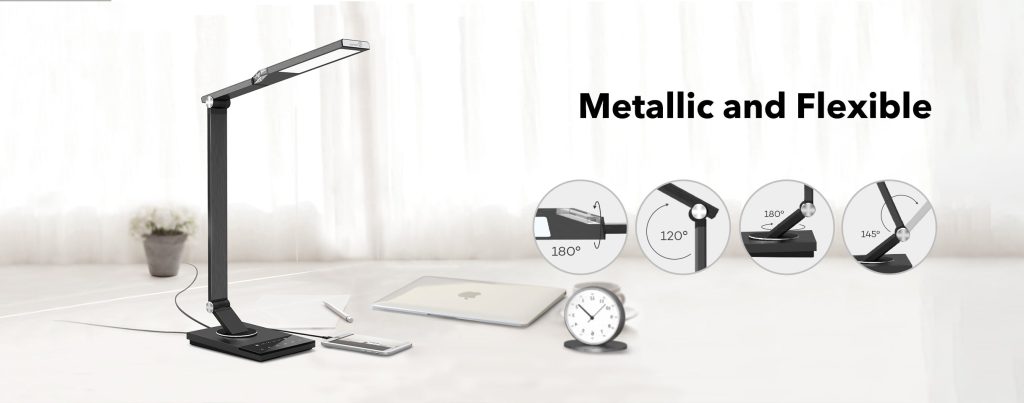
Is your TaoTronics desk lamp not shining as bright as it used to? Maybe the LED bulb needs a quick change, but you’re not sure how to do it without causing damage.
Don’t worry—you’re in the right place. This simple guide will walk you through the steps to replace your LED bulb safely and easily. By the end, your lamp will be lighting up your space perfectly again. Ready to bring your desk lamp back to life?
Let’s get started!
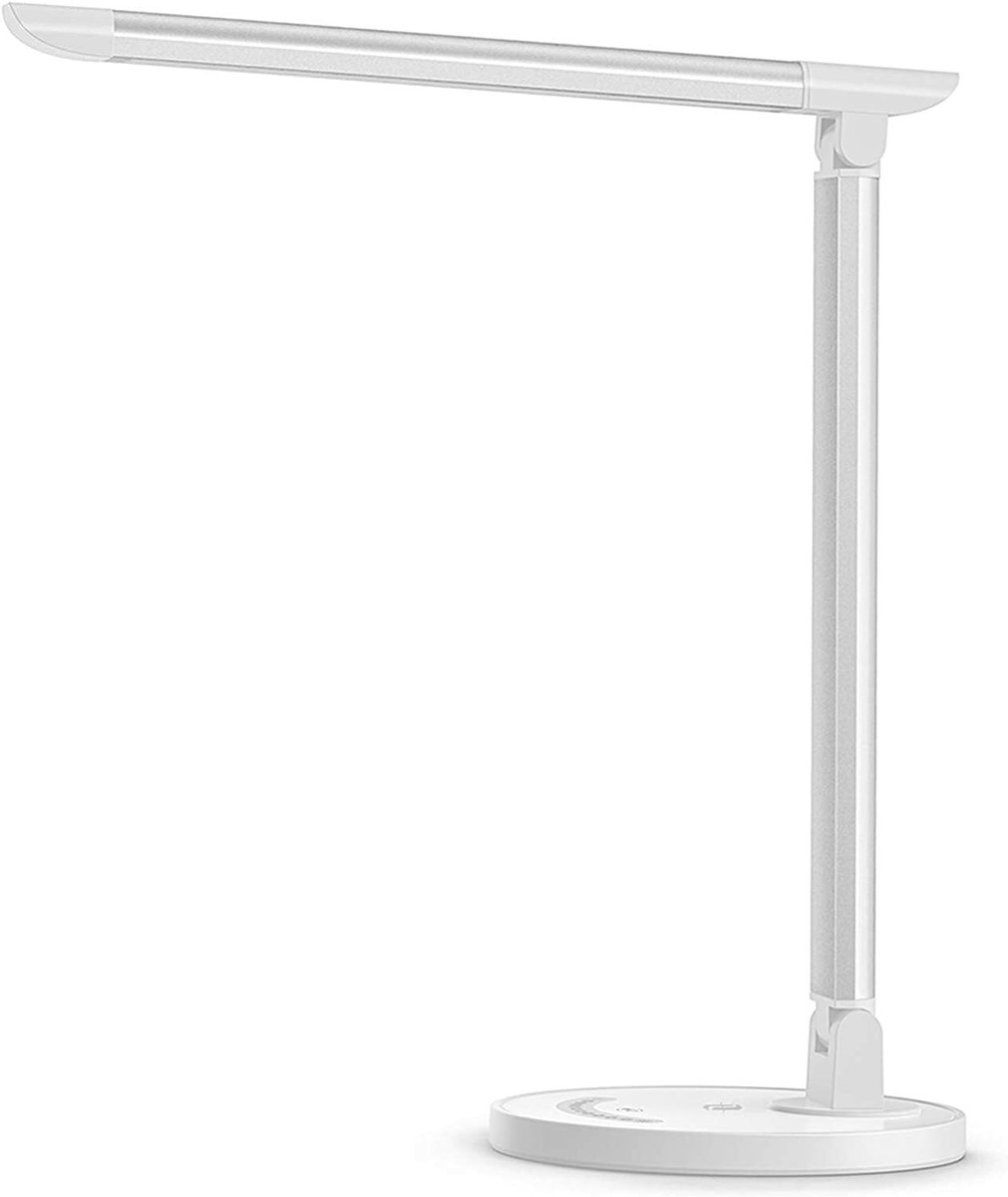
Credit: www.ebay.ca
Prepare For Replacement
Preparing to replace the LED bulb in your TaoTronics desk lamp is essential for a smooth process. Proper preparation saves time and prevents damage to the lamp or yourself. It also ensures safety and efficiency during the replacement.
Before touching the lamp, get everything ready. This makes the task easier and reduces mistakes. Follow these steps carefully for a successful bulb change.
Gather Necessary Tools
Collect all tools needed before starting. This avoids searching during the replacement. For most TaoTronics desk lamps, you need:
- A replacement LED bulb compatible with your lamp model
- A soft cloth or gloves to handle the bulb
- A small screwdriver, only if your lamp has screws securing the bulb cover
Having these tools handy keeps the process quick and safe.
Ensure Power Is Off
Safety is crucial. Always turn off the lamp and unplug it from the power source. This stops any electric current that could cause shock or damage.
Wait a few minutes after unplugging. The bulb may still be hot from use. Let it cool down to avoid burns.
Only start the replacement when you are sure the lamp is fully powered down and safe to handle.

Credit: www.taotronics.com
Remove The Old Led Bulb
Removing the old LED bulb from your TaoTronics desk lamp is simple. This step is important to prepare for installing a new bulb. Follow the right steps to avoid damage and ensure safety. Handle the lamp carefully to keep it in good condition.
Access The Bulb Compartment
First, unplug the desk lamp to cut off the power. Locate the bulb compartment, usually under the lamp shade or at the lamp head. Some models have a cover or a small panel. Gently open or remove this cover to reveal the bulb inside. Use a soft cloth if needed to avoid fingerprints on the bulb.
Safely Detach The Bulb
Hold the base of the LED bulb firmly but gently. Turn the bulb counterclockwise to unscrew it. Do not force the bulb if it feels stuck. Wiggle it slightly while turning to loosen it. Once loose, carefully pull the bulb out from the socket. Place the old bulb on a safe surface to avoid breaking it.
Select The Right Replacement Bulb
Choose a replacement bulb that matches the original in size and brightness. Check the lamp’s specifications to ensure compatibility. Using the right bulb keeps your desk lamp working safely and efficiently.
Selecting the right replacement bulb for your Taotronics desk lamp is crucial. It ensures optimal performance and longevity. With the right bulb, your lamp will provide the perfect light for your needs.Check Bulb Specifications
Understanding bulb specifications helps make the right choice. Check the lamp’s manual or label for details. Pay attention to wattage and base type. The wrong wattage can cause issues. A mismatched base won’t fit properly.Choose Compatible Led Bulbs
LED bulbs are energy-efficient and long-lasting. Find a bulb that matches your lamp’s specs. Ensure the bulb’s wattage is compatible. Verify the base type fits your lamp. Consider the bulb’s color temperature. A warmer light is cozy, while a cooler light is bright. Opt for a bulb that suits your needs and preferences.Install The New Led Bulb
Installing the new LED bulb in your TaoTronics desk lamp is a simple task that restores bright, efficient lighting. Follow these clear steps to ensure the bulb fits correctly and the lamp works safely. Proper installation helps the lamp last longer and perform better.
Properly Insert The Bulb
Hold the new LED bulb by its base, not the glass part. Align the bulb’s pins or base with the lamp socket. Gently push the bulb straight into the socket until it fits snugly. Avoid twisting or forcing the bulb to prevent damage. Make sure the bulb sits flush and stable in the socket.
Secure The Bulb Cover
Place the bulb cover back onto the lamp head carefully. Align any clips or grooves on the cover with the lamp. Press the cover gently until it clicks or fits firmly. Check that the cover does not wobble or fall off. A secure cover protects the bulb and ensures safe use.
Test The New Bulb
After replacing the LED bulb in your TaoTronics desk lamp, testing the new bulb is essential to ensure everything works perfectly. This step helps you avoid any surprises, like flickering lights or unexpected dimness, which can affect your workspace. Let’s walk through how to check your new bulb effectively and adjust your lamp for the best lighting experience.
Turn On The Desk Lamp
First, plug in your desk lamp and switch it on. Watch closely to see if the new LED bulb lights up immediately without flickering or delays. If the bulb doesn’t turn on, double-check the connection and make sure the bulb is correctly screwed in.
Sometimes, a new bulb might need a slight twist to make full contact. If it still doesn’t light up, consider testing the bulb in another lamp to rule out a faulty bulb. Have you ever thought a new bulb was defective, only to find out the socket was loose?
Adjust Brightness And Settings
Once the lamp is on, explore the brightness controls. TaoTronics lamps often come with dimmable settings or touch-sensitive controls. Adjust the brightness to see if the lamp responds smoothly across all levels.
Pay attention to whether the light changes evenly without flickering at low or high settings. If your lamp has color temperature options, test those as well to find the most comfortable light for your tasks. How does changing the brightness affect your focus or mood while working?
Maintenance Tips
Maintaining your TaoTronics desk lamp is key to keeping it bright and efficient. Simple care steps help avoid damage and save money on replacements. Proper maintenance also ensures a safe and comfortable workspace.
Extend Bulb Lifespan
Use the lamp within recommended hours daily. Avoid leaving it on for long periods without breaks. Turn off the lamp when not in use to reduce wear on the LED bulb. Use the dimmer feature if available to lower brightness and save energy. Ensure proper ventilation around the lamp to prevent overheating. Overheating can shorten the bulb’s life.
Clean The Lamp Regularly
Dust and dirt can block light and cause heat buildup. Use a soft, dry cloth to wipe the lamp’s surface weekly. Clean the bulb gently with a microfiber cloth to avoid scratches. Avoid using water or harsh cleaners that can damage the lamp. Check the lamp’s joints and connections for dust and clean if needed. Regular cleaning keeps the lamp bright and prevents mechanical issues.

Credit: www.youtube.com
Frequently Asked Questions
How Do I Remove The Old Led Bulb From Taotronics Lamp?
To remove the old LED bulb, first unplug the lamp. Gently twist the bulb counterclockwise until it detaches. Handle the bulb carefully to avoid damage or injury.
What Type Of Led Bulb Fits Taotronics Desk Lamp?
Use the recommended LED bulb type specified in the Taotronics manual. Typically, it requires a GU10 or E26 LED bulb. Check the lamp’s specifications before purchasing a replacement.
Can I Change The Led Bulb Without Tools?
Yes, most Taotronics desk lamps allow bulb replacement by hand. Simply twist and pull the old bulb out and insert the new one. No tools are usually necessary.
How To Avoid Damaging The Lamp When Changing Bulbs?
Always unplug the lamp before changing bulbs. Handle bulbs with care to prevent breakage. Avoid forcing the bulb in or out to protect the lamp’s socket.
Conclusion
Changing the LED bulb in your TaoTronics desk lamp is quick and simple. Follow the steps carefully to avoid any damage. Make sure the lamp is unplugged before you start. Handle the new bulb gently and fit it securely. This small task keeps your lamp bright and working well.
Now, enjoy clear light for reading or working. Maintenance like this saves money and extends your lamp’s life. Keep this guide handy for easy bulb changes in the future.



