
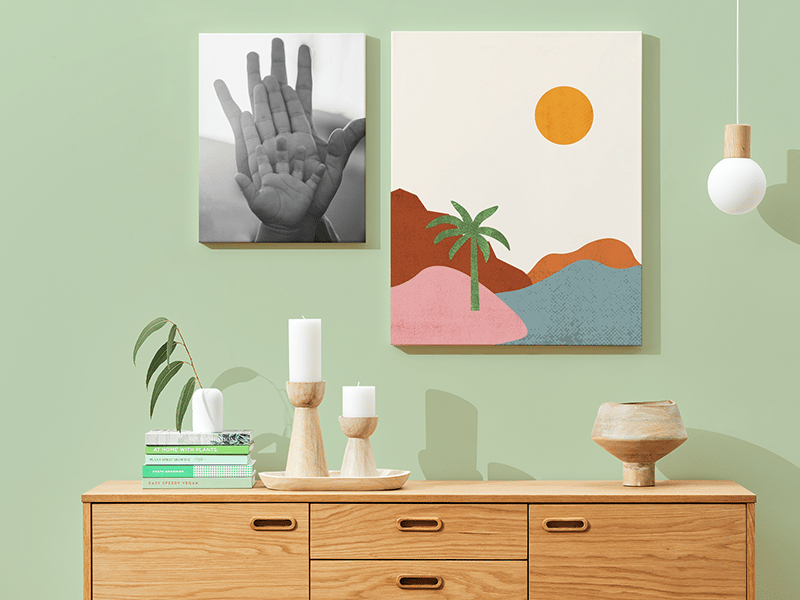
Imagine the satisfaction of seeing your favorite photo or artwork transformed into a stunning canvas print, right from the comfort of your home. It’s more than just decoration; it’s a personal expression of your style and memories.
You might think this requires professional skills or expensive equipment, but it doesn’t. With the right guidance, you can easily bring your images to life on canvas. This guide will show you how, step by step, ensuring you create prints you’ll be proud to display.
Ready to turn your digital memories into tangible art pieces? Let’s dive in and discover how simple it can be to print on canvas at home.
Choosing The Right Canvas
Choosing the right canvas is the first and most important step in printing on canvas at home. The canvas you pick affects the quality, durability, and overall look of your printed artwork. Understanding the different types and options will help you make a choice that fits your project perfectly.
Types Of Canvases
There are several canvas materials to choose from, each with unique qualities:
- Cotton Canvas:Soft texture and affordable, perfect for most home projects.
- Linen Canvas:Smoother and more durable, but it tends to be pricier.
- Polyester Canvas:Offers vibrant colors and is water-resistant, ideal for outdoor prints.
Think about what you want your final print to feel like and where it will be displayed. Have you considered how a softer cotton canvas might give your print a classic look, or how polyester could make it last longer in humid environments?
Canvas Sizes And Thickness
Canvas comes in various sizes and thicknesses, impacting how your print looks and handles.
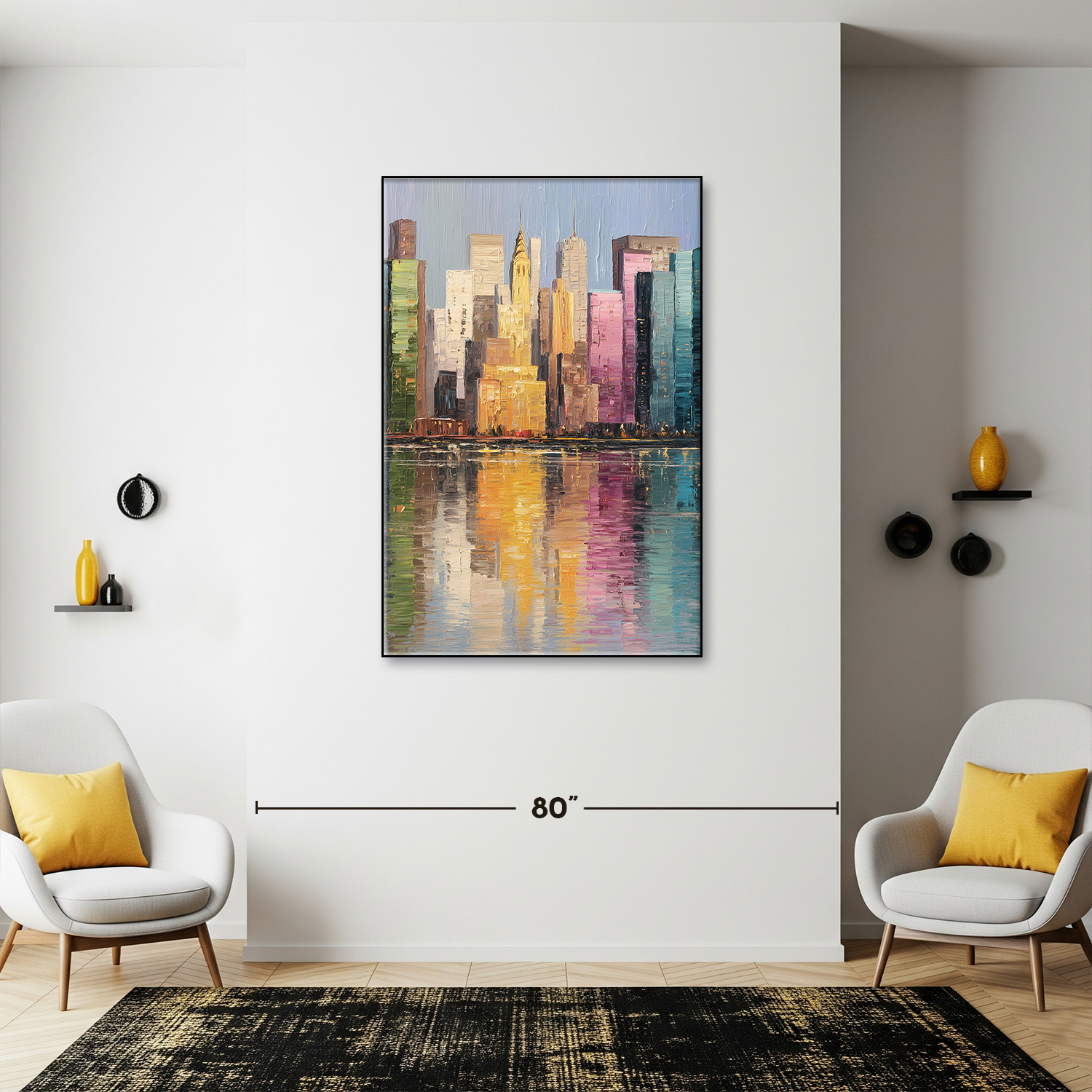
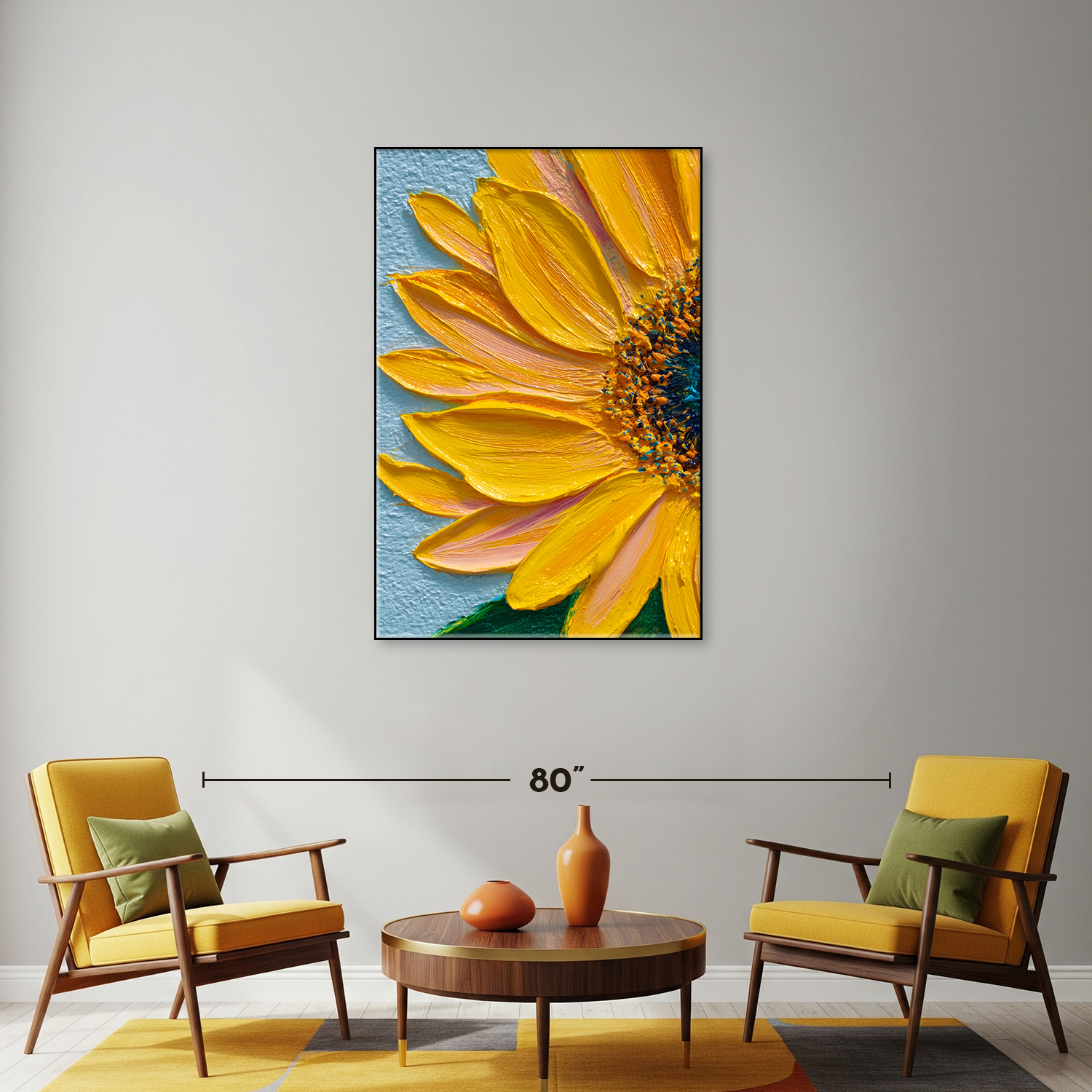
- Sizes:From small 8×10 inches to large 24×36 inches or more. Choose based on your wall space and image resolution.
- Thickness:Typically ranges from 0.25 inches to 1.5 inches. Thicker canvases offer a more professional, gallery-style appearance.
Have you ever tried printing a small photo on a large canvas? The image might blur or pixelate. Matching the size of your canvas to your image resolution makes a huge difference in clarity.
Pre-stretched Vs. Rolled Canvas
You can buy canvas either pre-stretched on a frame or as rolled sheets. Each has its advantages.
- Pre-stretched Canvas:Ready to print and display immediately. Great if you want convenience and a polished look.
- Rolled Canvas:More affordable and flexible for custom sizes. You will need to stretch it yourself, which takes extra tools and effort.
Consider how much time and effort you want to spend. Would you rather focus on printing or on preparing the canvas? Your choice here can save you frustration or give you more control over the final product.
Credit: ohcanvas.com
Selecting The Best Printer
Selecting the right printer is key to printing on canvas at home. The printer affects print quality, color, and durability. Choose a model that meets your canvas printing needs. Consider the printer type, resolution, and compatibility with canvas materials. This guide breaks down what to know before buying.
Inkjet Vs. Laser Printers
Inkjet printers spray tiny droplets of ink onto the canvas. They handle colors smoothly and produce detailed images. Inkjet models work better for photos and art prints. Laser printers use toner powder and heat. They print faster but often lack color depth. Laser printers are less common for canvas printing. Inkjet printers usually give better results for home canvas projects.
Printer Resolution And Color Accuracy
Resolution shows how many dots the printer places per inch (dpi). Higher dpi means sharper images with fine details. Aim for at least 1200 dpi for canvas printing. Color accuracy ensures your print looks like the original image. Look for printers with good color management and support for wide color ranges. This keeps colors bright and true on canvas.
Compatible Printers For Canvas Printing
Not all printers work well on thick or textured canvas. Check the printer’s manual for material compatibility. Some printers support heavier media or have a straight paper path. This helps avoid jams and damage. Popular inkjet models from Epson, Canon, and HP often support canvas sheets. Choose printers that allow custom media settings for best results.
Preparing Your Artwork
Preparing your artwork is a crucial step before printing on canvas at home. It ensures your final print looks sharp, vibrant, and professional. Paying attention to details like image quality and colors will save you from disappointing results and wasted materials.
Image Resolution And Size
Your artwork must have a high enough resolution to avoid pixelation on the canvas. Aim for at least 300 DPI (dots per inch) for crisp detail, especially if you plan to print large sizes.
Check the dimensions of your image to match the canvas size. For example, a 16×20 inch canvas requires an image that is at least 4800×6000 pixels.
Have you ever printed a photo only to find it blurry or grainy? That usually happens when the image resolution is too low. Always zoom in and inspect your image before printing.
Color Calibration
Colors on your screen often look different from printed colors. Calibrating your monitor helps you see true colors and make better adjustments.
Use a calibration tool or software to adjust brightness, contrast, and color settings on your monitor. This reduces surprises when your canvas print arrives.
Remember, canvas materials absorb ink differently than paper, so expect slight color shifts. Adjust your image’s saturation and contrast to compensate for this.
File Formats And Editing Tips
Save your artwork in formats that support high quality, like TIFF or PNG. Avoid JPEG if possible, as it compresses the image and reduces quality.
Before printing, crop your image to the exact canvas size. Use editing software to straighten or enhance your image if needed.
Try sharpening your image slightly, but don’t overdo it—too much sharpening can create unwanted noise. Have you tried comparing edits side by side to pick the best version?
Credit: www.canvaspop.com
Setting Up Your Printer For Canvas
Preparing your printer for canvas printing is key to getting great results at home. Canvas is thicker and textured, so your printer needs special settings. This setup ensures your print looks clear and vibrant. Let’s explore how to adjust your printer for canvas.
Printer Settings For Canvas
Change your printer’s paper type to “canvas” or “thick paper.” This adjusts the ink flow and drying time. Set the print quality to “high” or “best” for sharper images. Use a slower print speed to prevent smudging. Disable duplex printing to avoid jams. Check your printer manual for canvas-specific options.
Choosing The Right Ink
Use pigment-based ink for better color and durability. It resists fading and water damage better than dye ink. Some printers have special canvas ink cartridges. Avoid cheap inks as they can damage canvas or fade fast. Confirm your printer supports pigment ink before buying.
Loading Canvas Into The Printer
Cut the canvas sheet to fit your printer tray. Place the canvas with the coated side facing the print head. Use the manual feed slot if your printer has one. Load one sheet at a time to avoid jams. Adjust the paper guides gently to hold the canvas in place without bending it.
Printing Process
The printing process is the heart of creating beautiful canvas art at home. It involves careful preparation, precise adjustments, and proper handling to ensure your artwork looks stunning. Each step affects the final result, so paying attention to details can make a huge difference.
Test Prints And Adjustments
Before committing to a full-size print, always start with test prints. These small samples help you check color accuracy, image sharpness, and alignment. You might notice that colors appear duller or different on canvas compared to your screen.
Adjust your printer settings accordingly. Play with brightness, contrast, and saturation to get the colors just right. Don’t hesitate to print multiple tests; it’s better to spend time here than waste expensive canvas rolls.
Avoiding Common Printing Issues
Printing on canvas comes with its own set of challenges. One common issue is ink smudging, which happens if the ink doesn’t dry quickly or if the canvas moves during printing.
Make sure to use ink designed for canvas printing and set your printer to the correct media type. Also, avoid touching the printed surface immediately to prevent fingerprints or smears.
- Check for paper jams or misfeeds to prevent streaks or misaligned prints.
- Keep your printer heads clean to avoid color streaks or missing lines.
- Ensure the canvas is loaded flat and taut for even printing.
Drying And Handling Printed Canvas
After printing, give your canvas ample time to dry in a dust-free area. Drying times can vary depending on the ink type and room conditions but expect at least a few hours.
Handle the canvas gently by the edges to avoid dents or smudges. If you want to protect your print, consider applying a clear varnish or sealant designed for canvas artwork.
Have you noticed how much better your prints look after proper drying? Patience here pays off more than rushing to frame or hang your art.
Credit: ohcanvas.com
Finishing Touches
Finishing touches bring your printed canvas to life. They protect your work and prepare it for display. A well-finished canvas looks professional and lasts longer. Pay attention to these final steps for the best results.
Applying Protective Coatings
Protective coatings shield your canvas from dust, moisture, and fading. Use a spray varnish designed for canvas prints. Hold the can about 12 inches away from the surface. Spray in even, light layers to avoid drips. Allow each layer to dry fully before applying the next. This adds a smooth finish and keeps colors vibrant.
Stretching And Framing Your Canvas
Stretching your canvas gives it a clean, gallery look. Use a wooden stretcher frame slightly smaller than the canvas size. Pull the canvas tightly over the frame edges. Secure it with staples or tacks on the back. Check for wrinkles or loose spots. Framing adds protection and enhances the artwork’s appearance.
Displaying Your Artwork
Choose a spot with indirect light to keep colors bright. Avoid places with high humidity or direct sunlight. Use hooks or hanging wire for secure mounting. Consider a simple frame or leave it unframed for a modern look. Your canvas is ready to brighten any room.
Troubleshooting Tips
Troubleshooting is key when printing on canvas at home. Small issues can ruin your artwork or waste expensive materials. Knowing how to quickly fix common problems saves time and keeps your prints looking sharp.
Ink Smudging And Bleeding
Have you noticed your ink spreading or smudging on the canvas surface? This often happens if the ink isn’t drying properly or if the canvas is too absorbent.
Try using a lighter ink setting or increase the drying time between prints. Also, check if your printer supports canvas media and select the correct paper type in settings. Using high-quality, specially coated canvas sheets can reduce bleeding significantly.
Printer Jams And Errors
Printer jams can be frustrating, especially when handling thick canvas material. Canvas is thicker than regular paper, so it can get stuck if your printer’s feed rollers aren’t clean or aligned.
Regularly clean the printer rollers and remove any debris that could block the feed path. Adjust the printer’s manual feed tray or use a flat surface to support the canvas as it moves through. Have you checked if your printer firmware needs an update? Sometimes errors stem from outdated software.
Maintaining Print Quality Over Time
Your first print might look great, but keeping that quality consistent is another challenge. Dust and humidity can affect both your printer and canvas, leading to faded colors or streaks.
Store your canvas sheets in a dry, dust-free environment. Clean your printer heads regularly to avoid clogged nozzles. Consider running test prints before each session to catch issues early—are you making this a habit?
Frequently Asked Questions
What Type Of Printer Is Best For Canvas Printing?
Inkjet printers are ideal for canvas printing at home. They provide vibrant colors and smooth gradients. Choose one with pigment-based inks for durability and water resistance.
How Do I Prepare Canvas For Printing?
Use specially coated canvas sheets designed for inkjet printers. Make sure the surface is clean and dry before printing. This ensures better ink adhesion and vibrant prints.
Can I Print Large Images On Small Home Printers?
Yes, but you may need to print in sections and assemble them. Use software to split images and align prints accurately for seamless results.
How Do I Protect Printed Canvas Artwork?
Apply a clear acrylic spray or varnish after printing. This protects the print from moisture, UV light, and dust, extending the artwork’s lifespan.
Conclusion
Printing on canvas at home is simple and fun. You just need the right tools and some patience. Choose good quality canvas and ink for best results. Follow each step carefully to avoid mistakes. Take your time and enjoy the process.
This way, you can create beautiful art without leaving your house. Try different designs to find what you like most. Practice makes perfect. Soon, your home-printed canvas will look great on any wall. Give it a try and see how easy it can be!



