
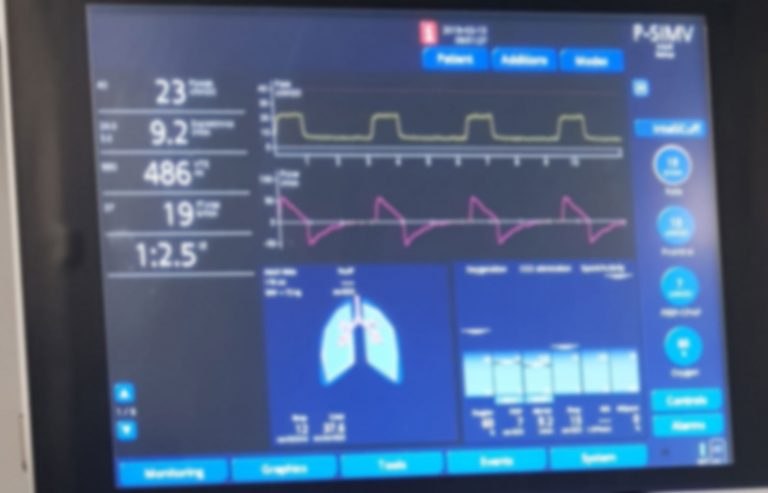
If you’re caring for someone on a ventilator or working in a medical setting, understanding how to read a ventilator monitor is crucial. These screens display important information about breathing and oxygen levels that can make a real difference in patient care.
But all those numbers and graphs can feel overwhelming at first. Don’t worry—this guide will break it down step by step, so you can quickly grasp what each reading means. By the end, you’ll feel confident interpreting the data and making informed decisions.
Keep reading to unlock the key to understanding your ventilator monitor with ease.
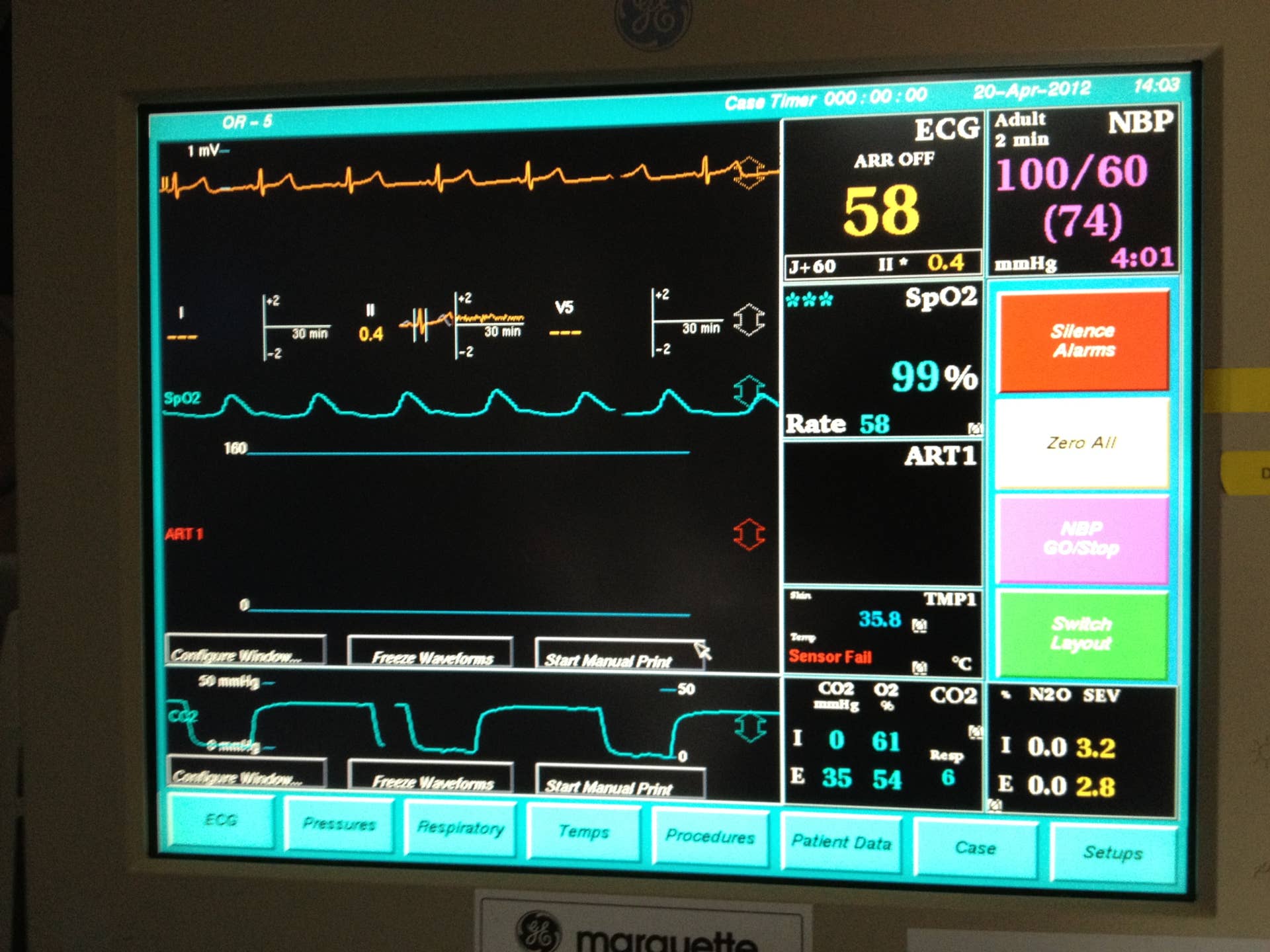
Credit: owlcation.com
Basics Of Ventilator Monitors
Understanding the basics of ventilator monitors is crucial if you want to interpret the data effectively and ensure patient safety. These devices provide real-time information about a patient’s respiratory status, helping you make quick, informed decisions. Getting comfortable with the key features and readings can feel overwhelming at first, but breaking it down step-by-step makes it manageable.
Purpose And Importance
Ventilator monitors display vital information about a patient’s breathing pattern and lung function. They alert you to changes in respiratory status that may require immediate action. Imagine noticing subtle drops in oxygen levels early enough to prevent complications—this is why paying attention to these monitors matters.
The monitor helps track parameters like breathing rate, volume of air delivered, and airway pressures. This data guides adjustments to ventilator settings and helps assess the patient’s response to treatment. Without this feedback, you’d be navigating patient care in the dark.
Common Components
Most ventilator monitors share several key parts that you’ll want to recognize instantly. These include:
- Waveforms:Visual graphs showing airflow, pressure, and volume over time.
- Numerical Displays:Real-time values like tidal volume, respiratory rate, and peak airway pressure.
- Alarms:Audible and visual alerts signaling abnormal readings or equipment issues.
- Settings Panel:Where you adjust ventilator parameters and view current settings.
Waveforms can tell you more than numbers alone. For example, a sudden change in the pressure waveform might indicate airway blockage before oxygen levels drop. Have you noticed how much easier it is to spot problems when you watch these patterns closely?
Getting familiar with these components will help you respond faster and more accurately. The more you practice reading them, the more confident you’ll become in managing ventilated patients.
Key Parameters To Monitor
Understanding key parameters on a ventilator monitor helps track a patient’s breathing status. These values show how well the ventilator supports lung function. They guide adjustments for safe and effective ventilation.
Focus on four main parameters. Each gives essential information about breathing and oxygen delivery.
Tidal Volume
Tidal volume is the amount of air given with each breath. It shows how much air enters the lungs. Proper tidal volume prevents lung injury and ensures enough oxygen reaches the body. Watch for values set according to patient size and condition.
Respiratory Rate
Respiratory rate counts breaths per minute. It reflects breathing speed. This rate helps detect if breathing is too fast or too slow. Adjust the ventilator to keep the rate within a healthy range based on the patient’s needs.
Peak Inspiratory Pressure
Peak inspiratory pressure measures the highest pressure during a breath. It shows lung and airway resistance. High pressure can signal blockages or stiff lungs. Monitoring this prevents lung damage from excessive pressure.
Oxygen Saturation
Oxygen saturation tells how much oxygen blood carries. It is shown as a percentage. Good oxygen saturation means the body gets enough oxygen. Low levels require quick attention to improve oxygen delivery.
Interpreting Waveforms
Waveforms on a ventilator monitor give clear insight into a patient’s breathing pattern. They show how air moves in and out of the lungs. Understanding these waveforms helps detect problems and adjust settings quickly. Each waveform type tells a different part of the story.
Pressure Waveform
The pressure waveform shows the pressure inside the airway during breathing. It rises as air enters the lungs and falls when air leaves. Look for smooth curves; sharp spikes may mean resistance or blockages. A flat top can indicate the ventilator holds pressure to help oxygen flow. Watch for sudden drops that suggest leaks or disconnections.
Volume Waveform
This waveform tracks the amount of air delivered to the lungs. It climbs during inhalation and drops during exhalation. A steady rise and fall mean normal air delivery. If the waveform looks irregular, it may signal poor lung compliance or airway problems. Compare the volume with set targets to ensure the patient gets enough air.
Flow Waveform
The flow waveform measures the speed of air moving in and out of the lungs. It peaks during inhalation and exhalation. A smooth, symmetrical shape shows good airflow. If the curve is uneven, the patient may be struggling or the ventilator settings need changing. Negative flow values indicate air leaving the lungs, which is normal during exhalation.

Credit: itsairborne.com
Common Alarms And What They Mean
Ventilator monitors alert caregivers to important changes in a patient’s breathing. Alarms help identify issues quickly. Knowing common alarms and their meanings ensures timely responses and safer care. Each alarm signals a different concern about the patient or the ventilator settings.
High Pressure Alarm
This alarm sounds when the pressure inside the breathing circuit rises too high. It may indicate a blocked airway, mucus buildup, or patient coughing. Sometimes, the patient’s lungs are stiff or the ventilator tube is kinked. High pressure alarms protect the lungs from damage caused by too much force.
Low Pressure Alarm
The low pressure alarm triggers when the pressure falls below the set limit. It can mean a leak in the ventilator system or the patient has disconnected from the machine. Another cause is a loose or broken tube. This alarm warns that the patient may not be getting enough air.
Apnea Alarm
The apnea alarm activates if the patient stops breathing for a set time. It is common in patients who rely on the machine for breathing support. This alarm alerts caregivers to check the patient immediately. It helps prevent dangerous pauses in breathing.
Basic Troubleshooting Tips
Understanding basic troubleshooting for ventilator monitors is crucial. Even small issues can impact patient care. By learning simple troubleshooting steps, you can ensure proper monitor function.
Checking Tubing And Connections
Begin by inspecting all tubing. Ensure no kinks or blockages. Examine connections between the monitor and the patient. Secure any loose connections immediately. A secure connection ensures accurate readings and patient safety.
Check for leaks in the system. Listen for hissing sounds that indicate air leaks. Replace any damaged tubing promptly. Properly functioning tubing is vital for effective ventilation.
Adjusting Settings Safely
Review the current settings on the ventilator monitor. Ensure they match the prescribed settings for the patient. If adjustments are needed, proceed with caution. Use the ventilator’s manual as a guide.
Make small adjustments and observe the patient’s response. Monitor changes in vital signs closely. Rapid changes can affect patient stability. Always consult with medical professionals when unsure about settings.

Credit: www.youtube.com
Safety Precautions
Safety is your top priority when reading a ventilator monitor. Understanding the data on the screen is important, but knowing how to protect the patient and the equipment is critical. Taking the right precautions ensures accurate readings and prevents harm.
Patient Monitoring
Keep a close eye on the patient’s vital signs alongside the ventilator readings. Changes in oxygen levels, breathing rate, or heart rate can happen quickly. If you notice any sudden changes, pause and reassess the situation immediately.
Ask yourself: Are the displayed values matching the patient’s condition? If not, this could signal a problem with the ventilation or monitoring system. Never rely solely on the monitor; always cross-check with your own observations.
Regular Equipment Checks
Check the ventilator and its connections before and during use. Loose tubing, blocked filters, or power issues can cause incorrect readings or device failure. Make it a habit to inspect the machine for alarms and error messages.
- Ensure tubing is properly connected and free from kinks.
- Confirm battery backup is functioning in case of power loss.
- Look for any condensation or moisture buildup that might affect sensors.
Have you ever encountered a monitor alarm that was actually caused by a simple connection problem? This experience highlights how essential regular checks are to avoid unnecessary panic and ensure patient safety.
Frequently Asked Questions
What Are The Main Readings On A Ventilator Monitor?
The main readings include tidal volume, respiratory rate, peak pressure, and oxygen saturation. These values help assess breathing efficiency and patient status.
How Do I Interpret Tidal Volume On The Ventilator?
Tidal volume shows the air amount delivered per breath. Normal values depend on patient size and condition but typically range 6-8 mL/kg.
Why Is Monitoring Peak Airway Pressure Important?
Peak airway pressure indicates lung resistance and compliance. High values may signal blockages or lung stiffness needing immediate attention.
How Can Respiratory Rate On The Monitor Guide Treatment?
Respiratory rate reflects breaths per minute. Abnormal rates can signal respiratory distress or improvement, guiding ventilation adjustments.
Conclusion
Reading a ventilator monitor becomes easier with practice. Focus on key numbers like respiratory rate and tidal volume. These values tell you how well the patient breathes. Watch the alarms closely—they signal urgent problems. Understanding these basics helps you support patient care better.
Stay calm and review the monitor regularly. Each reading gives important health information. Keep learning step by step. You will gain confidence over time.



