
Is your motion sensor acting up or not responding like it used to? You’re not alone.
Sometimes, these handy devices need a simple reset to get back on track. But how exactly do you reset a motion sensor without causing more problems? In this guide, you’ll discover easy, step-by-step methods to reset your motion sensor quickly and confidently.
Whether it’s for your home security or energy-saving lights, understanding this process can save you time and frustration. Keep reading, and you’ll have your motion sensor working perfectly again in no time.
Common Reasons For Resetting
Resetting a motion sensor is a common task that often solves many operational issues. Understanding why you might need to reset your sensor helps you troubleshoot effectively and avoid unnecessary replacements. Here are some typical reasons that prompt a reset and what you should look out for.
Sensor Not Detecting Motion
Sometimes your motion sensor stops detecting movement altogether. This can happen due to software glitches or when the sensor’s settings get altered accidentally. Resetting can restore the default detection range and sensitivity, making your sensor respond to motion like it’s supposed to.
Think about the last time you noticed your sensor wasn’t triggering lights or alarms. Was it after you adjusted its position or changed batteries? A quick reset often clears these issues and gets your device back to work immediately.
False Alarms
False alarms can be frustrating and cause you to ignore real alerts. They happen when the sensor picks up irrelevant motion, such as shadows, pets, or even changes in temperature. Resetting the device helps recalibrate its sensitivity and filter out unnecessary triggers.
If you’ve experienced random alarms at odd hours, a reset might be the simplest fix. It lets you fine-tune the sensor’s settings so it only reacts to actual threats or movements.
After Power Outages
Power outages can disrupt your motion sensor’s settings or cause it to stop working. When the power comes back on, the sensor may need a reset to re-establish communication with your home system or restore proper function.
Have you noticed that your sensor acts strange right after the electricity returns? Resetting ensures that your sensor syncs correctly and performs as expected without delay or malfunction.
Preparation Before Reset
Before you reset your motion sensor, taking a few moments to prepare can save you from unnecessary hassle. Preparation helps ensure a smooth reset process and prevents damage to the device or loss of settings you want to keep.
Gather Necessary Tools
Start by collecting all the tools you might need. Often, a small screwdriver, a ladder, or even a flashlight can make the job easier.
Having these tools ready prevents interruptions and lets you focus on the reset itself. Have you ever started a task only to realize you’re missing a key tool? Avoid that frustration by planning ahead.
Check Sensor Manual
Before pressing any buttons, take a look at the sensor’s manual. It contains specific instructions tailored to your model that can prevent mistakes.
If you don’t have a physical copy, try searching online using the model number. This step saves you from accidentally erasing important custom settings or triggering a factory reset when you only need a simple reboot.
Ensure Power Supply
Verify that your motion sensor is properly powered. Whether it runs on batteries or connects to your home’s electrical system, stable power is crucial during a reset.
Imagine starting the reset process only to have your sensor lose power halfway through. That can cause errors or even damage the device. So, check batteries for charge or confirm the wiring is secure before you begin.
Basic Reset Methods
Resetting a motion sensor can often solve common issues like unresponsiveness or erratic behavior. Basic reset methods are easy to perform and don’t require special tools. These simple steps help you quickly restore your sensor’s normal function without calling for professional help.
Power Cycle Reset
One of the quickest ways to reset your motion sensor is to power cycle it. Simply turn off the power supply to the sensor, either by switching off the circuit breaker or unplugging it from the outlet.
Wait about 30 seconds before turning the power back on. This pause allows the sensor’s internal components to fully reset. Have you noticed how some gadgets just need a quick restart to start working perfectly again? Your motion sensor behaves the same way.
Using Reset Button
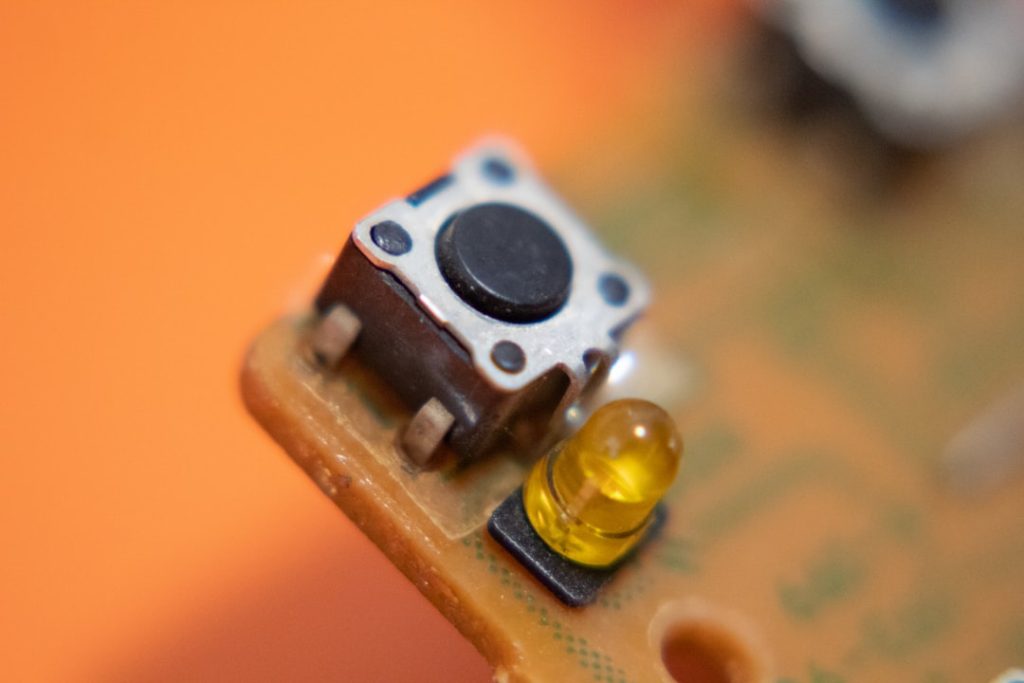
Many motion sensors come with a dedicated reset button. Locate this small button, which is often recessed and may require a paperclip or pin to press.
Hold the button down for about 10 to 15 seconds until you see an indicator light flash or hear a beep. This signals that the sensor has reset. If the manual isn’t handy, look for a tiny hole labeled “Reset” near the sensor’s controls.
Removing And Reinstalling Batteries
If your motion sensor runs on batteries, removing and reinstalling them can clear minor glitches. Open the battery compartment and take out the batteries carefully.
Wait around one minute before placing the batteries back in. This brief break helps drain any leftover charge and refreshes the sensor’s circuitry. Have you tried this simple fix on other devices like remote controls? It works similarly here.
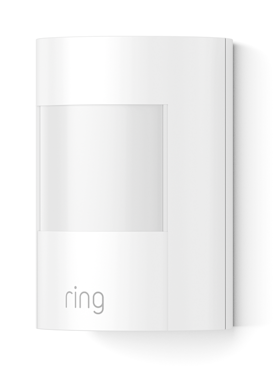
Credit: ring.com
Advanced Reset Techniques
Advanced reset techniques help fix motion sensors that simple resets cannot. These methods ensure a full system refresh and clear hidden errors. Use them when basic resets fail to restore proper function.
These techniques require some technical steps but offer deeper troubleshooting power. They often involve using apps, control panels, or updating firmware. Each method targets different sensor components for a thorough reset.
Factory Reset Via App
Many modern motion sensors connect to smartphone apps. The app usually has a factory reset option to erase all settings.
- Open the sensor’s app on your phone.
- Navigate to device settings or management.
- Look for “Factory Reset” or “Restore Defaults.”
- Follow prompts to confirm the reset.
- Wait for the sensor to restart automatically.
This method clears all custom settings and returns the sensor to original factory conditions.
Reset Through Control Panel
Some motion sensors integrate with a control panel or security system hub. These panels offer reset functions for connected devices.
- Access the control panel menu.
- Find the list of connected devices or sensors.
- Select the motion sensor to reset.
- Choose the reset or remove option.
- Re-add the sensor to the system if needed.
This approach helps reset sensors in a networked environment for better sync and control.
Firmware Update And Reset
Firmware updates fix bugs and improve sensor performance. Updating firmware can also reset internal software.
- Check the manufacturer’s website or app for firmware updates.
- Download and install the latest firmware following instructions.
- The device may reset automatically after the update.
- If not, perform a manual reset post-update.
Keeping firmware current ensures sensors run smoothly and often resolves hidden issues.
Testing After Reset
Test the motion sensor by moving within its range after resetting. Ensure it detects motion correctly and triggers alerts as expected. This confirms the reset was successful and the sensor is working properly.
Resetting your motion sensor is just the beginning. The real magic happens when you test to ensure everything works as it should. Imagine resetting your sensor and then discovering it misses half the movements in your living room. Frustrating, right? Let’s dive into how to confirm your motion sensor is back in action.Positioning The Sensor
Proper positioning is crucial for an effective motion sensor. Ensure the sensor is facing the area you want to monitor without obstructions. It’s like setting up a security camera; the right angle can capture everything, while the wrong one might miss critical spots. Consider elevation too. Placing it too high or low can reduce its effectiveness. A well-positioned sensor can make all the difference in seamless motion detection.Verifying Motion Detection
Once positioned, it’s time to test the motion detection. Walk across the sensor’s range to see if it captures your movement. Does it light up or trigger an alarm as expected? Testing in different lighting conditions is also important. Does it work in both daylight and at night? Understanding these nuances can prevent unexpected surprises later.Adjusting Sensitivity Settings
Sensitivity settings can be the key to avoiding false alarms. If your sensor is too sensitive, it might react to things like pets or even a strong breeze. Adjust the settings gradually. Small tweaks can help find the perfect balance, ensuring it reacts to genuine movements only. Keep experimenting until you find that sweet spot where it’s responsive but not overly sensitive. Remember, a well-calibrated sensor is your best ally in maintaining home security.
Credit: www.youtube.com
Preventing Future Issues
Resetting your motion sensor is only part of the solution. To avoid frequent resets and interruptions, you need to focus on preventing future issues. Paying attention to maintenance, installation, and environmental factors can keep your sensor reliable and extend its lifespan.
Regular Maintenance Tips
Cleaning your motion sensor regularly can make a big difference. Dust, spider webs, and dirt can block the sensor’s view and cause false alarms or missed detections.
Check the sensor at least once a month. Use a soft cloth and mild cleaner to wipe the surface gently. Also, test the sensor’s responsiveness after cleaning to ensure it works correctly.
Have you ever ignored a small issue only to face a bigger problem later? Staying proactive with maintenance saves you time and frustration.
Proper Installation Practices
Where and how you install the sensor affects its performance significantly. Mount the sensor at the recommended height and angle, usually between 6 to 10 feet high, to cover the desired area effectively.
Make sure it’s securely fixed and not loose. Vibrations from loose mounts can trigger false alarms or damage the sensor over time.
Consider your home layout before installation. Are there large objects or walls that might block the sensor’s view? Position it where it has a clear, unobstructed path.
Environmental Considerations
Environmental factors play a huge role in sensor functionality. Avoid placing sensors near heat sources like vents, air conditioners, or direct sunlight, as sudden temperature changes can cause false triggers.
Think about the weather conditions your sensor will face. In cold climates, condensation or frost can affect the sensor’s lens. Use protective covers designed for outdoor sensors to shield them from harsh elements.
Have you checked for any nearby moving objects like trees or pets that might set off your sensor unnecessarily? Adjusting the sensor’s sensitivity can help reduce these false alarms.
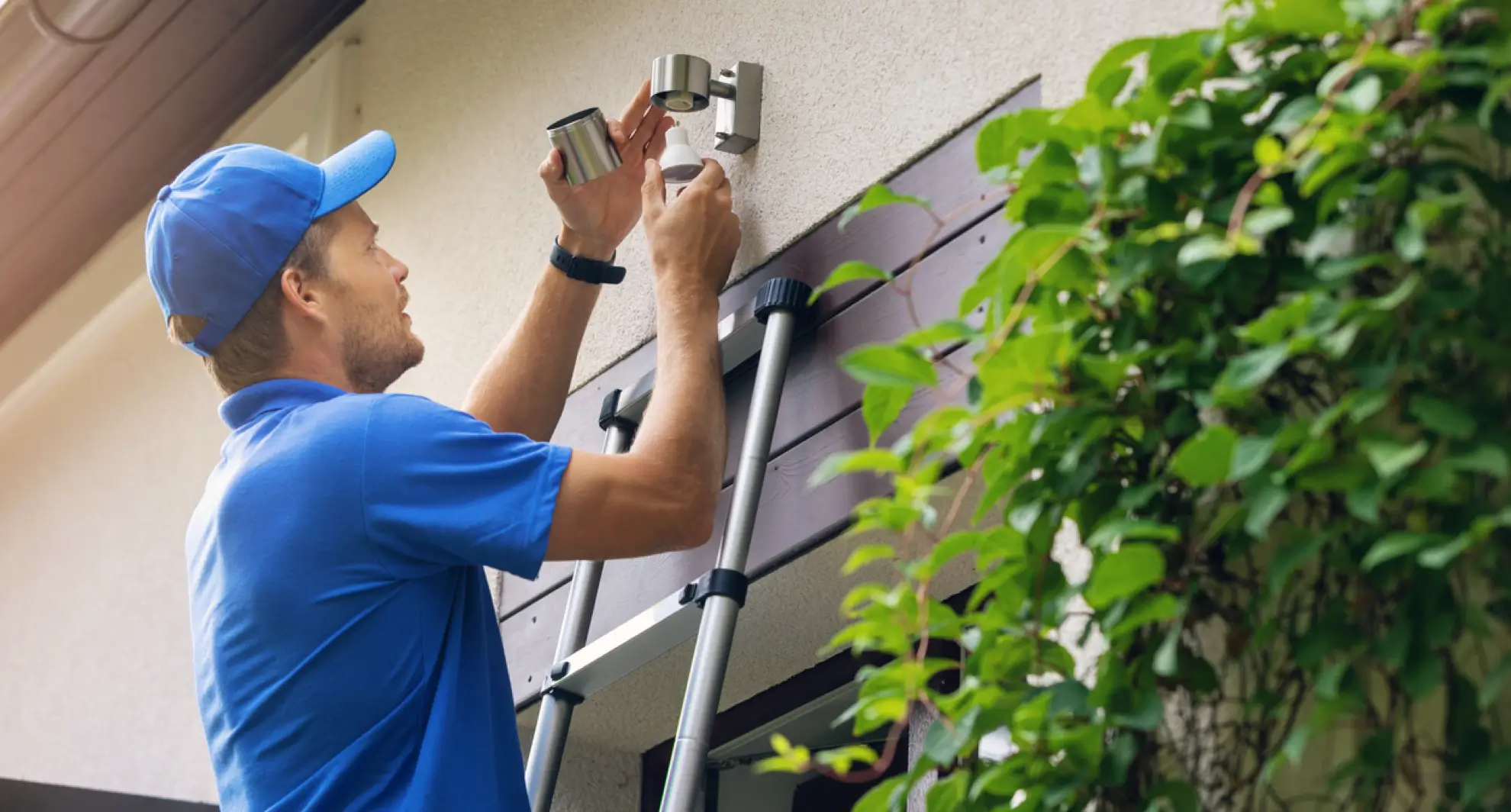
Credit: mrelectric.com
Frequently Asked Questions
How Do I Reset A Motion Sensor Step-by-step?
To reset a motion sensor, first power off the device. Wait 10 seconds, then power it back on. Press and hold the reset button until the indicator light blinks. This process clears previous settings and restores factory defaults.
Why Is My Motion Sensor Not Resetting Properly?
A motion sensor may not reset due to low battery or power issues. Ensure the sensor is fully charged or connected. Also, check for any physical damage or obstructions blocking the sensor’s reset button.
How Often Should I Reset My Motion Sensor?
Reset your motion sensor when it malfunctions, shows false alerts, or after firmware updates. Regular resets aren’t necessary but can improve sensor accuracy and performance if issues arise.
Can I Reset A Motion Sensor Without Tools?
Yes, most motion sensors can be reset manually without tools. Use the device’s reset button or power cycle the sensor by unplugging and plugging it back in.
Conclusion
Resetting a motion sensor is simple and saves time. Follow the steps carefully to avoid mistakes. Check the sensor’s settings and power source first. A proper reset helps the sensor work correctly again. Regular checks keep your sensor reliable and responsive.
Take your time and be patient during the process. This small fix can improve your home’s security. Stay safe with a well-functioning motion sensor every day.



