
Are you frustrated because your motion sensor light switch isn’t working the way it should? Maybe it turns on too late, stays on too long, or doesn’t respond at all.
Resetting your motion sensor light switch could be the simple fix you need to get it back to perfect working condition. In this guide, you’ll learn easy steps to reset your device quickly and confidently, so you can enjoy hassle-free lighting again.
Keep reading—you’re just moments away from solving this common problem yourself.
Check The Power Supply
Before resetting your motion sensor light switch, it’s crucial to check the power supply. Many issues with these switches stem from simple power interruptions or loose wiring. Ensuring the power is stable and properly connected can save you time and prevent unnecessary replacements.
Turn Off The Circuit Breaker
Safety is your top priority. Locate your home’s circuit breaker panel and switch off the breaker that controls the motion sensor light. This step prevents any electrical shocks while you work on the switch.
Have you ever tried fixing a device only to get zapped? Turning off the breaker stops that instantly. Plus, it protects your home’s electrical system from accidental shorts.
Verify Wiring Connections
Once the power is off, remove the switch cover carefully. Check each wire connection for looseness or corrosion. Even a slightly loose wire can cause your sensor light to malfunction.
Look for wires that might have slipped out of their terminal screws or show signs of wear. Tighten any loose connections securely. If you see damaged wires, replacing them can restore proper function and keep things safe.

Credit: www.youtube.com
Locate The Reset Button
Finding the reset button on a motion sensor light switch is crucial for restoring its settings. Each model has a unique location and style for this button. Knowing where to look saves time and effort during the reset process.
Some reset buttons are visible on the front panel. Others are hidden behind covers or inside the switch housing. Understanding these differences helps you access the button quickly and safely.
Identify Reset Options On Different Models
Motion sensor switches vary by brand and design. Common reset options include:
- A small button on the front or side of the switch
- A pinhole requiring a paperclip or thin tool
- A combination of button presses on the faceplate
Check your product manual for exact details. Some models use labels like “Reset” or “Test” near the button.
Accessing Hidden Reset Buttons
Some reset buttons are not immediately visible. You may need to:
- Remove the switch cover plate carefully
- Look inside the switch housing for a small button
- Use a flashlight to spot tiny or recessed buttons
Handle the switch gently to avoid damage. Always turn off power before opening the switch cover for safety.
Perform The Reset
Resetting your motion sensor light switch can resolve issues like unresponsive sensors or incorrect timing. Performing a reset clears any temporary glitches and restores the switch to its default settings. This step is often the quickest way to get your light switch working properly again.
Manual Reset Steps
Start by turning off the power to your motion sensor light switch at the circuit breaker. This ensures safety while you work on the switch.
Next, press and hold the switch button for about 10 seconds. You might notice the light flicker or the sensor blink, indicating the reset process has started.
After holding the button, release it and wait for about 30 seconds. Then, turn the power back on at the breaker and test the sensor to see if it responds correctly.
Using A Reset Sequence
Some motion sensor switches require a specific sequence to reset, like flipping the switch on and off several times quickly.
- Turn the switch on and off five times within 10 seconds.
- Leave the switch on after the last toggle.
- Wait for the sensor light to blink or change, signaling the reset is complete.
Not every model uses the same sequence, so check your switch’s manual or manufacturer’s website for exact instructions. Have you ever noticed your light acting strangely right after a power surge? This reset sequence often fixes those odd behaviors fast.
Adjust Sensor Settings
Adjusting the sensor settings of a motion sensor light switch helps tailor its operation to your needs. Changing these settings can improve performance and reduce false triggers. It ensures the light responds correctly to movement and stays on for the right amount of time.
Set Sensitivity Levels
Sensitivity controls how much motion the sensor detects. Higher sensitivity picks up small movements, while lower sensitivity ignores minor activity. Adjusting sensitivity prevents the light from turning on unnecessarily. Use the sensor’s dial or buttons to find the right balance.
Modify Light Duration
Light duration sets how long the light stays on after detecting motion. Short duration saves energy but may turn off too quickly. Longer duration keeps the area lit for safety and convenience. Adjust the timer to match your needs and environment.
Change Detection Range
The detection range defines how far the sensor can sense movement. A wide range covers large areas but may cause false activations. A narrow range focuses on specific zones to avoid unwanted triggers. Adjust the range by moving the sensor or changing its settings.
Test The Motion Sensor
Check the motion sensor by moving in front of it to see if the light turns on. Adjust the sensor angle for better detection if needed. Testing ensures the reset worked and the sensor responds correctly.
Testing the motion sensor on a light switch ensures it works correctly. It helps identify any issues and confirms the sensor detects movement as intended. Testing is a simple process, but important for proper functionality.Walk Test Procedure
Perform a walk test to check sensor coverage. Start by standing out of the sensor’s range. Then, walk slowly into the area covered by the sensor. Observe if the light turns on as you enter the space. Move in different directions to test full coverage. Adjust the sensor angle if needed. Repeat the test to ensure consistent results.Troubleshooting Common Issues
If the light fails to activate, check the power source. Ensure the switch is turned on and power is available. Verify the sensor isn’t obstructed by objects. Clean the sensor lens to remove dust or debris. Check the sensor’s settings for correct sensitivity and time delay. If problems persist, reset the sensor by turning off the power for a few minutes. Then, turn it back on and test again.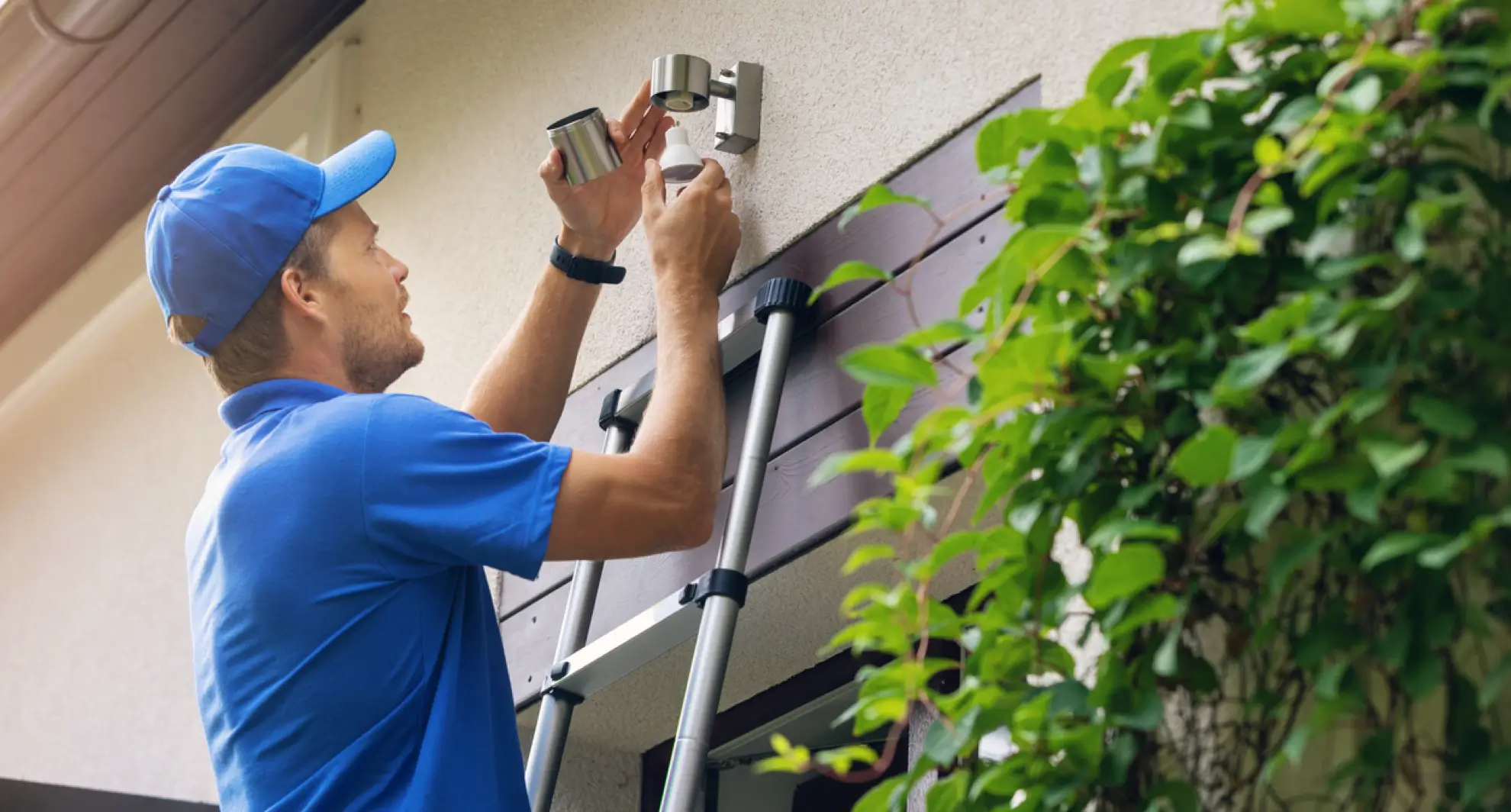
Credit: mrelectric.com
When To Replace The Sensor
Knowing when to replace a motion sensor light switch helps keep your lighting reliable and efficient. Sensors can wear out over time due to exposure to elements or electrical issues. Replacing a faulty sensor ensures safety and saves energy. Watch for clear signs that your sensor needs replacement.
Signs Of Sensor Failure
- The light does not turn on despite movement nearby.
- The light stays on constantly without detecting motion.
- Sensor response is delayed or inconsistent.
- The sensor triggers lights at odd times, like during the day.
- Visible damage or corrosion on the sensor surface.
These signs indicate your sensor no longer works properly. Continuing to use it can increase energy bills or cause safety risks.
Choosing A New Sensor
Select a replacement sensor that matches your existing switch’s voltage and current ratings. Check the sensor’s detection range and sensitivity to suit your space.
Look for models with adjustable settings for light duration and sensitivity. This lets you customize how your lights respond.
Consider sensors with weather-resistant features for outdoor use. Easy installation and compatibility with your wiring system are also important.
Credit: www.diychatroom.com
Frequently Asked Questions
How Do I Reset A Motion Sensor Light Switch?
To reset, turn off power at the breaker. Remove the switch cover. Press and hold the reset button for 10 seconds. Restore power and test the sensor. This clears old settings and restores factory defaults.
Why Is My Motion Sensor Light Switch Not Resetting?
If the switch won’t reset, power may not be off. Check wiring or try a different reset method. Faulty switches might require replacement. Always ensure safety by cutting power before resetting.
Can I Reset The Motion Sensor Light Switch Myself?
Yes, resetting is simple and safe if power is off. Follow the manufacturer’s instructions carefully. Use basic tools like a screwdriver. If unsure, consult a professional electrician to avoid hazards.
How Long Does It Take To Reset The Motion Sensor Switch?
Resetting usually takes less than 5 minutes. The main steps are cutting power, pressing reset, and testing. Quick resets help fix sensor issues promptly and restore proper function.
Conclusion
Resetting a motion sensor light switch is simple and quick. Follow the steps carefully for best results. This helps your light work smoothly and saves energy. No need to call a professional every time. Regular resets can fix common issues easily.
Keep your home safe and well-lit without hassle. Try these tips whenever your sensor acts up. Small fixes can make a big difference in your daily life. Stay comfortable and secure with a working motion sensor light.



