
Is your motion sensor light acting up or not turning on when it should? You’re not alone, and the good news is that resetting it is often easier than you think.
By learning how to reset your motion sensor light, you can save time, avoid frustration, and get your space feeling safe and bright again. Keep reading, and you’ll discover simple steps that anyone can follow to get your light working perfectly once more.
Common Reasons For Resetting
Resetting your motion sensor light might seem like a hassle, but understanding why it’s necessary can save you time and frustration. There are a few common reasons that often lead to a reset, and knowing these can help you troubleshoot more effectively. Let’s look at the main causes behind resetting your motion sensor light.
Sensor Malfunction
Sometimes the sensor just stops working properly. This can happen if dust, dirt, or spider webs block the sensor lens. You might notice the light flickering or not turning on at all.
Resetting the light can clear internal errors caused by these issues. If you’ve cleaned the sensor and it still misbehaves, a reset might fix the glitch. Have you checked the sensor’s surface recently?
Power Interruptions
Power outages or fluctuations can confuse your motion sensor light’s settings. If the light behaves unpredictably after a storm or power surge, a reset can help it recalibrate. This is especially true if you experience flickering or the light staying on too long.
Unplugging the device for a few minutes before plugging it back in often works. This simple step forces the sensor to restart and re-sync with its settings. When was the last time your area had a power hiccup?
Settings Adjustment
You might want to change how sensitive the sensor is or how long the light stays on. Sometimes, these adjustments don’t take effect until you reset the unit. Resetting clears old settings and allows you to start fresh.
If you find your motion sensor light either too jumpy or too slow, a reset after tweaking the settings can help. Have you tried resetting after changing the sensitivity or timer?

Credit: www.amazon.com
Tools Needed For Reset
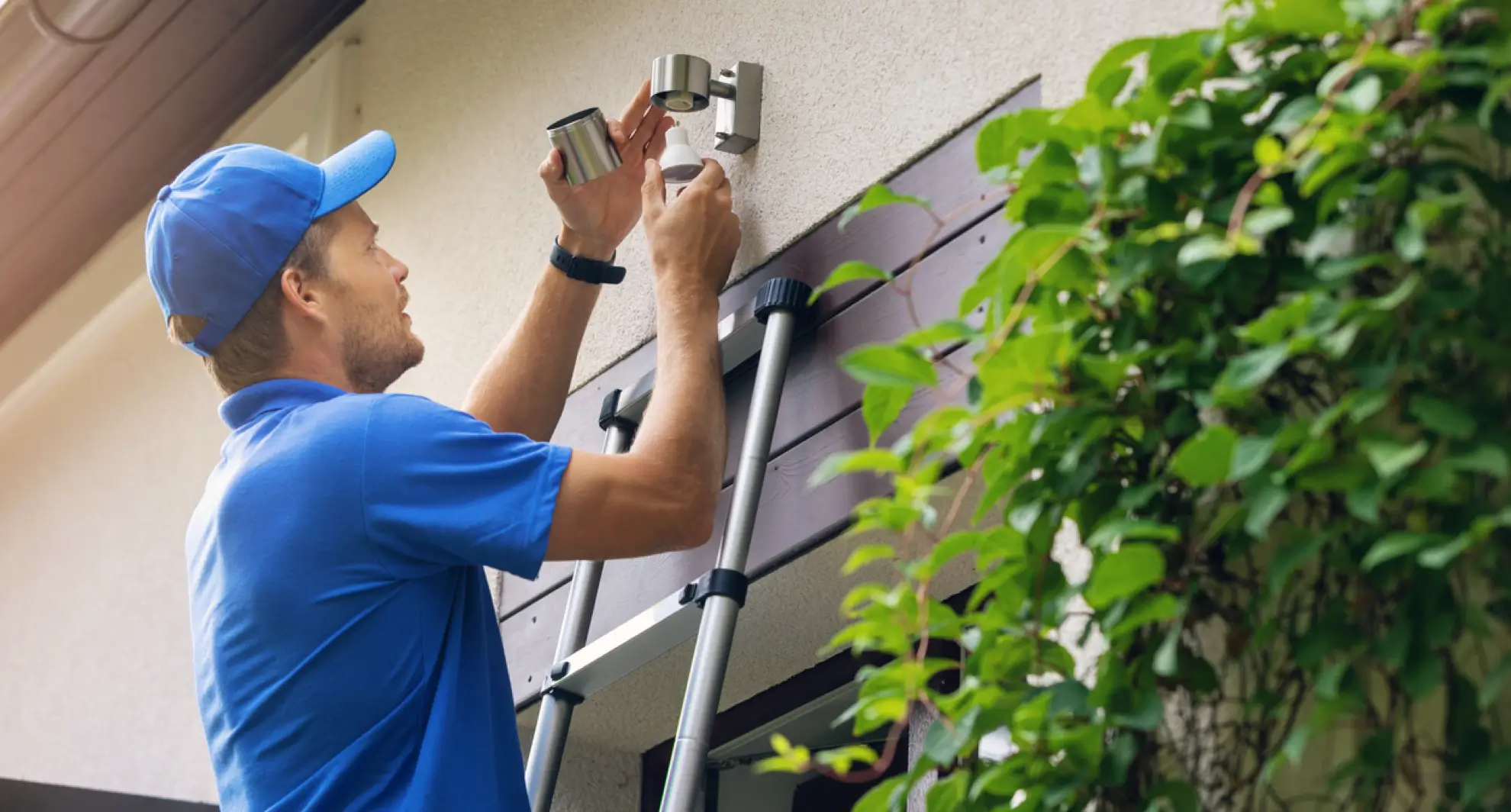
Resetting a motion sensor light often requires a few simple tools. Having the right equipment on hand makes the process smoother and safer. Before you start, gather everything you might need to avoid interruptions.
Basic Tools Checklist
- Screwdriver:Usually a Phillips or flat-head to open the sensor housing.
- Ladder or Step Stool:To reach the light fixture comfortably and safely.
- Voltage Tester:To ensure the power is off before working on the light.
- Replacement Batteries:If your sensor light uses batteries, having spares is essential.
- Cleaning Cloth:A soft cloth to wipe dust off the sensor lens for better performance.
Have you ever tried to fix a light only to realize you were missing a screwdriver? That moment can be frustrating. Being prepared keeps the process quick and hassle-free.
Safety Gear
- Insulated Gloves:Protect your hands from electric shocks during the reset.
- Safety Glasses:Guard your eyes from dust or debris when opening the fixture.
- Non-Slip Shoes:Ensure stable footing, especially if you’re using a ladder.
Safety gear might feel like an extra step, but it’s crucial. Have you considered how a simple slip or spark could ruin your day? Protecting yourself is part of a smart reset strategy.
Step-by-step Reset Process
Begin by turning off the power to the motion sensor light. Next, press and hold the reset button or switch off the light for several seconds. Finally, restore power and test the sensor to ensure it works properly.
Resetting a motion sensor light can feel like a daunting task, especially when it suddenly stops working as expected. However, with a clear, step-by-step process, you can quickly bring it back to life. This guide will walk you through each stage to reset your motion sensor light, restoring its functionality and ensuring your home stays well-lit and secure.Turning Off Power
To begin the reset process, you must first cut off the power supply to the motion sensor light. This is crucial for safety and to ensure the reset is effective. Locate the circuit breaker or the switch that controls the light and turn it off. Wait for a few minutes to ensure all residual power is drained from the device.Locating The Reset Button
Once the power is turned off, your next task is to find the reset button on the motion sensor light. This button is often small and might be hidden under a cover or flap. If you’re unsure where it is, consult the manual that came with your device. Remember, not all motion sensors have a reset button; some may require a different reset process.Performing The Reset
With the reset button located, press and hold it for about 5 to 10 seconds. This duration can vary depending on the manufacturer, so it may be helpful to glance at the manual. Releasing the button should complete the reset, but if your device lacks a reset button, try a combination of turning off and on the power.Powering On And Testing
After performing the reset, it’s time to restore power to the motion sensor light. Turn the circuit breaker or switch back on and observe the light. Does it respond as expected when motion is detected? If it still doesn’t work, consider whether the sensor is blocked or if it requires a new bulb. Have you ever had to deal with a stubborn motion sensor light? What creative solutions did you find? Resetting can seem technical, but with patience and this guide, you’ll likely solve the issue without professional help.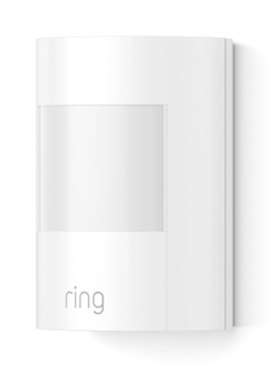
Credit: ring.com
Adjusting Sensitivity And Settings
Adjusting the sensitivity and settings of a motion sensor light improves its performance. Proper adjustments help the light detect movement accurately. This prevents unnecessary activation and saves energy. Different settings control how the light reacts to motion.
Motion Detection Range
Motion detection range sets how far the sensor detects movement. Increasing the range helps catch motion from a distance. Lowering the range limits the sensor to nearby motion only. Adjust the sensor’s dial or switch to change this range. Test the range by walking at different distances.
Light Duration
Light duration controls how long the light stays on after detecting motion. Set the timer to a few seconds or several minutes. A short duration saves power but may turn off too soon. A longer duration keeps the area lit for safety. Use the timer control to find the best setting.
Brightness Levels
Brightness levels adjust how bright the light shines. Higher brightness improves visibility in dark areas. Lower brightness saves energy and reduces glare. Change brightness using the dial or buttons on the fixture. Choose a level that fits your space and needs.
Troubleshooting Common Issues
Motion sensor lights can sometimes act up. Troubleshooting common issues helps restore their proper function. These simple checks can save time and avoid unnecessary replacements. Let’s explore some frequent problems and easy fixes.
Light Not Turning On
Check if the light bulb is working and properly installed. Confirm the power source is on and the circuit breaker hasn’t tripped. Dirt or debris on the sensor lens can block detection, so clean it gently. Some models have a manual override switch; ensure it is set correctly. Adjust the sensitivity and timer settings, as very low settings might prevent activation.
False Triggers
False triggers happen due to environmental factors. Moving branches, passing cars, or small animals can activate the light. Change the sensor’s angle to avoid unwanted motion. Reduce the sensitivity setting to limit detection range. Make sure the sensor lens is free from dirt and spider webs. Avoid placing the sensor near heat sources or reflective surfaces.
Sensor Not Detecting Motion
Check the sensor’s field of view and placement height. Ensure there are no objects blocking the sensor’s line of sight. Test motion detection by walking within the sensor range. If it still does not detect, reset the device by turning off power for a few minutes. Replace batteries if the sensor is battery-powered. Consult the user manual for specific reset instructions.
Credit: mrelectric.com
Maintaining Your Motion Sensor Light
Maintaining your motion sensor light ensures it works efficiently and lasts longer. Simple care helps prevent common issues like false triggers or dim lighting. Regular checks keep the sensor responsive and the light bright.
Regular Cleaning
Dust and dirt can block the sensor’s view. Clean the sensor lens gently with a soft cloth. Avoid harsh chemicals that might damage the surface. Wipe the light cover to remove any grime. Clean at least once every few months for best results.
Checking Connections
Loose wires cause the light to malfunction. Turn off power before checking connections. Make sure all wires are tight and secure. Look for signs of wear or corrosion. Fix any loose or damaged wires promptly to avoid problems.
Replacing Batteries Or Bulbs
Weak batteries reduce sensor performance. Change batteries every 6 to 12 months. Use the correct battery type for your model. Replace bulbs when the light dims or flickers. Choose bulbs recommended by the manufacturer for best results.
Frequently Asked Questions
How Do I Reset A Motion Sensor Light Manually?
To reset a motion sensor light manually, switch off the power. Wait for 10-15 seconds, then turn it back on. This simple reset clears errors and restores normal sensor function.
Why Won’t My Motion Sensor Light Reset?
Your motion sensor light may not reset due to power issues or faulty wiring. Check the power source and connections. Replace batteries if applicable. If problems persist, consult the manufacturer’s guide or a professional electrician.
How Long Does A Motion Sensor Light Reset Take?
A motion sensor light reset usually takes less than a minute. After power cycling, wait 10-15 seconds before turning it back on to complete the reset process.
Can I Reset A Motion Sensor Light Without Tools?
Yes, you can reset most motion sensor lights without tools. Simply turn off the light’s power source, wait, then switch it back on. Some models have a reset button for easy resetting.
Conclusion
Resetting a motion sensor light is simple and quick. Just follow the steps carefully. This helps your light work better and saves energy. Regularly checking your sensor keeps it reliable. Don’t forget to test it after resetting. A well-functioning light makes your home safer.
Small fixes can prevent bigger problems later. Stay patient and take your time. You can handle this easily with a little care. Keep your space bright and secure every night.



