
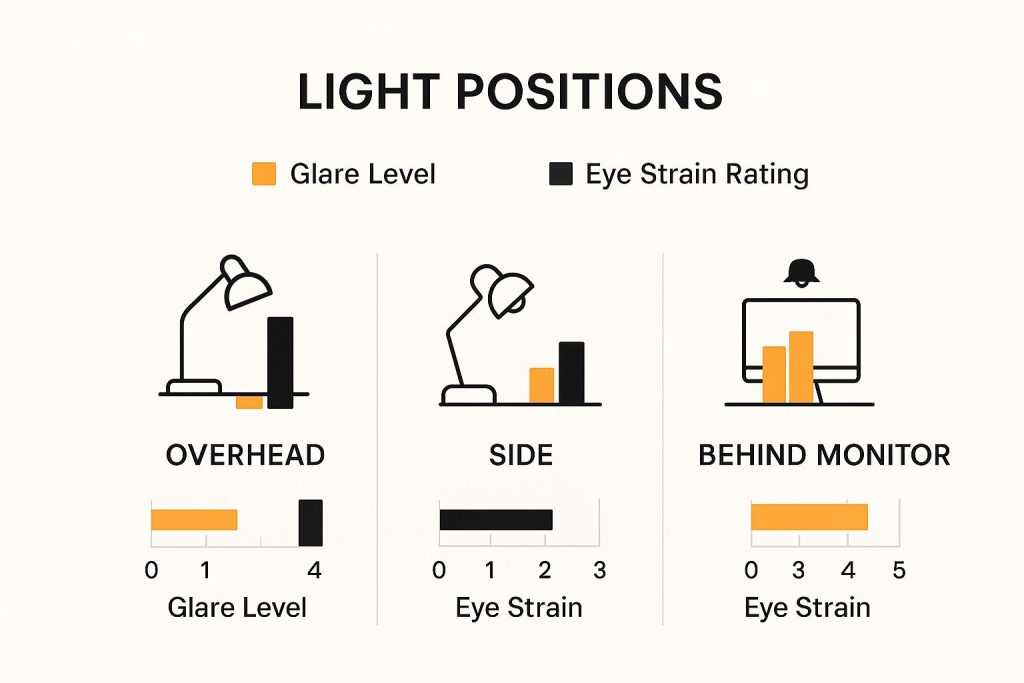
Are you tired of feeling eye fatigue after hours at your desk? The way you position your desk lamp could be the simple fix you need.
Proper lighting reduces eyestrain, boosts focus, and makes your work more comfortable. You’ll discover easy tips to set up your desk lamp just right. Keep reading to protect your eyes and create a workspace that works with you—not against you.
Credit: www.staples.co.uk
Ideal Desk Lamp Placement
Getting the ideal desk lamp placement can make a huge difference in reducing eyestrain during long hours of work or study. The right position not only lights up your workspace effectively but also keeps your eyes comfortable and focused. Let’s break down how you can adjust your lamp for the best results.
Optimal Height And Angle
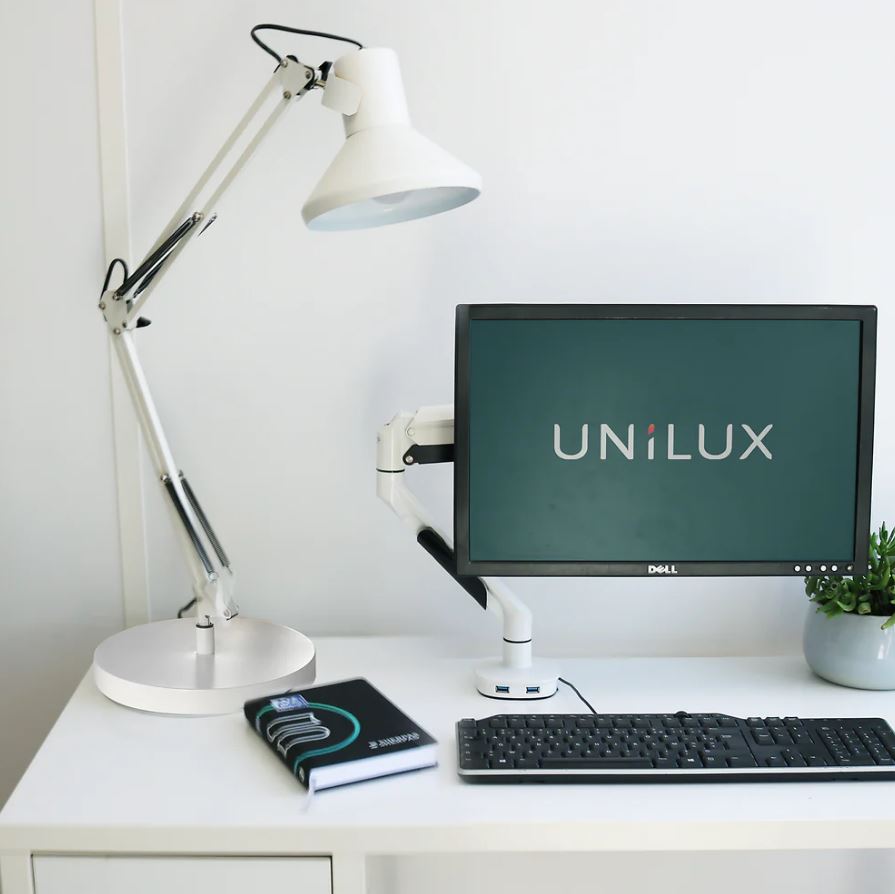
Place your desk lamp so the light source is about 15 to 20 inches above your work surface. This height helps spread light evenly without creating harsh spots. Tilt the lamp head downward at an angle that lights up your paper or screen without shining directly into your eyes.
I used to keep my lamp too low, which caused glare and made me squint. Adjusting it higher and angling it slightly downward reduced the strain immediately. Have you noticed how even small height changes affect your comfort?
Position Relative To Your Dominant Hand
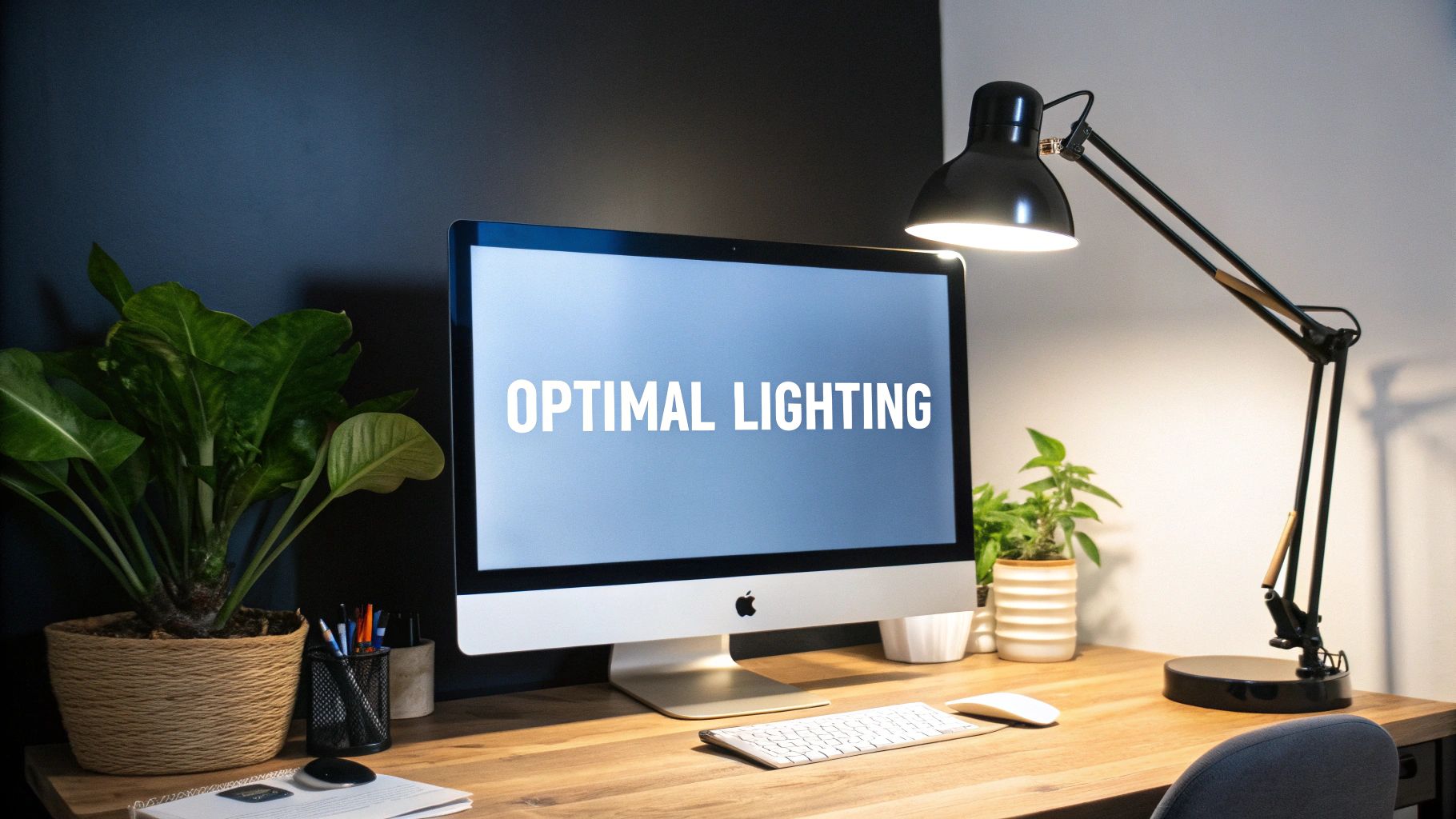
Position your lamp on the opposite side of your dominant hand. If you’re right-handed, place the lamp on your left side, and vice versa. This prevents your hand from casting shadows over your work, keeping the area well-lit.
Shadowed areas make your eyes work harder to focus, leading to fatigue faster. Try moving your lamp to the opposite side of your writing hand and see if your eyes feel less tired during long tasks.
Avoiding Shadows And Glare
Shadows and glare are the main culprits behind eye discomfort. Adjust your lamp so the light flows across your workspace rather than directly into your eyes or onto reflective surfaces like screens.
Use lamps with adjustable brightness or diffusers to soften the light. Notice how a harsh, direct beam can cause you to squint or shift positions frequently? Soft, even lighting reduces these issues and keeps you focused longer.
Credit: www.mount-it.com
Choosing The Right Light
Choosing the right light for your desk lamp plays a big role in reducing eyestrain. The type of light affects how comfortable your eyes feel during work or study. Proper lighting helps you see clearly without causing headaches or fatigue. Focus on color temperature, brightness levels, and bulb types to create a better lighting environment.
Color Temperature For Comfort
Color temperature is the warmth or coolness of light measured in Kelvins (K). Warm light (2700K–3000K) feels soft and cozy. It suits relaxing tasks. Cool light (4000K–5000K) looks bright and crisp. It helps with focus and detail work. Choose a color temperature that matches your task and time of day. Avoid very blue or harsh light to prevent eye discomfort.
Brightness Levels To Prevent Strain
Brightness affects how hard your eyes work. Too bright light causes glare and pain. Too dim light makes your eyes strain to see. Aim for moderate brightness that fills your workspace evenly. Adjustable lamps allow you to change brightness based on your needs. Use lamps with dimmer switches for easy control.
Types Of Bulbs And Their Effects
- Incandescent bulbs:Provide warm light but use more energy.
- LED bulbs:Energy-efficient and long-lasting. Offer various color temperatures.
- Fluorescent bulbs:Bright but may flicker, causing strain.
LED bulbs are the best choice for desk lamps. They reduce eyestrain and save power.
Desk Setup Considerations
Creating a comfortable desk setup can greatly reduce eyestrain. Thoughtful positioning of a desk lamp plays a key role. Consider several factors for an optimal setup.
Balancing Natural And Artificial Light
Natural light is beneficial, but too much causes glare. Place your desk perpendicular to the window. This allows light without direct exposure. Combine with a desk lamp for consistency. Choose a lamp with adjustable brightness. This helps maintain a steady light level throughout the day.
Reducing Screen Reflection
Screen reflection causes discomfort and distraction. To avoid this, position your lamp so it does not shine directly on your screen. Use a lamp with a shade to direct light downwards. Adjust the angle of your screen to minimize glare. A matte screen protector can also help reduce reflection.
Adjusting Workspace Layout
Consider the layout of your entire workspace. Place your lamp on the opposite side of your dominant hand. This prevents shadows from forming while writing. Ensure your desk surface is free from clutter. This allows light to spread evenly across your workspace. Regularly adjust your lamp’s position to suit your tasks. This keeps your work area well-lit and comfortable.
Additional Tips For Eye Comfort
Adjusting your desk lamp is just one part of keeping your eyes comfortable during long hours of work or reading. There are several other practical steps you can take to protect your eyes from strain and fatigue. These tips can seamlessly fit into your daily routine and make a noticeable difference in how your eyes feel at the end of the day.
Taking Regular Breaks
Have you ever noticed how your eyes start to feel tired after staring at a screen or book for too long? Giving your eyes a break every 20 minutes can help a lot. Try following the 20-20-20 rule: every 20 minutes, look at something 20 feet away for at least 20 seconds.
This simple habit relaxes your eye muscles and reduces fatigue. Stand up, stretch, or walk around during these breaks to improve blood circulation, which also supports eye health.
Using Anti-glare Screens
Glare from screens or bright lights can cause your eyes to work harder, increasing strain. Adding an anti-glare screen protector to your monitor or device can significantly cut down on reflections and harsh light.
These protectors are easy to apply and often affordable. If you don’t want a screen protector, try adjusting your monitor’s brightness and contrast to comfortable levels and position your screen to avoid direct light hitting it.
Maintaining Proper Posture
How you sit affects how your eyes feel. If you’re slouched or too close to your screen, your eyes strain more to focus. Keep your back straight and your feet flat on the floor.
Position your screen so your eyes look slightly downward at it, about 20-30 inches away. This posture not only helps your eyes but also reduces neck and shoulder tension, improving overall comfort.

Credit: 9to5toys.com
Frequently Asked Questions
How Should I Angle My Desk Lamp To Reduce Eyestrain?
Angle your desk lamp at about 45 degrees from your work surface. This reduces glare and shadows, providing even lighting. Avoid direct light into your eyes. Proper angling helps maintain comfortable vision and minimizes eye fatigue during extended work sessions.
Where Should I Place My Desk Lamp For Best Lighting?
Place your desk lamp on the opposite side of your dominant hand. This prevents shadows from your hand while writing or typing. Position it close enough to illuminate your workspace without causing glare on screens or papers. Good placement reduces eyestrain effectively.
What Type Of Bulb Is Best For Reducing Eyestrain?
Use LED bulbs with a color temperature of 4000K to 5000K. These bulbs emit neutral white light, which is gentle on the eyes. Avoid overly bright or harsh fluorescent lighting. Choosing the right bulb enhances comfort and reduces visual fatigue.
Should Desk Lamp Brightness Be Adjustable?
Yes, adjustable brightness is essential to reduce eyestrain. It lets you adapt light intensity based on task and ambient lighting. Dimming options prevent over-illumination, which can cause headaches and eye discomfort. Adjustable lamps offer versatile, eye-friendly lighting conditions.
Conclusion
Proper desk lamp placement helps protect your eyes from strain. Position the light to avoid glare and shadows on your work. Keep the lamp at a comfortable height and angle. Bright, even light reduces tiredness and improves focus. Small changes make a big difference in comfort.
Try different setups to find what works best for you. Good lighting supports longer, healthier work sessions. Take care of your eyes with smart lamp positioning.



