
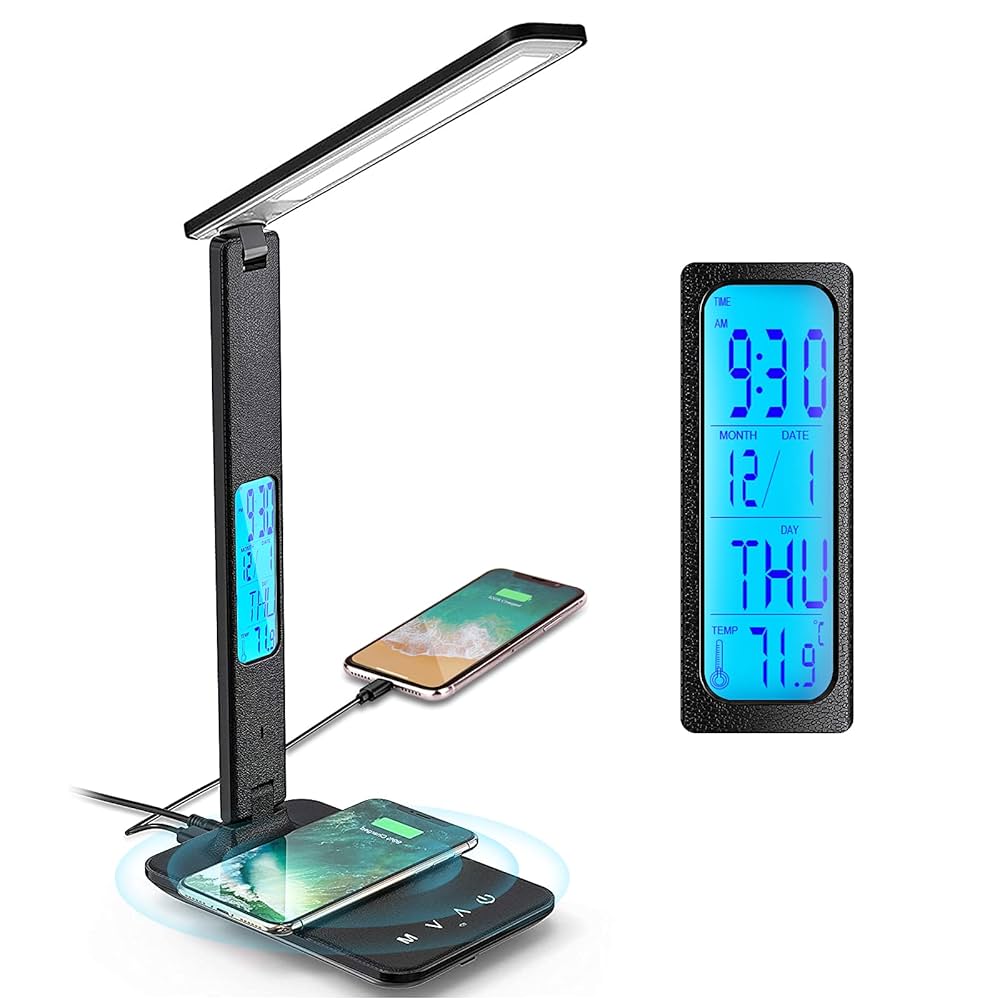
Have you ever reached for your phone or tablet while working at your desk, only to find your charger nowhere in sight? What if your desk lamp could solve that problem for you?
A USB port on a desk lamp isn’t just a fancy add-on—it’s a smart way to keep your devices powered up without clutter or hassle. Imagine charging your phone, tablet, or even headphones right where you work or read, without hunting for an extra outlet.
Keep reading to discover why this simple feature can change the way you organize your workspace and make your daily routine smoother.
Credit: bexcodeservices.com
Benefits Of Usb Ports On Desk Lamps
USB ports on desk lamps bring clear benefits to any workspace. They combine lighting with charging, making desks smarter and neater. These ports offer quick access to power, saving time and effort. They create a more organized and efficient environment for work or study.
Charging Devices Without Extra Outlets
USB ports let you charge phones, tablets, or earbuds directly. No need to find a separate wall outlet. This is useful in rooms with few power points. It keeps devices powered without unplugging other important items. A simple plug-in is all it takes to start charging.
Reducing Desk Clutter
Built-in USB ports reduce the number of cables on your desk. No extra chargers or adapters crowd the workspace. Fewer cords mean a cleaner, more inviting desk area. It helps keep your work zone tidy and stress-free. A neat desk improves focus and comfort.
Enhancing Workspace Efficiency
Having power at your fingertips saves time and energy. No searching for outlets or swapping plugs during work. Your devices stay charged and ready to use all day. USB ports on lamps support multitasking without interruptions. This setup makes your workflow smoother and faster.
Common Usb Port Types On Desk Lamps
Desk lamps with USB ports offer convenience beyond lighting. They allow you to charge devices directly at your workspace. Understanding the common USB port types on desk lamps helps you pick the right one. It ensures compatibility and efficient charging for your gadgets.
Usb-a And Usb-c Differences
USB-A ports are the classic, rectangular USB ports. They have been the standard for many years. USB-C ports are smaller and oval-shaped. They support faster data transfer and charging speeds. USB-C ports are reversible, making them easier to plug in. Most new devices now come with USB-C connectors.
Fast Charging Capabilities
USB-C ports generally support faster charging than USB-A. Many USB-C ports support Power Delivery (PD) technology. This allows devices to charge quickly and safely. Some USB-A ports also support fast charging but usually at lower speeds. Check your desk lamp’s specifications to know the charging power it offers.
Compatibility With Various Devices
USB-A ports work with most older devices. Phones, tablets, and accessories often use USB-A cables. USB-C ports are compatible with new smartphones, laptops, and tablets. Some devices require adapters to connect to USB-A ports. Choose a desk lamp with the USB port type matching your devices.
How Usb Ports Improve User Experience
Having a USB port built into your desk lamp can change how you interact with your workspace. It adds a layer of ease and practicality that many people overlook. This feature doesn’t just brighten your desk; it powers your devices and keeps them within reach, making your daily routine smoother and more efficient.
Convenient Device Access
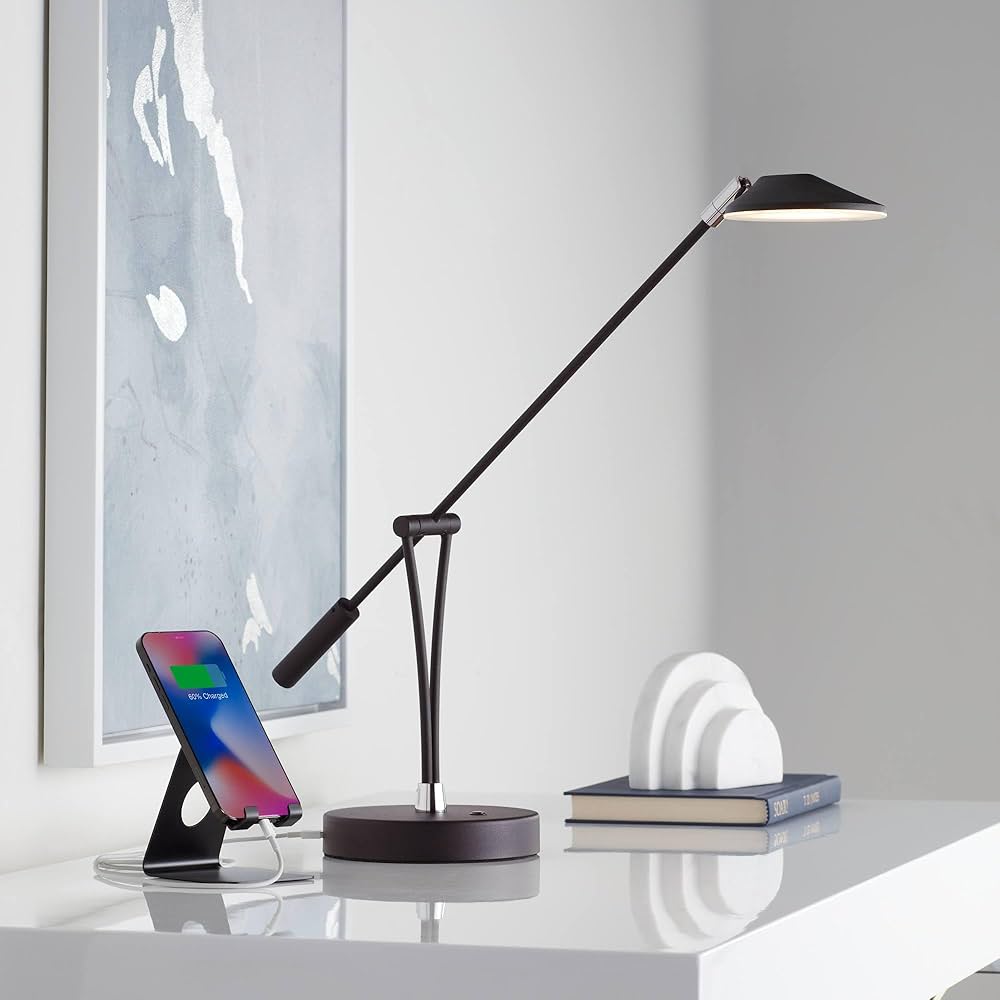
Imagine charging your phone or tablet without hunting for an outlet or extra cables. A USB port on your desk lamp means you plug in your devices right where you work or read. This easy access saves time and reduces clutter, so you can stay focused on your task.
Have you ever left your phone on the floor or across the room just to charge it? With a USB port on your lamp, your devices stay close, easy to grab, and visible—helping you keep track of them better.
Multi-functionality In One Device
Combining lighting and charging into a single device means less equipment on your desk. You don’t need separate chargers, power strips, or extension cords. This setup frees up space and simplifies your environment.
Think about how often you reach for your phone while working. Charging it through your lamp turns your light into a smart hub, blending two needs into one. This dual function can also reduce the number of plugs you use, which is great if your outlet supply is limited.
Ideal For Small Or Shared Spaces
In compact areas, every inch counts. A desk lamp with a USB port helps you maximize your space by combining roles. It’s especially useful in dorm rooms, small apartments, or offices where desk space is limited.
Sharing a workspace? This lamp lets multiple users charge devices without crowding the area with cables. It also reduces the chance of devices getting misplaced, since everyone knows where to plug in.
Design Considerations For Usb Desk Lamps
Designing a desk lamp with a USB port involves thoughtful planning. These lamps offer both style and functionality. Several factors make them convenient and efficient. Each aspect impacts user experience and safety.
Placement Of Usb Ports
The position of USB ports affects accessibility. They should be easy to reach without moving the lamp. Ports on the lamp’s base or side work best. This placement keeps cables organized and clutter-free. Users can plug in devices without hassle.
Power Output And Safety Features
Power output is crucial for charging efficiency. Most USB ports deliver 5V output, suitable for many devices. Safety features prevent overheating and short circuits. These include surge protection and automatic shut-off. Ensuring user safety builds trust in the product.
Integration With Lamp Controls
Integrating USB ports with lamp controls enhances usability. Users prefer controls that are intuitive and easy to use. This design allows seamless switching between light settings and charging. It creates a sleek and user-friendly experience.
Popular Uses For Usb Desk Lamps
USB desk lamps have quickly become more than just a light source. Their built-in USB ports add a level of convenience that fits modern lifestyles perfectly. Whether you’re working, studying, or relaxing, these lamps can power your devices while keeping your space organized.
Home Office Setups
Your home office can benefit greatly from a USB desk lamp. Instead of juggling multiple chargers and cables, you can charge your phone or tablet directly from the lamp. This keeps your desk clutter-free and makes it easier to focus on your work.
Imagine finishing a video call and plugging your phone into the lamp’s USB port without moving from your seat. It’s a small change that saves time and reduces distractions. Have you noticed how much smoother your workflow becomes with fewer cords in the way?
Student Desks
Students often face tight study spaces and many devices to charge. A USB desk lamp helps solve this by combining lighting and charging in one unit. Your laptop, phone, or e-reader can stay powered up during late-night study sessions.
Think about those moments when your phone battery hits 5% just as you find a crucial study note. Plugging it into your lamp’s USB port means no more scrambling for outlets. This simple feature supports uninterrupted focus and better study habits.
Bedside Charging Stations
A USB desk lamp on your nightstand offers more than just reading light. It doubles as a charging station for your phone, smartwatch, or wireless earbuds. You wake up to fully charged devices without the hassle of separate chargers cluttering your bedside table.
Have you ever struggled to find your charger in the dark? With a USB lamp, your charging spot is always right where you read or relax. It’s a convenient habit that helps you start each day with everything powered and ready.

Credit: www.amazon.com
Future Trends In Desk Lamp Technology
Desk lamps have come a long way from just being a source of light. They are evolving to meet your changing needs at work, study, or relaxation. Future trends in desk lamp technology promise not only better lighting but also added convenience and smarter energy use.
Wireless Charging Integration
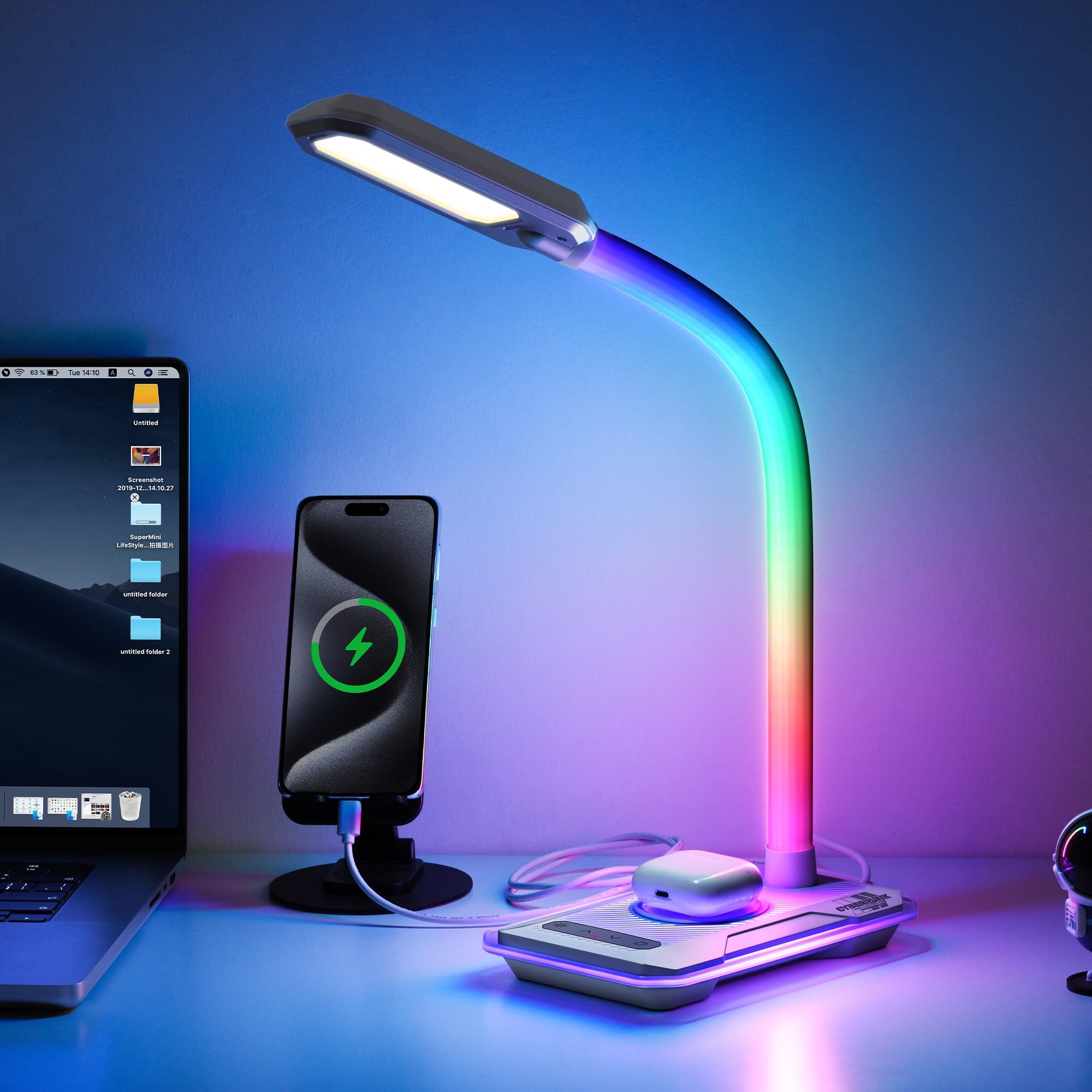
Imagine placing your smartphone on your desk lamp and watching it charge without plugging in any cables. This is becoming a reality as more desk lamps include wireless charging pads built right into their base. It’s a simple way to keep your space tidy and your devices powered up.
You might wonder how this affects the lamp’s design. Manufacturers are focusing on sleek, minimalistic styles that blend charging technology seamlessly, so your desk stays clutter-free and functional.
Smart Lamp Features
Smart lamps can adjust brightness and color temperature automatically based on the time of day or your activity. You can control them via voice commands or smartphone apps, making it easier to create the perfect lighting atmosphere.
Think about how this could improve your focus during work or help you wind down in the evening. With features like scheduling and motion sensors, your lamp becomes more than just a light source—it becomes a helpful assistant.
Energy Efficiency Improvements
Energy-saving LEDs are just the start. Future desk lamps will use advanced sensors to reduce power consumption when you’re away or when ambient light is sufficient. This means lower electricity bills and less environmental impact without sacrificing comfort.
Have you ever left a lamp on by accident? New lamps with automatic shut-off features can prevent waste and extend the lifespan of your lighting equipment. It’s a smart way to save money and energy every day.
Credit: www.amazon.ca
Frequently Asked Questions
Why Do Desk Lamps Include Usb Ports?
Desk lamps with USB ports offer convenient charging for devices. They save space by combining lighting and charging functions. This feature enhances workspace efficiency and reduces clutter caused by multiple chargers and cords.
How Does A Usb Port Benefit Desk Lamp Users?
A USB port allows users to charge phones, tablets, and other gadgets directly at their desk. This convenience improves productivity by keeping devices powered without needing extra outlets or adapters nearby.
Can A Usb Port On A Desk Lamp Replace A Charger?
While it can charge many devices, the lamp’s USB port may provide lower power output. It’s ideal for phones and small electronics but may not support fast charging or larger devices like laptops.
Are Usb Ports On Desk Lamps Universally Compatible?
Most USB ports on desk lamps support standard USB devices. They work with smartphones, tablets, and other USB-powered gadgets, making them versatile and user-friendly for different devices.
Conclusion
A USB port on a desk lamp adds real value to your workspace. It helps you charge devices without extra cords. This feature saves space and keeps your desk tidy. You get light and power in one simple tool. It fits well in homes, offices, and study areas.
Small but useful. A smart choice for anyone wanting convenience and order.



