
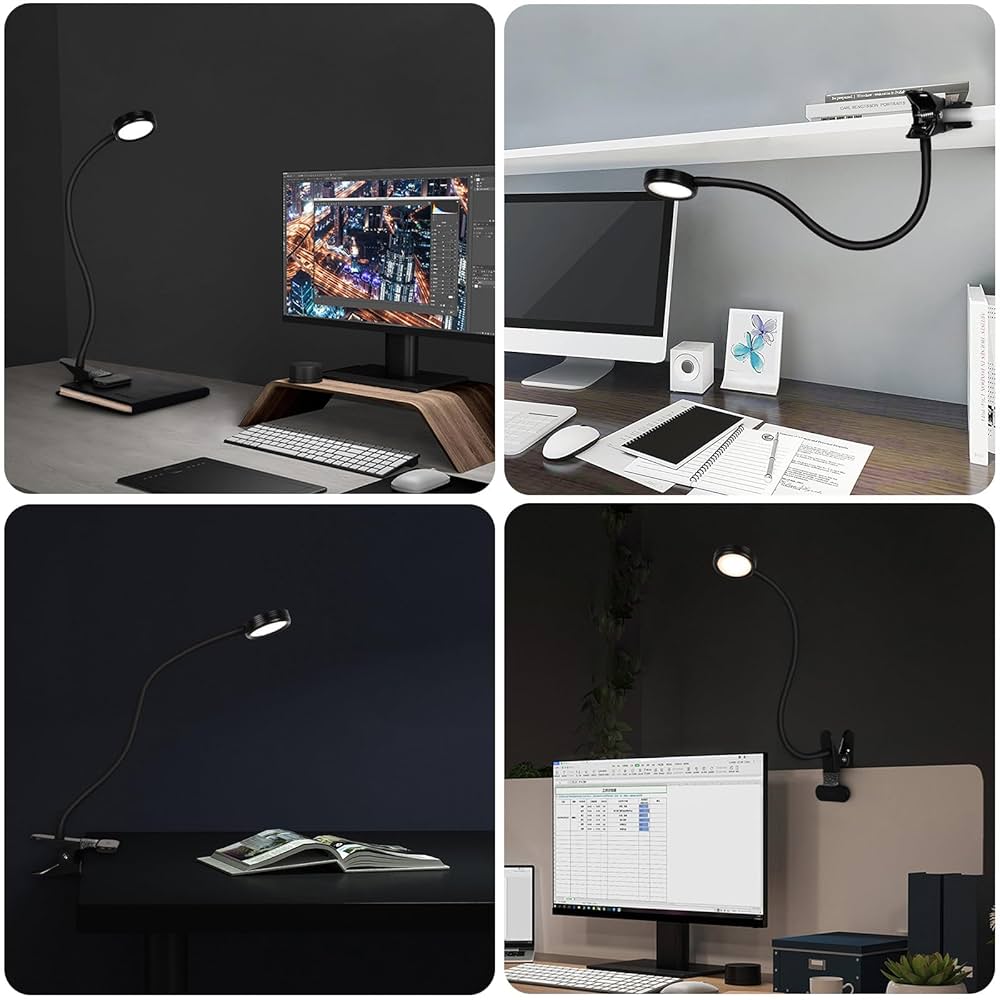
Where you place your desk lamp can make a huge difference in how comfortable and productive you feel while working. If you’ve ever struggled with glare on your monitor or harsh shadows on your workspace, you know how frustrating poor lighting can be.
Finding the perfect spot for your desk lamp isn’t just about brightening your desk—it’s about creating a setup that helps your eyes stay fresh and your focus sharp. You’ll discover exactly where to position your desk lamp so it works in harmony with your monitor, making your workspace more comfortable and efficient.
Keep reading to transform your desk into a well-lit haven that supports everything you do.
Choosing The Right Desk Lamp
Choosing the right desk lamp is key to creating a comfortable and productive workspace, especially when you have a monitor on your desk. The right lamp not only lights up your work area but also reduces eye strain and enhances focus. Picking the perfect lamp means understanding what type fits your needs and how its light quality affects your work.
Types Of Desk Lamps
Desk lamps come in various styles and designs, each serving different purposes. You might prefer a adjustable arm lampthat lets you direct light exactly where you need it. Alternatively, a clip-on lampcan save desk space and attach directly to your monitor or desk edge.
There are also LED desk lampsknown for energy efficiency and long life, plus traditional incandescent lampsthat offer warmer light. Think about how much space you have and whether you want something portable or fixed. Your choice should help reduce glare on the monitor and light up your keyboard and documents clearly.
Brightness And Color Temperature
Brightness matters more than you might realize. Too bright, and your eyes tire quickly; too dim, and you might strain to see. Look for lamps with adjustable brightness so you can set the perfect level for different tasks.
Color temperature affects how the light feels. Cooler light (around 5000K) mimics daylight and can boost alertness, great for detailed work. Warmer light (around 2700K) creates a cozy atmosphere, better for relaxed tasks or late-night work.
Have you noticed how your eyes feel under different lighting during long work sessions? Experimenting with brightness and color temperature can make a big difference in comfort and productivity.

Credit: www.amazon.ca
Ideal Lamp Placement
Finding the ideal spot for your desk lamp improves your workspace lighting. Proper placement reduces eye strain and glare on the monitor. It also helps you focus better on tasks. The lamp should brighten your desk evenly without shadows or reflections.
Left Or Right Side Positioning
Place the lamp on the side opposite your dominant hand. This prevents shadows when writing or using a mouse. Right-handed people usually place the lamp on the left side. Left-handed people do the opposite. This setup keeps your work area well lit.
Distance From Monitor
Keep the lamp far enough to avoid screen glare. About 12 to 18 inches away works well. This distance lights your desk without causing reflections on the monitor. Adjust as needed for your lamp’s brightness and design.
Height And Angle Adjustments
Set the lamp height so the light spreads evenly across your desk. Avoid shining light directly into your eyes or the screen. Angle the lamp head to focus light on your work area. Adjustable lamps offer more flexibility for different tasks.
Reducing Glare And Shadows
Place the desk lamp to the side of the monitor to avoid glare on the screen. Positioning it slightly behind or beside reduces harsh shadows and eye strain. Adjust the lamp angle for soft, even light across the workspace.
Positioning your desk lamp effectively can significantly reduce glare and shadows, improving your workspace comfort. A well-lit desk not only enhances productivity but also minimizes eye strain. But how do you position your desk lamp to achieve this?Preventing Screen Reflections
Placing a desk lamp in the wrong spot can lead to frustrating screen reflections. These reflections make it hard to see your monitor and can cause eye fatigue. To prevent this, position your desk lamp to the side of your monitor. Ensure that the light beam does not directly face the screen. Instead, aim for an angle where the light brightens your workspace without bouncing off the screen. Experiment with the lamp’s position until you find the sweet spot that eliminates those annoying reflections.Minimizing Desk Shadows
Shadows on your desk can hinder your work, making it difficult to read documents or write notes. To minimize these shadows, place your lamp on the opposite side of your dominant hand. If you’re right-handed, position the lamp to your left. This setup ensures that your hand does not block the light while working, reducing shadows effectively. Consider using a lamp with an adjustable arm. This flexibility allows you to direct light where you need it most, whether you’re writing, reading, or working on your computer. Is your current setup creating more shadows than light? Adjusting your lamp’s position might just transform your workspace into a more productive environment.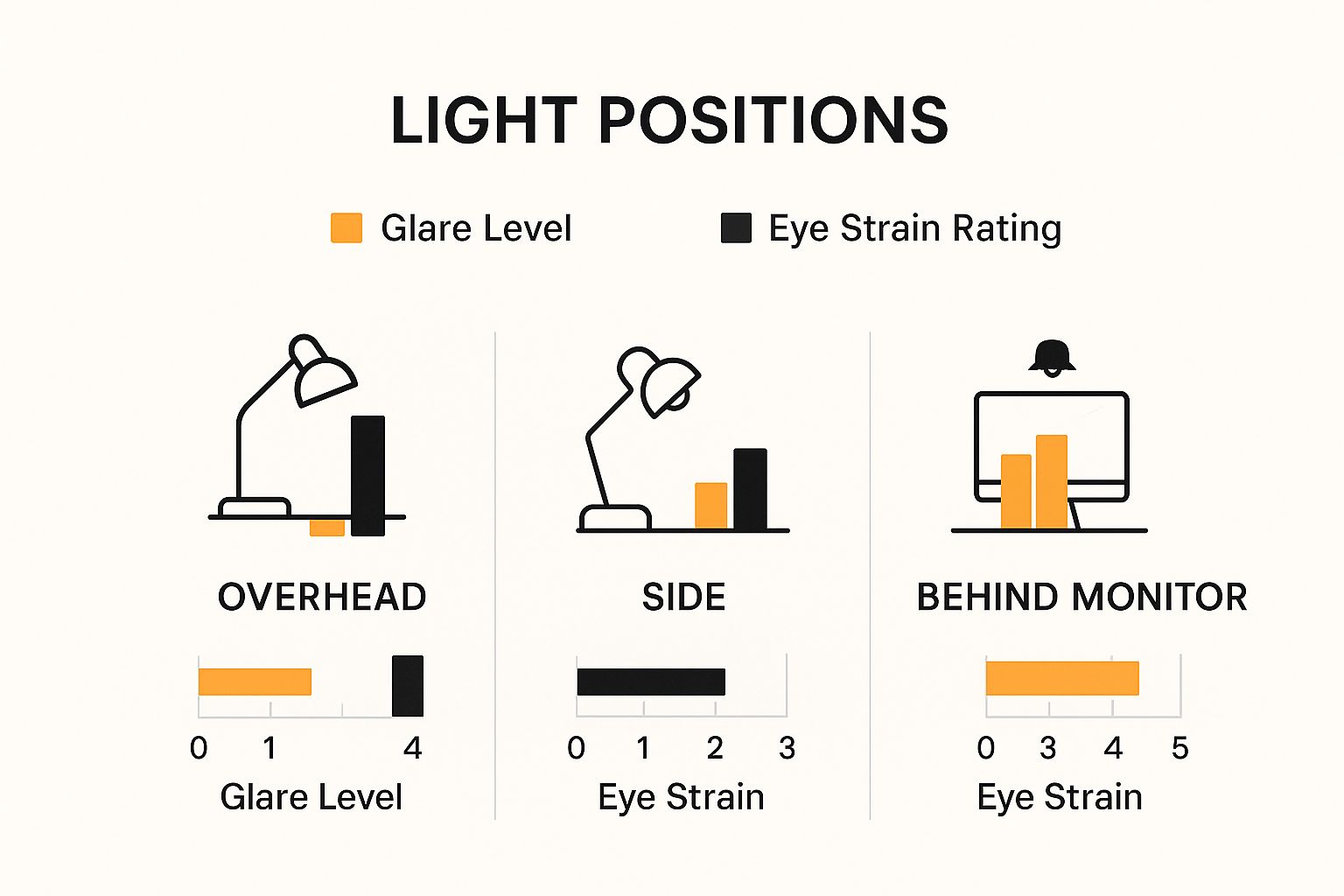
Credit: www.mount-it.com
Balancing Ambient And Task Lighting
Balancing ambient and task lighting is key for a productive workspace. Proper lighting reduces eye strain and creates a comfortable environment. Desk lamps should complement the room’s general light, not overpower it. This balance helps focus on the screen and your work area without glare or shadows.
Combining Desk Lamp With Room Lighting
Use the desk lamp to highlight your work area. The room light fills the rest of the space softly. Avoid placing the desk lamp too close to the monitor. Position it to one side, casting light over your papers or keyboard. This setup stops reflections on the screen and keeps your eyes relaxed.
Try these tips for better lighting:
- Use warm light bulbs in the room for a cozy feel.
- Choose a bright, focused lamp for your desk.
- Keep the desk lamp adjustable to change angles easily.
Adjusting Light Levels For Comfort
Light levels affect your comfort and focus. Bright light helps during detailed tasks, but dimmer light suits relaxation. Adjust your desk lamp brightness depending on your activity. Many lamps have dimmers or multiple settings to choose from.
Check for glare on your monitor. If you see reflections, move or lower the lamp. Test different positions until the light feels right. Your goal is to see clearly without harsh brightness. This balance protects your eyes and boosts productivity.
Ergonomics And Eye Health
Proper desk lamp placement supports both ergonomics and eye health. Good lighting reduces eye fatigue and keeps posture natural. A well-lit workspace helps maintain focus and comfort. Positioning your lamp correctly prevents glare and shadows on your monitor. This setup makes long hours at the desk easier on your eyes and body.
Avoiding Eye Strain
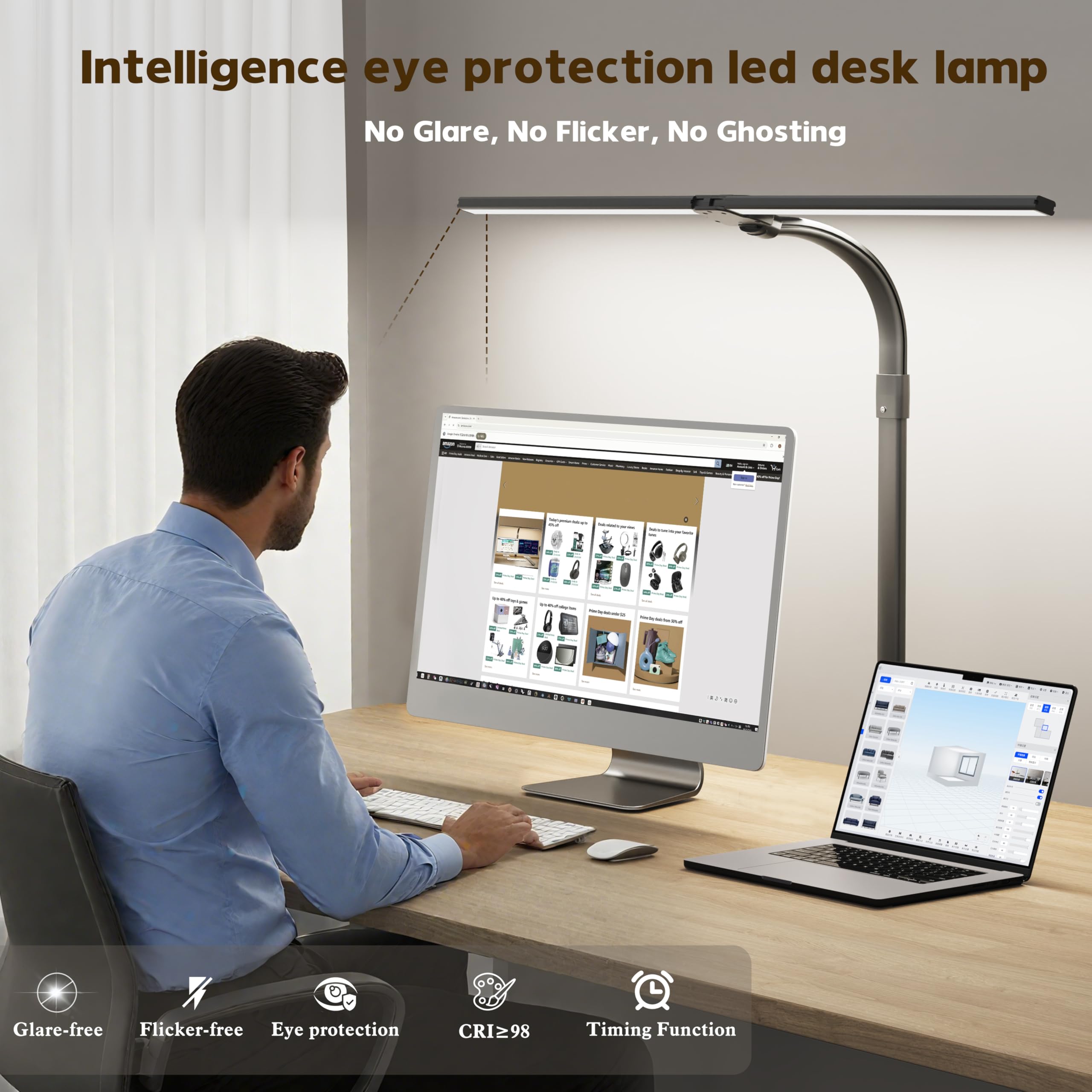
Place the lamp to the side opposite your dominant hand. This reduces shadows from your hand while writing or using a mouse. Avoid direct light shining into your eyes or onto the monitor screen. Use lamps with adjustable brightness to suit different tasks. Soft, diffused light limits harsh contrasts and flicker. Keep the light source about 15 to 20 inches from your desk surface.
Proper Lighting For Long Hours
Choose a lamp with a color temperature around 4000K for natural light. This helps keep you alert without causing eye fatigue. Position the lamp so it illuminates the entire desk evenly. Avoid overly bright or dim light that forces your eyes to work harder. Use lamps with adjustable arms or swivel heads for flexible lighting angles. Combining desk lamps with ambient room light creates balanced illumination.
Credit: www.amazon.ca
Creative Lighting Ideas
Creative lighting can transform your desk space, making it more functional and visually appealing. The right desk lamp position not only reduces eye strain but also adds a touch of style to your setup. Let’s look at some innovative ways to brighten your workspace effectively.
Using Adjustable Lamps
Adjustable lamps give you control over the direction and intensity of light. You can angle the lamp to avoid glare on your monitor while still illuminating your keyboard and workspace.
Try placing the lamp on either side of your monitor, depending on your dominant hand. This setup prevents shadows when you write or type. Also, adjustable lamps with dimmers allow you to change brightness levels based on the time of day or task.
Incorporating Smart Lighting
Smart lighting lets you customize your desk lamp with ease. You can control color temperature and brightness through your phone or voice commands, adapting light to your mood and work needs.
Consider a smart lamp that syncs with your computer’s activities—dimming during breaks and brightening during focused work periods. This dynamic setup helps maintain your energy and concentration throughout the day.
Frequently Asked Questions
Where Should I Place My Desk Lamp With A Monitor?
Position your desk lamp to the side opposite your dominant hand. This reduces shadows on your work area. Keep it close enough to illuminate your desk without causing glare on the monitor screen.
How To Avoid Glare From Desk Lamps On Monitors?
Use lamps with adjustable brightness or shades. Position the lamp at an angle where light doesn’t directly hit the screen. Avoid placing the lamp directly behind or in front of the monitor.
Can Desk Lamp Placement Affect Eye Strain?
Yes, improper lamp placement can cause eye strain. Bright light reflecting off the monitor or poor desk lighting forces your eyes to work harder. Proper placement ensures balanced lighting and reduces fatigue.
Is Natural Light Better Than Desk Lamps Near Monitors?
Natural light is beneficial but can cause glare if uncontrolled. Desk lamps provide consistent, adjustable light. Combining both with correct lamp placement improves visibility and comfort.
Conclusion
Placing your desk lamp correctly helps reduce eye strain. Keep the light to the side of your monitor. Avoid glare on the screen for better focus. Adjust the lamp height to spread light evenly. A well-lit desk improves comfort and productivity.
Try different spots until you find the best one. Small changes make a big difference in your workspace. Bright, clear light helps you work longer and feel better.



