
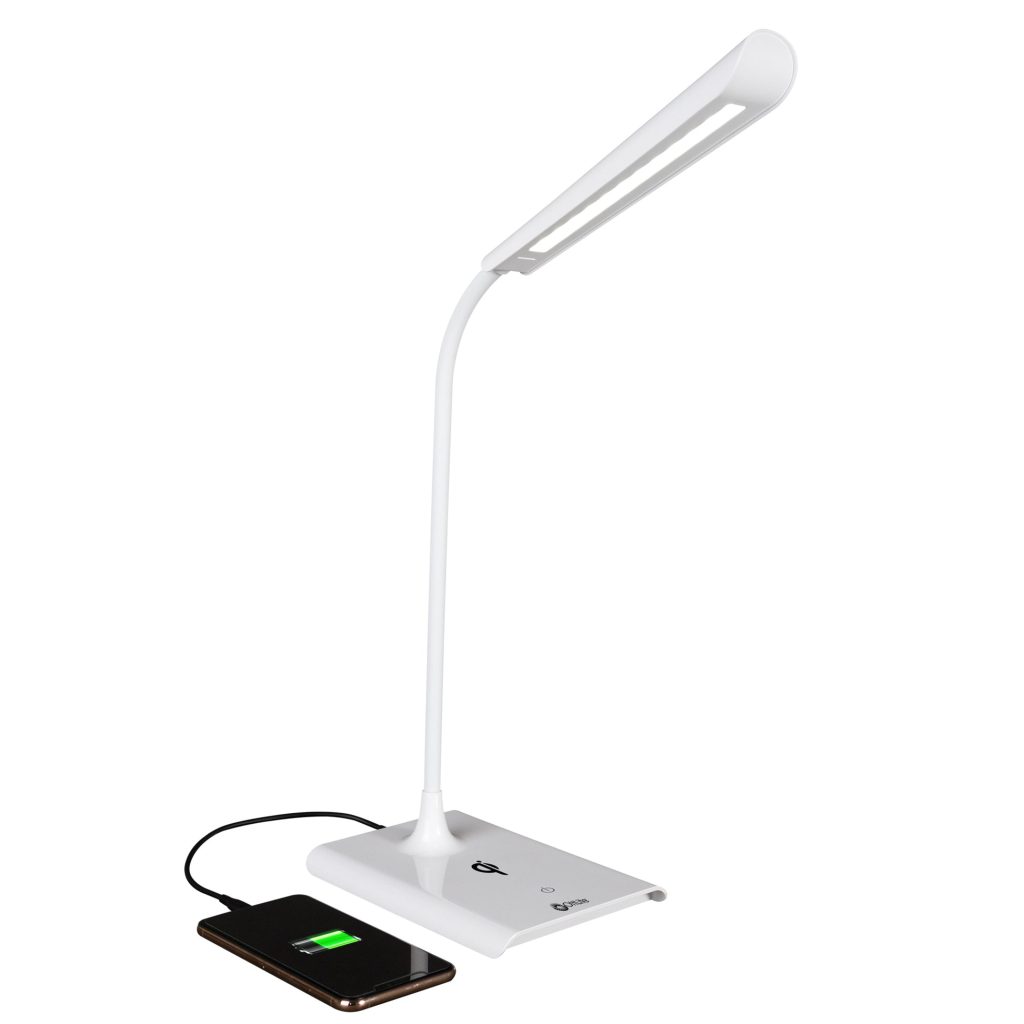
Have you ever tried to charge your iPhone using the USB port on your desk lamp, only to find it just won’t power up? It’s frustrating when you expect a quick charge, but your phone stays stubbornly stuck at the same battery level.
You might wonder, “Why can’t I charge my iPhone on a desk lamp? ” The answer isn’t always obvious, but it’s important to understand what’s really happening behind the scenes. Keep reading, because knowing the reasons can save you time, protect your phone, and help you find the best way to keep your device powered up whenever you need it.
Desk Lamp Power Limitations
Trying to charge your iPhone using a desk lamp might seem convenient, but often it just doesn’t work. The root cause usually lies in the desk lamp’s power limitations. Understanding these limits can help you avoid frustration and know exactly why your device refuses to charge.
Insufficient Power Output
Most desk lamps are designed primarily for lighting, not charging devices. Their power output is often too low to supply the energy your iPhone needs to charge efficiently.
If your lamp’s USB port provides only 0.5 amps or less, your iPhone may not recognize it as a valid power source. You might see the charging icon flicker or not appear at all. Think about your own experience: have you ever noticed your phone taking forever to charge or not charging at all when plugged into a low-power outlet?
Usb Port Specifications
Not all USB ports on desk lamps are created equal. Some are USB 2.0 ports, which typically supply just 5 volts at 0.5 amps, insufficient for modern smartphones.
Newer devices and chargers use USB 3.0 or USB-C ports that can deliver higher currents (up to 3 amps or more). Check the lamp’s specs or manual to see what type of USB port it has. This can often explain why your iPhone won’t charge or charges extremely slowly when connected.
Compatibility With Charging Devices
Your iPhone expects certain communication signals from the charger to initiate charging. Many desk lamps’ USB ports lack the necessary circuitry to communicate properly with Apple devices.
This mismatch means the lamp’s USB port might power small gadgets like Bluetooth headphones but not your iPhone. Have you wondered why some chargers work instantly and others don’t? It often comes down to compatibility, not just power delivery.

Credit: www.amazon.com
Iphone Charging Requirements
Charging an iPhone requires more than just a power source. The device follows specific rules to charge safely and efficiently. Understanding these requirements explains why charging from some sources, like a desk lamp, often fails.
Each iPhone model needs a certain power level and type. The charger, cable, and battery health affect the charging process. Without the right setup, the phone may not charge or could charge very slowly.
Power Delivery Standards
iPhones use a technology called USB Power Delivery (USB-PD). This standard controls how much power the phone draws. It ensures fast and safe charging by adjusting voltage and current.
Desk lamps with USB ports usually offer low power. They may provide only 0.5 to 1 amp, while iPhones need higher power levels. Without proper power delivery, the phone won’t start charging.
Cable And Adapter Compatibility
Charging cables and adapters must match iPhone’s power needs. Original or certified cables support fast charging and proper communication between devices. Cheap or wrong cables may lack this support.
Desk lamps often have built-in USB ports with fixed cables. These cables might not support iPhone charging standards. This mismatch stops the phone from charging correctly or at all.
Battery Health Considerations
iPhone batteries age and lose capacity over time. The phone manages charging to protect battery health. If the battery is weak, the phone may limit charging speed or refuse to charge.
Charging from low-power sources like desk lamps can strain the battery. The phone may avoid charging to prevent damage. This safety feature helps extend battery life but causes frustration.
Common Connection Issues
Common connection issues often stop your iPhone from charging on a desk lamp. These problems can be simple but tricky to spot. Understanding them helps fix the charging problem faster. Below are some typical issues that may block your iPhone from charging properly.
Faulty Cables Or Adapters
Damaged or poor-quality cables prevent proper charging. Worn-out wires or bent connectors break the power flow. Using non-certified adapters can cause unstable charging or no charge at all. Always check for frayed cables and try a different charger.
Loose Or Damaged Ports
Charging ports on your iPhone or lamp can get dirty or loose. Dust and lint block the connection inside the port. Loose ports cause intermittent or no charging. Gently clean ports and ensure connectors fit tightly for a steady charge.
Interference From Other Devices
Nearby electronic devices may cause signal interference. Wireless signals or magnetic fields disrupt the charging process. Move other gadgets away from your desk lamp and iPhone to reduce interference. This can improve charging consistency and speed.
Credit: ottlite.com
Lamp Design And Electrical Safety
Have you ever tried charging your iPhone using a desk lamp, only to find that it doesn’t work? It may seem like a convenient solution, but there are essential design and safety reasons why this setup fails. Understanding how lamp design and electrical safety play a role can save you from potential mishaps and frustrations.
Built-in Surge Protection
Many desk lamps are equipped with basic electrical components that lack built-in surge protection. Surge protection is crucial for safeguarding sensitive electronics like your iPhone. When you connect your phone to a lamp without this feature, you risk exposing it to sudden electrical surges that could damage its internal components.
Think about the power demands of your phone versus a simple light bulb. Your iPhone requires stable and consistent power, something a desk lamp might not provide without the necessary protective measures. This lack of protection is a common reason why charging attempts fail.
Electrical Wiring Limits
Desk lamps are primarily designed to light up a room, not to power electronic devices. The wiring inside most lamps is not equipped to handle the power demands of charging a smartphone. Attempting to do so can strain the lamp’s wiring, potentially leading to overheating or even an electrical fire.
Consider the thickness and quality of wires in a dedicated phone charger compared to those in a lamp. The difference is significant, highlighting why lamps aren’t suitable for charging purposes. Are you willing to risk your device’s safety for a non-standard charging solution?
Manufacturer Restrictions
Lamp manufacturers design their products for specific purposes, and charging phones is typically not one of them. Some manufacturers explicitly warn against using lamps for charging devices due to safety concerns. Ignoring these guidelines might void warranties or lead to unintended damage.
Always check the manufacturer’s instructions before attempting to use a lamp in non-traditional ways. Respecting these guidelines ensures your devices remain safe and functional. Is the convenience worth the potential risk and warranty voidance?
Troubleshooting Tips
If your iPhone won’t charge on a desk lamp, troubleshooting is key. Small issues can block charging, but a few checks can often fix the problem quickly. Let’s go through simple steps that help you figure out what’s wrong and get your iPhone charging again.
Testing With Different Cables
Sometimes, the cable is the culprit. Try using another Lightning cable to see if your current one is damaged or faulty.
Look for visible signs like fraying or bends. Even if it looks fine, internal wire breaks can stop charging.
Using a different cable also helps confirm if the issue lies with the cable or something else like the lamp’s USB port.
Using Alternative Power Sources
Not all USB ports provide enough power to charge your iPhone. Desk lamps often have low-power USB ports meant only for small devices.
Plug your cable into a wall charger or a computer USB port instead. If your iPhone charges there, the lamp’s power output is likely too weak.
Ask yourself: does the lamp’s USB port say 5V/1A or less? Your iPhone usually needs at least 1A to charge properly.
Checking Iphone Settings
Your iPhone settings can sometimes block charging. Check if your device is in Low Power Mode or if there’s a software glitch.
Restart your iPhone to refresh its system. This simple step often resolves minor charging glitches.
Also, look at the charging icon closely. Does it appear for a moment and then disappear? This could mean software interference or a dirty charging port.
Alternative Charging Options
Charging an iPhone on a desk lamp is often unreliable due to power and compatibility issues. Instead, consider alternative charging options designed to provide stable and efficient power. These options suit various needs and environments, ensuring your device charges safely and quickly.
Dedicated Charging Stations
Dedicated charging stations offer multiple ports for different devices. They deliver consistent power and reduce clutter. Many models include USB-C and USB-A ports, supporting fast charging. These stations are ideal for desks, nightstands, or offices.
Wireless Charging Pads
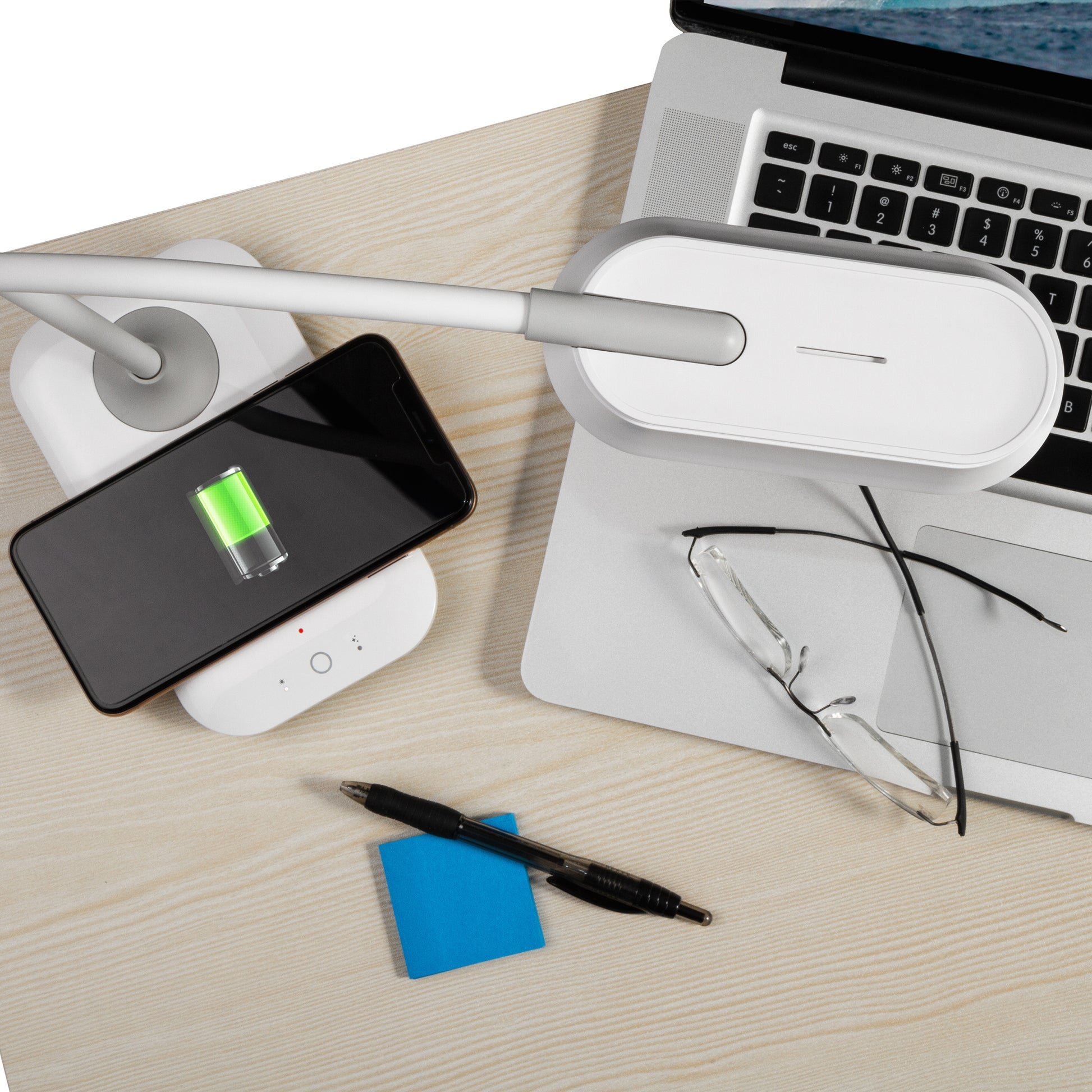
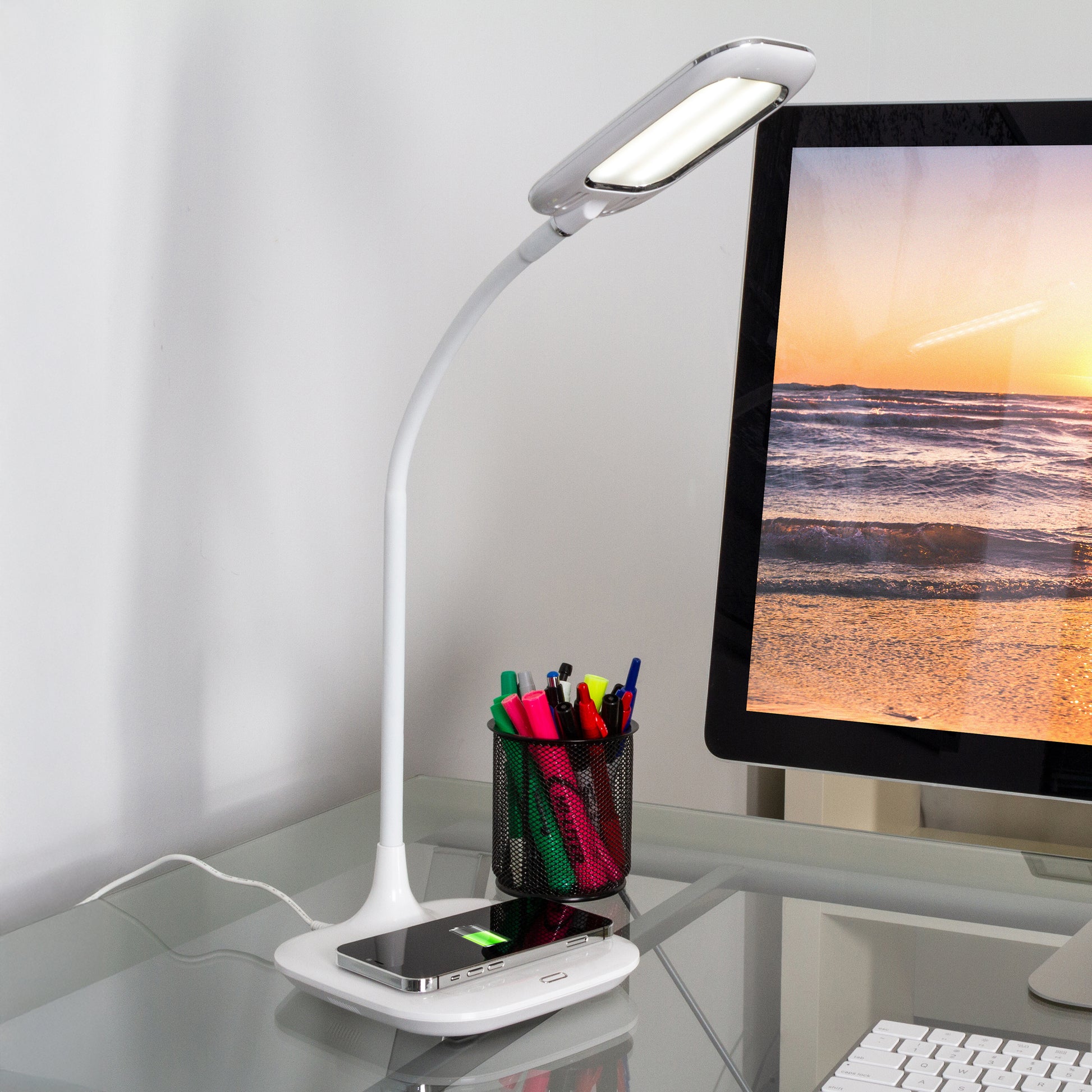
Wireless charging pads provide a cable-free way to power your iPhone. Simply place your phone on the pad to start charging. These pads use Qi technology, compatible with most recent iPhone models. They are convenient and reduce wear on charging ports.
Power Banks And Portable Chargers
Power banks offer portable power on the go. They store energy to charge your iPhone anywhere, anytime. Many power banks support fast charging and multiple device connections. They are perfect for travel, outdoor activities, or emergencies.
Credit: ottlite.com
Frequently Asked Questions
Why Won’t My Iphone Charge On A Desk Lamp?
Most desk lamps lack USB or wireless charging ports. Simply plugging your iPhone charger into a lamp socket won’t work. Use a proper USB charger or wireless pad designed for iPhones to ensure safe and effective charging.
Can Any Lamp Charge An Iphone Via Usb Port?
Only lamps with built-in USB charging ports can charge iPhones. Standard lamps without USB outlets cannot supply power. Always check lamp specs before attempting to charge your iPhone through it.
Is Wireless Charging Possible On A Desk Lamp?
Wireless charging requires specific technology like Qi charging pads. Most desk lamps do not include this feature. You need a lamp with integrated wireless charging or use a separate wireless charger for your iPhone.
Why Does My Iphone Not Show Charging On A Lamp Outlet?
Lamp power sockets provide AC current, but iPhones need DC power. USB chargers convert AC to DC, which lamps without USB cannot. This is why your iPhone won’t charge when plugged into a lamp outlet directly.
Conclusion
Charging an iPhone with a desk lamp is not practical. Most lamps do not provide the right power or connection. Using proper chargers keeps your phone safe and working well. Avoid trying to charge with devices not made for it.
Stick to official chargers or trusted brands. This way, your iPhone charges quickly and lasts longer. Remember, safe charging protects your phone and your data. Simple steps make a big difference in daily phone use.



