
Is your motion light sensor not working the way it used to? Maybe it’s turning on too late, staying on too long, or not reacting at all.
Don’t worry—you can fix this yourself by resetting your motion light sensor. You’ll learn simple, step-by-step instructions that anyone can follow. Imagine saving time, avoiding costly repairs, and getting your lights back to perfect working order in minutes. Keep reading, and you’ll have your motion sensor shining bright again before you know it.
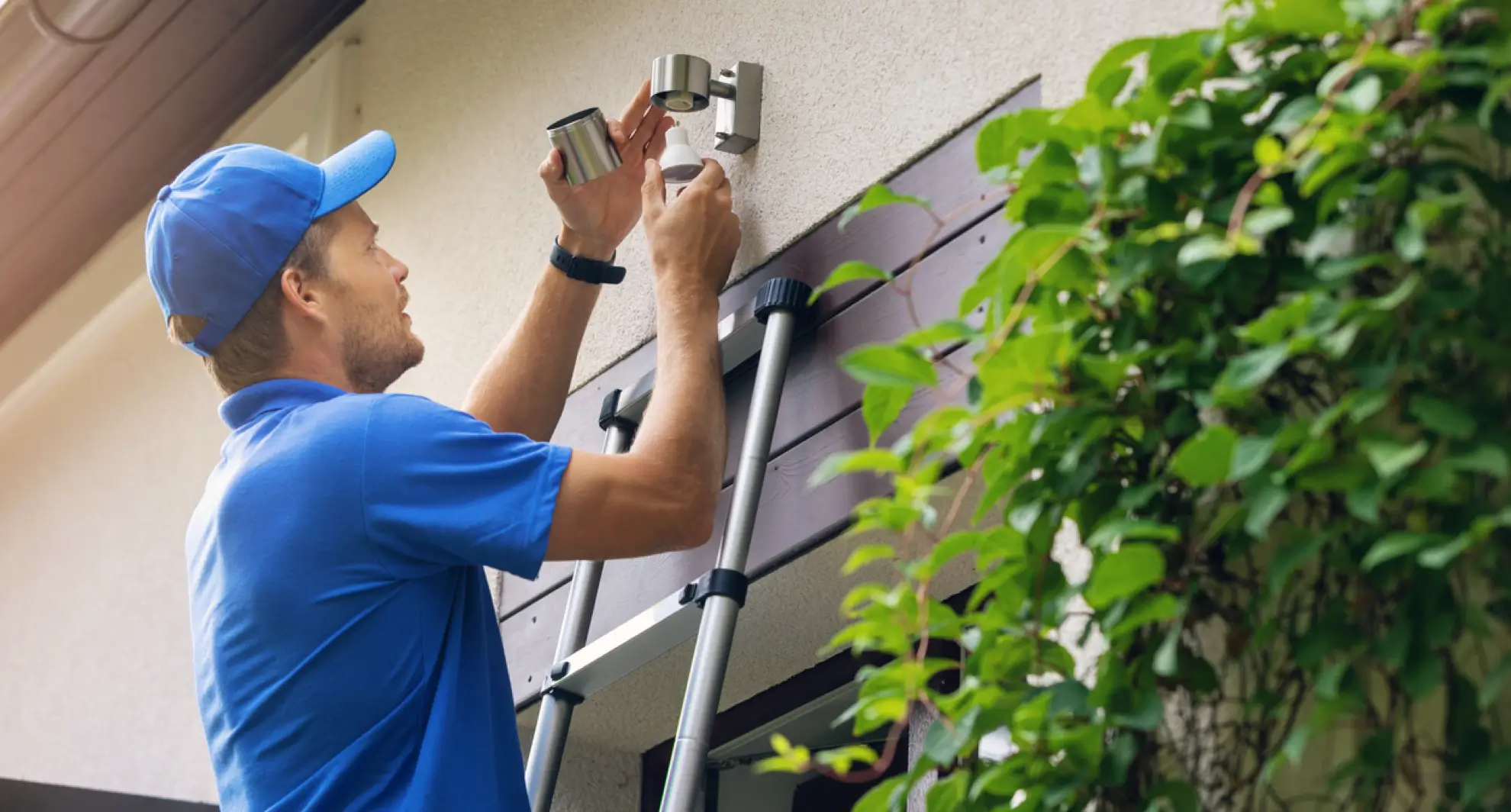
Credit: mrelectric.com
Common Reasons For Resetting Motion Sensors
Motion light sensors sometimes need a reset to work properly. Various issues can cause these sensors to stop responding or act strangely. Knowing why a reset is necessary helps fix the problem faster. Here are some common reasons for resetting motion sensors.
Sensor Malfunction
Sensors may stop working due to dust, dirt, or damage. Over time, the sensor lens can get dirty. This prevents it from detecting motion accurately. Electrical faults inside the sensor can also cause it to fail. Resetting can restore normal function by clearing errors.
Power Interruptions
Sudden power cuts or surges affect motion sensors. A power interruption can disrupt sensor settings or cause it to freeze. After power returns, the sensor may not work correctly. Resetting helps the sensor restart and regain proper function.
Settings Adjustment
Sometimes, the sensor settings need changes for better performance. Sensitivity or time delay settings may require tweaking. Resetting clears old settings and allows new adjustments. This helps the sensor respond correctly to motion in the area.
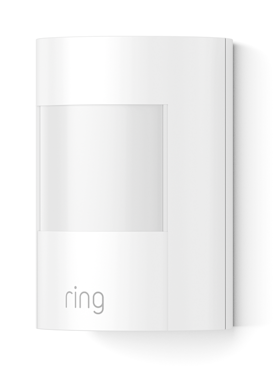
Credit: ring.com
Tools Needed For Reset
Resetting your motion light sensor might sound technical, but having the right tools simplifies the process. Before you start, gather everything you need to avoid interruptions or safety risks. Knowing which tools and gear to have on hand can save you time and keep the reset smooth.
Basic Tools
You’ll need a few simple tools that are often found in a household toolbox. A flathead or Phillips screwdriver is essential for opening the sensor cover or accessing the battery compartment. If your sensor uses batteries, having fresh replacements ready is smart—you don’t want to pause midway because of dead batteries.
- Screwdriver (flathead or Phillips)
- Replacement batteries (check your sensor type)
- Small flashlight for better visibility
- Multimeter (optional) to test electrical connections
Think about the last time you tried fixing something without the right tools. It’s frustrating and often leads to mistakes. Having these basics ready helps you focus on the reset itself, not on finding what you need.
Safety Gear
Your safety comes first. Even though resetting a motion sensor isn’t high-risk, wearing protective gear can prevent minor injuries. Gloves protect your hands from sharp edges inside the fixture, and safety glasses shield your eyes from dust or debris.
- Insulated gloves
- Safety glasses or goggles
- Non-slip shoes for stable footing
Have you ever overlooked safety gear and regretted it later? A small precaution now can save you from unexpected harm. Taking a moment to gear up properly ensures that your reset process is safe and stress-free.
Step-by-step Reset Process
Resetting a motion light sensor is a simple task. Follow these steps to ensure your sensor works correctly. Each step is clear and easy to follow. Let’s dive in.
Power Off The Sensor
First, turn off the sensor’s power. This is crucial for safety. Switch off the circuit breaker or unplug the sensor. Ensure no power reaches the sensor. This prevents any electrical mishaps.
Locate The Reset Button
Find the reset button on the sensor. It’s usually on the bottom or side. Check the sensor’s manual if needed. Some sensors might have it hidden or covered.
Perform The Reset
Press and hold the reset button. Hold it for about 10 seconds. This action clears the sensor’s memory. Wait for any indicator lights to flash.
Restore Power
Finally, turn the power back on. Either switch on the circuit breaker or plug in the sensor. The sensor should now be reset. Test it by moving in front of it. Check if it detects motion as expected.
Testing The Sensor After Reset
After resetting your motion light sensor, testing it thoroughly ensures it works as expected. This step confirms that the reset didn’t just clear settings but also restored proper functionality. Let’s look at key ways to check the sensor’s performance so you can feel confident about its operation.
Checking Light Activation
Start by walking within the sensor’s range to see if the light turns on promptly. If it doesn’t activate, check the power source and make sure the sensor is clean from dirt or obstructions.
Try different speeds of movement—slow and fast—to determine if the sensor reacts consistently. Are there moments when the light fails to respond? This could indicate a need for further adjustments or sensor repositioning.
Adjusting Sensitivity
Most motion sensors allow you to tweak sensitivity settings. If your light activates too often or not enough, try increasing or decreasing sensitivity based on your observations.
Think about your environment: is there frequent traffic or pets that might trigger false alarms? Adjusting sensitivity helps balance between unwanted activations and reliable detection.
Verifying Detection Range
Test the sensor’s detection range by moving to the edges of its coverage area. Mark the points where the light still activates and where it doesn’t.
This helps identify if the sensor’s reach matches your needs or if repositioning is necessary. Have you noticed blind spots or areas where the sensor misses motion? Fixing these spots can improve overall security and convenience.
Tips To Prevent Future Issues
Taking steps to prevent future issues with your motion light sensor saves time and frustration. Simple habits can keep the sensor working smoothly for a long time. These tips focus on maintenance, correct setup, and reducing false alerts. Follow them to enjoy reliable sensor performance every day.
Regular Maintenance
Clean the sensor lens often to remove dust and dirt. Use a soft cloth and mild cleaner. Check for any damage or loose connections regularly. Replace batteries on time to avoid power issues. Keep the sensor free from spider webs and debris that block motion detection.
Proper Installation
Install the sensor at the right height and angle. Avoid placing it near heat sources or direct sunlight. Choose a stable surface that does not shake or move. Use weatherproof fixtures for outdoor sensors to protect against rain and dust. Follow the manufacturer’s instructions carefully during setup.
Avoiding False Triggers
Remove nearby objects that may move in the wind, such as branches or flags. Adjust the sensitivity settings to reduce unwanted alerts. Do not aim the sensor at busy roads or sidewalks with lots of movement. Shield the sensor from pets or small animals to prevent constant activation.
When To Call A Professional
Knowing when to call a professional to reset your motion light sensor can save you time and prevent further damage. Some issues go beyond simple troubleshooting and require expert attention. Recognizing these signs early helps maintain your home’s safety and lighting efficiency.
Persistent Sensor Problems
If your motion light sensor keeps malfunctioning despite multiple resets, it’s a clear sign to get professional help. Repeated false triggers or complete sensor failure can indicate internal damage or sensor wear that DIY fixes won’t solve.
Imagine resetting your sensor three times in one week only to find it dead again the next day. Instead of wasting time and energy, a technician can diagnose the root cause quickly and recommend the best solution.
Complex Wiring Issues
Motion light sensors often connect to your home’s electrical system, which can be complicated and risky to handle alone. If you encounter flickering lights, tripped breakers, or inconsistent power, these might be signs of faulty wiring.
Handling electrical wiring without proper knowledge can lead to injury or bigger electrical problems. Professionals have the tools and experience to safely inspect and fix wiring problems, ensuring your motion sensor works reliably and safely.

Credit: www.amazon.com
Frequently Asked Questions
How Do I Reset A Motion Light Sensor Quickly?
To reset, turn off the power to the sensor first. Wait 10 seconds, then turn the power back on. This simple power cycle often clears minor sensor issues effectively.
Why Is My Motion Light Sensor Not Resetting?
If your sensor won’t reset, check for wiring issues or damaged components. Sometimes, persistent problems require a factory reset or replacing the sensor.
Can I Reset Motion Sensor Without Tools?
Yes, most motion sensors can be reset by toggling the power switch. No special tools are needed for a basic reset procedure.
How Often Should I Reset My Motion Light Sensor?
Resetting is only necessary when the sensor malfunctions or after installation. Regular resets aren’t required and won’t improve performance.
Conclusion
Resetting your motion light sensor can fix many common issues. It helps the sensor work properly and saves energy. Follow simple steps carefully to avoid problems. Test the sensor after resetting to ensure it detects motion well. Regular checks keep your light running smoothly and safely.
Keep your motion sensor clean and free from obstacles. This small task improves your home’s security and comfort. Easy to do, and worth the effort. Try it today for better light performance.



