
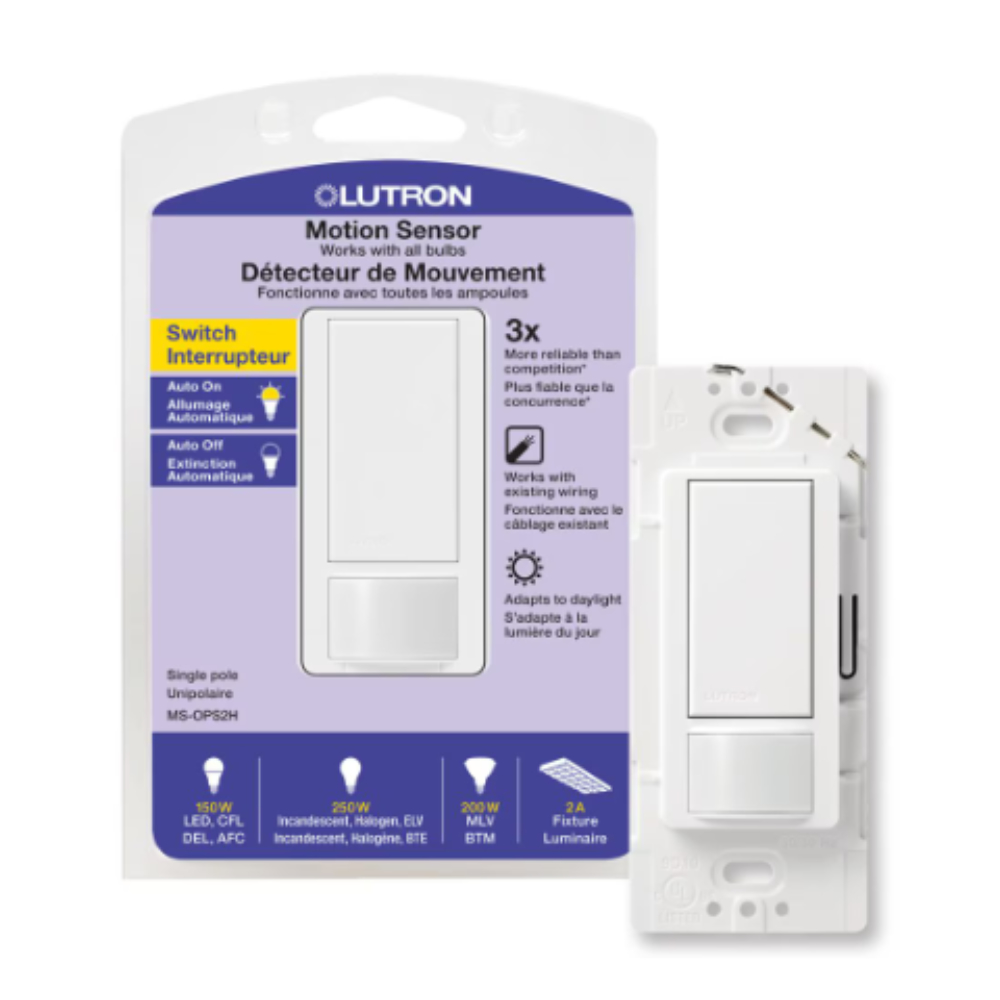
Are you finding your Lutron motion sensor turning lights on when you don’t want them to? Maybe it’s triggering at the wrong times or just causing frustration.
Knowing how to turn off your Lutron motion sensor can save you from unwanted interruptions and give you full control over your space. In this guide, you’ll discover simple, step-by-step ways to disable your sensor quickly and easily. Keep reading to take back control and make your lighting work exactly how you want it.
Credit: ledco.ca
Lutron Motion Sensor Basics
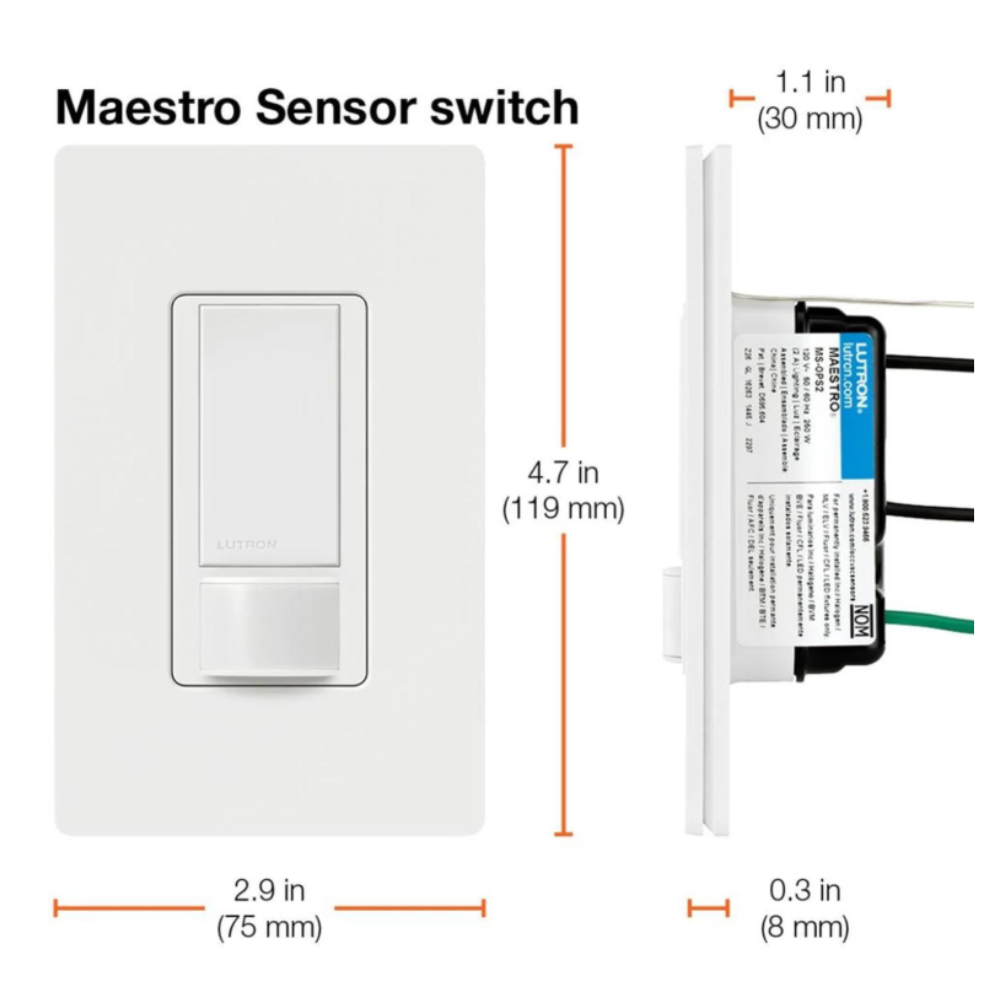
Lutron motion sensors detect movement to control lighting automatically. They help save energy by turning lights on only when needed. Understanding how these sensors work makes it easier to manage and turn them off when necessary.
How Motion Sensors Work
Motion sensors use infrared technology to spot heat and movement. When a person enters the sensor’s range, it sends a signal to turn on the lights. After no movement is detected for a set time, the lights turn off. This delay time can often be adjusted based on user preference.
Types Of Lutron Sensors
Lutron offers several types of motion sensors for different needs. Some common types include:
- Occupancy sensors – turn lights on when a room is occupied and off when empty.
- Vacancy sensors – require manual light activation but turn off automatically.
- Wall-mounted sensors – attach to walls for hallway or room lighting control.
- Ceiling-mounted sensors – cover larger areas from above.
Choosing the right sensor depends on the room size and how you use the space.
Credit: www.lutron.com
Reasons To Turn Off Your Sensor
Turning off your Lutron motion sensor can be helpful in certain situations. It allows you to control when the sensor is active. This helps avoid unwanted light changes or interruptions. Knowing the reasons to disable the sensor helps you use it better.
When To Disable Motion Detection
Turn off the sensor during social gatherings to prevent lights from turning off unexpectedly. Disable it when doing activities that require stillness, like reading or watching TV. Also, switch it off if pets cause false triggers. Temporary sensor deactivation helps avoid annoyance and maintains comfort.
Energy Saving Benefits
Disabling the sensor in some cases can save energy. For example, if the sensor is in a frequently used room, constant on/off cycling wastes power. Turning it off during busy times keeps lights stable and reduces energy spikes. Use manual control to manage lighting and save electricity effectively.
Steps To Turn Off Lutron Motion Sensor
Access the sensor’s settings by pressing the button on the device. Hold it until the light blinks, indicating the sensor is off. Confirm the sensor is disabled by checking if it no longer detects motion or controls the lights.
Turning off a Lutron motion sensor can be simple. Whether you need a temporary or permanent solution, this guide will help. Below, you will find different methods to disable the sensor. Choose the one that best fits your needs.Using The Sensor’s Manual Switch
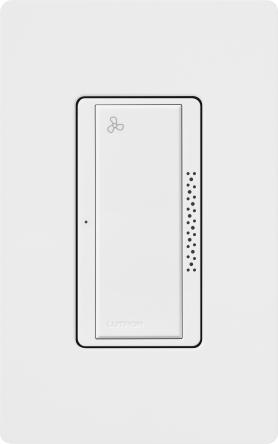
Many Lutron sensors come with a manual switch. Locate the switch on the sensor’s body. It might be a small toggle or button. Flip or press it to turn off the sensor. This method provides an instant solution. It’s ideal for quick adjustments.Adjusting Settings Via Lutron App
The Lutron app offers flexibility. First, open the app on your smartphone. Navigate to the device settings. Look for the motion sensor control options. Disable the sensor from the app interface. This method allows for remote management. Ensure your app is updated for best results.Disabling Sensor Through Wall Controls
Some setups include wall controls for convenience. Find the wall switch linked to the motion sensor. It could be a part of a smart switch setup. Turn off the motion feature using this control. This option suits those with integrated home systems. It offers a straightforward approach.Troubleshooting Common Issues
Troubleshooting common issues with your Lutron motion sensor can save time and avoid frustration. Many problems have simple fixes that anyone can perform. Understanding these quick solutions helps keep your sensor working smoothly.
Some issues occur because of power or connection problems. Others relate to settings or sensor placement. Checking these areas often solves the problem without needing professional help.
Sensor Not Responding
When the sensor stops responding, check the power source first. Make sure batteries are fresh or the unit is properly wired. Loose connections can cause the sensor to fail.
- Confirm the sensor is within range of the connected device.
- Look for any physical damage or dirt blocking the sensor lens.
- Test the sensor by moving within its detection area.
Resetting the sensor’s settings can help restore normal function if it remains unresponsive.
Resetting The Device
Resetting the Lutron motion sensor often clears glitches. This process returns the sensor to its factory settings. It can fix problems caused by incorrect programming or software errors.
- Locate the reset button on the sensor device.
- Press and hold the button for about 10 seconds.
- Release the button and wait for the sensor to restart.
- Reprogram your settings after the reset.
Performing a reset is safe and does not harm the hardware. It’s a reliable step to solve many issues quickly.
Alternatives To Turning Off The Sensor
Sometimes, turning off your Lutron motion sensor completely isn’t the best choice. You might want to keep the convenience of automatic lighting but avoid unnecessary triggers. Luckily, there are effective alternatives that let you customize how your sensor works without losing its benefits.
Adjusting Sensitivity Levels
Changing the sensitivity of your motion sensor can reduce false triggers from pets or minor movements. You can usually do this through the sensor’s settings or a connected app. Lowering sensitivity means the sensor only reacts to more significant motion, giving you control over when lights turn on.
I once adjusted the sensitivity to avoid my cat constantly turning on the hallway lights at night. It worked perfectly—I still get light when I walk through, but no more midnight cat disruptions. Have you thought about how fine-tuning sensitivity could solve your sensor’s quirks?
Setting Scheduled Operation Times
Another smart option is scheduling when your sensor is active. For instance, you might want it off during the day when natural light is sufficient and only on during evening hours. Many Lutron systems allow you to program these time blocks easily.
Setting schedules helped me save energy and avoid unnecessary light during busy daytime hours. You can even set different schedules for weekdays and weekends based on your routine. What times in your day would benefit from this kind of control?

Credit: www.amazon.ca
Frequently Asked Questions
How Do I Disable Lutron Motion Sensor Temporarily?
To disable the Lutron motion sensor temporarily, press and hold the sensor’s button for about 5 seconds. This will turn off the sensor until you reactivate it manually. Always check your specific model’s manual for exact steps.
Can I Turn Off Lutron Motion Sensor Via App?
Yes, some Lutron models support app control. Open the Lutron app, select your device, and find the motion sensor settings. Toggle the sensor off to disable it remotely. Ensure your device is compatible with app features.
Why Would I Need To Turn Off Lutron Motion Sensor?
You might turn off the sensor during parties, cleaning, or when pets trigger false alarms. Disabling prevents unwanted light changes or alerts, giving you control over your space’s automation.
Is Turning Off Lutron Motion Sensor Reversible?
Yes, turning off the sensor is reversible. You can easily reactivate it by pressing the button again or toggling the setting in the app. This flexibility helps maintain convenience and energy savings.
Conclusion
Turning off your Lutron motion sensor is simple and quick. Just follow the steps carefully. This helps save energy and avoid unwanted light activation. Always check your sensor settings before making changes. Doing this keeps your home comfortable and efficient.
Remember, you can turn the sensor back on anytime. Enjoy the control and convenience this device offers. Small actions can make a big difference in your daily routine.



