
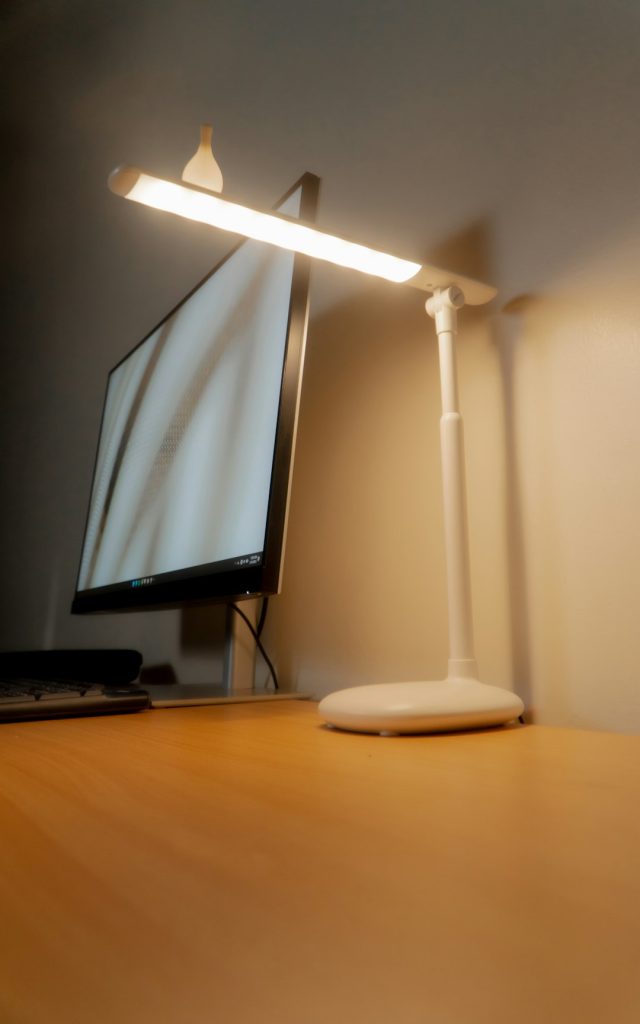
Finding the perfect spot for your desk lamp when you have a monitor can be tricky. You want enough light to see clearly without causing glare or eye strain.
Where you place your lamp can make a big difference in how comfortable and productive you feel while working. You’ll discover simple tips to position your lamp just right, so your workspace feels brighter and easier on your eyes. Keep reading to learn how a small change can improve your entire desk setup.
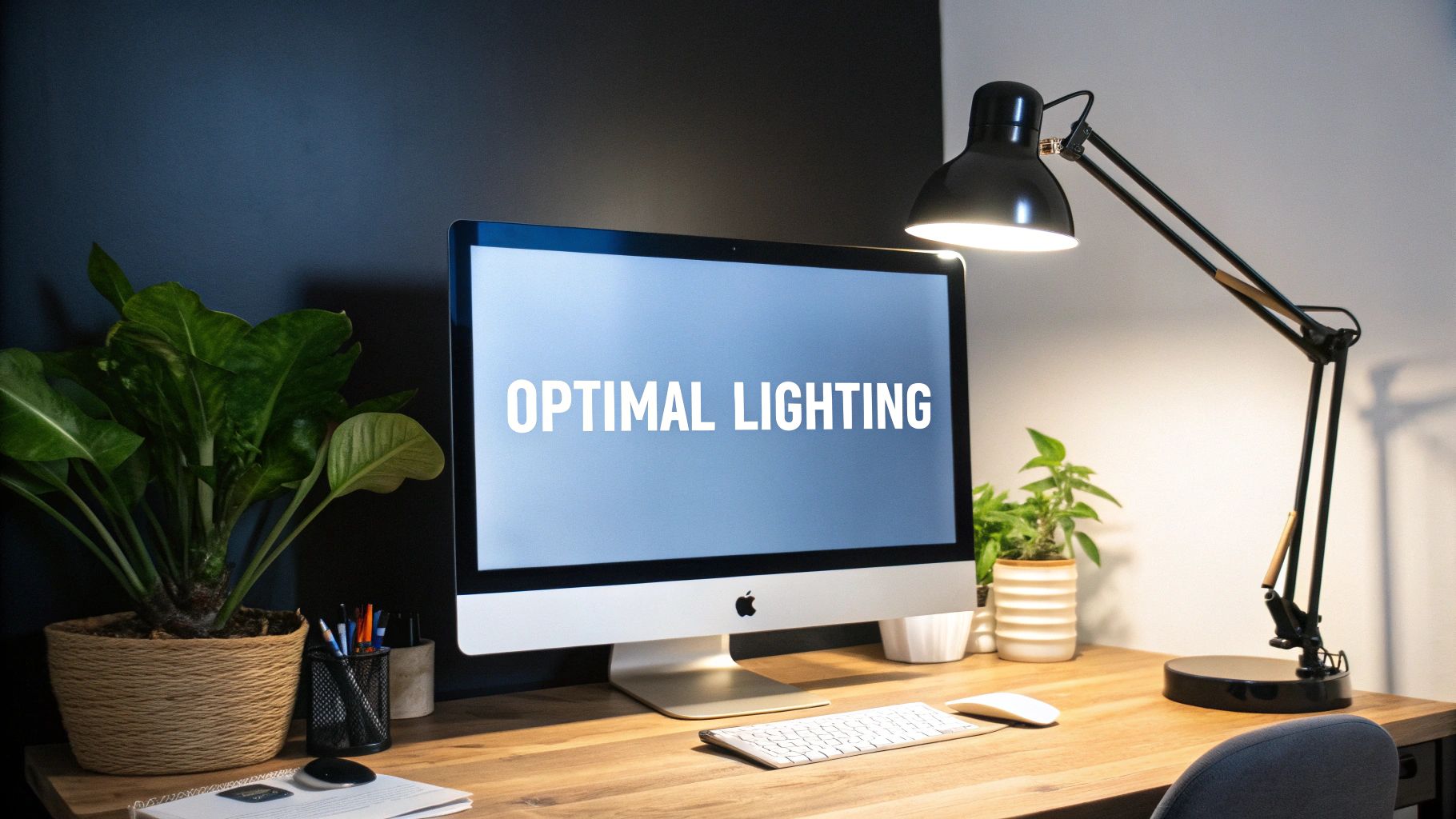
Credit: www.mount-it.com
Ideal Lamp Placement
Finding the ideal spot for your desk lamp can change how you work and feel at your desk. The right placement not only brightens your space but also reduces eye strain and keeps your monitor visible without distractions. Let’s dive into how to position your lamp for the best lighting experience.
Positioning For Balanced Lighting
Place your lamp so it spreads light evenly across your desk without creating harsh shadows. A good rule is to set the lamp slightly behind and to the side of your dominant hand. This setup lights your workspace well and minimizes shadows when writing or typing.
Try adjustable lamps that let you direct light exactly where you need it. If your lamp has brightness settings, use a soft, warm light to reduce eye fatigue during long work sessions.
Avoiding Screen Glare
Glare on your monitor can cause headaches and make it hard to focus. Position your lamp to the side of your desk, not directly in front or behind your monitor. This helps keep reflections off the screen.
Think about the angle of your lamp’s light. If you notice glare, try moving the lamp further away or use a lamp with a shade that directs light downward. You want light that brightens your desk but doesn’t bounce into your eyes or your screen.
Considering Desk Layout
Look at how your desk is organized before placing your lamp. If you have a cluttered workspace, a lamp with a small footprint or a clamp-on design can save space. Also, consider where your frequently used items are so the lamp lights those areas well.
Do you use multiple monitors or need room for papers and gadgets? Position your lamp where it can light all your tasks without forcing you to move it constantly. A flexible lamp arm can be a lifesaver for changing needs during the day.
Types Of Desk Lamps
Choosing the right type of desk lamp can make a big difference in how comfortable and efficient your workspace feels. With a monitor taking up a significant part of your desk, the lamp you pick should provide clear lighting without causing glare or taking up too much space. Let’s look at some popular desk lamp types that fit well alongside a monitor.
Adjustable Arm Lamps
Adjustable arm lamps offer great flexibility. You can move the light exactly where you need it, which helps reduce shadows and eye strain. I once struggled with a fixed lamp that cast annoying reflections on my screen—switching to an adjustable arm lamp solved that instantly.
These lamps often have joints or swivel heads, so you can angle the light up, down, or sideways. They are perfect if you switch between reading documents and working on your computer.
Led Desk Lamps
LED desk lamps are energy-efficient and provide bright, clear light without heating up. Their slim design often takes up less desk space, which is a bonus when your monitor already dominates your desk.
Many LED lamps come with adjustable brightness levels, allowing you to set the perfect mood for your work. Have you noticed how harsh lighting can make your eyes tired? LED lamps often have softer, flicker-free light that feels easier on your eyes.
Clip-on Lamps
Clip-on lamps are a smart choice if you want to save desk space. You can attach them directly to your desk edge or monitor, freeing up surface area. I used a clip-on lamp when working in a small home office with limited desk space, and it made a huge difference.
They usually have adjustable necks to aim light where you need it. If your desk is cluttered or compact, a clip-on lamp might be exactly what your setup needs.
Lighting Angle And Intensity
Choosing the right lighting angle and intensity for your desk lamp can transform your workspace. It enhances visibility and reduces eye strain. A well-positioned lamp complements the monitor, creating a balanced light environment. This setup helps maintain focus and comfort during long work hours.
Optimal Light Angle
Position the lamp to shine light from the side. This prevents glare on the monitor screen. Aim the light downward at a 30-degree angle. This angle minimizes shadows and illuminates the work area effectively. A flexible lamp arm allows easy adjustments for the perfect light direction.
Adjusting Brightness Levels
Ensure the lamp’s brightness matches the room’s ambient light. A dimmer switch can help fine-tune light intensity. Avoid overly bright lights to prevent screen reflections. A balanced light level eases eye adaptation between screen and surroundings.
Reducing Eye Strain
Proper lighting reduces eye fatigue during extended screen time. Position the lamp to eliminate harsh contrasts and shadows. Soft, diffused light is ideal for reducing glare. Regular breaks and blinking also help maintain eye health.
Lighting For Different Desk Setups
Lighting plays a crucial role in your productivity and comfort, especially when you spend long hours at your desk. Different desk setups demand different lighting strategies to reduce eye strain and create a pleasant working environment. Understanding how to position your lamp depending on your setup can make a noticeable difference in your workday.
Single Monitor Desks
On a desk with a single monitor, place your lamp on the opposite side of your dominant hand to avoid casting shadows while you write or use your mouse. If you are right-handed, position the lamp to the left, and vice versa. This simple adjustment helps keep your workspace bright without glare on your screen.
Adjust the lamp height so the light spreads evenly over your work area without shining directly into your eyes. Using a lamp with adjustable brightness can help you control the light intensity based on the time of day. Have you noticed how softer light in the evening helps you wind down more effectively?
Dual Monitor Desks
With two monitors, lighting gets trickier. Position your lamp so it illuminates the space between your monitors, reducing shadows on both screens. A lamp with a flexible arm can be your best friend here, allowing you to direct light precisely where needed.
Consider using a lamp with a wide light spread or multiple light sources to cover the entire desk evenly. Avoid placing lamps behind your monitors, as this can cause screen glare and headaches. Have you experimented with different lamp placements to find the sweet spot for your setup?
Corner Desk Arrangements
Corner desks often have more surface area and unusual angles, which can create dark spots. Place your lamp on the inside corner, aiming the light toward your main work zone. This positioning fills in shadows and keeps your entire workspace well-lit.
If your corner desk has shelving or other obstacles, use clip-on lamps or wall-mounted lights to save desk space. Lighting from above or behind your monitor can also help reduce eye fatigue in these setups. How do you make the most of your corner desk space to stay productive?
Additional Lighting Tips
Proper lighting on a desk with a monitor is vital for comfort and productivity. Additional lighting tips can enhance your workspace further. These tips help reduce eye strain and create a balanced light environment. They also improve the overall look of your desk setup.
Using Ambient Lighting
Ambient lighting offers general illumination for your room. It softens shadows caused by the desk lamp and monitor. Use ceiling lights or wall sconces to add ambient light. This reduces contrast and makes the desk area easier on the eyes. Choose warm white bulbs for a cozy feel. Avoid harsh or flickering lights that cause discomfort.
Combining Natural And Artificial Light
Natural light brightens your workspace during the day. Position your desk near a window for good sunlight. Balance this with artificial light for consistent brightness. Close curtains if sunlight causes glare on the monitor. Use adjustable lamps to control brightness levels. Mixing both light types creates a comfortable work zone.
Cable Management For Lamps
Keep lamp cords tidy to avoid clutter and accidents. Use cable clips or ties to secure wires along the desk edges. Hide cables behind the desk or inside cable sleeves. This makes your workspace look neat and organized. Proper cable management also prevents damage to cords and lamp connections.

Credit: www.amazon.ca

Credit: www.reddit.com
Frequently Asked Questions
Where Is The Best Spot For A Desk Lamp With A Monitor?
Place the lamp to the side, opposite your dominant hand. This reduces shadows on your workspace and avoids screen glare. Position it slightly behind the monitor for balanced lighting and minimal eye strain.
How To Avoid Glare From A Desk Lamp On Monitor?
Use a lamp with adjustable brightness and direction. Position it so light doesn’t reflect directly on the screen. Indirect lighting or lamps with shades can help reduce glare effectively.
Can Desk Lamp Placement Affect Eye Strain?
Yes, improper lamp placement causes glare and shadows, leading to eye strain. Proper lighting reduces eye fatigue by providing balanced illumination on your desk and screen.
Should A Lamp Be On Left Or Right Side Of Desk?
Place the lamp on the side opposite your dominant hand. This prevents shadows while writing or typing and ensures better task lighting.
Conclusion
Placing a lamp on your desk helps reduce eye strain while working. Position it to the side opposite your dominant hand for less shadow. Keep the light soft and focused on your workspace, not the screen. This setup improves comfort and boosts productivity.
Small changes can make your desk a better place to work every day. Try different spots until it feels right for you. Bright, clear light makes long hours easier to handle. Your eyes will thank you.



