
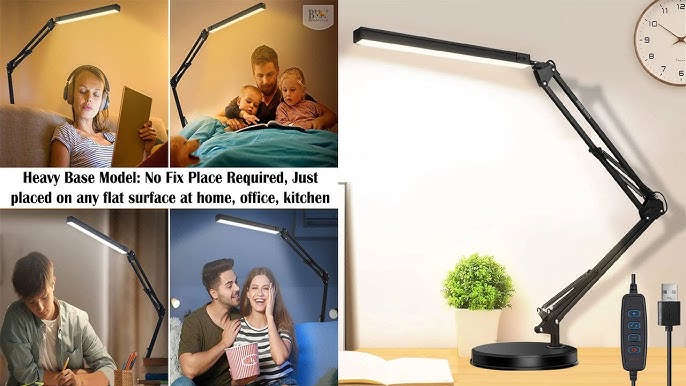
Is your LED desk lamp flickering, dim, or not turning on at all? It’s frustrating when your reliable light source suddenly stops working.
But before you rush to buy a new one, there’s good news—you can often fix it yourself. You don’t need to be an expert or spend a lot of money. In this guide, you’ll learn simple, step-by-step solutions to bring your LED desk lamp back to life.
Keep reading, and by the end, you’ll have your workspace bright and ready again.
Common Led Desk Lamp Issues
LED desk lamps are popular for their energy efficiency and long life. Despite these benefits, problems can occur. Understanding common issues helps fix the lamp quickly. This section covers typical problems and how to recognize them.
Flickering Light
Flickering happens when the light blinks or flashes. This issue can distract and strain your eyes. Causes include loose connections, faulty switches, or power supply issues. Sometimes, the LED bulb itself may be damaged. Checking the plug and switch often solves the problem. Replacing the bulb may be needed if flickering continues.
Lamp Not Turning On
The lamp not turning on is a frequent complaint. It may be due to a broken power cord or plug. Internal wiring problems can also stop the lamp from working. Another cause is a dead LED driver or fuse. Testing the power source and replacing damaged parts can restore function. Always unplug the lamp before opening it.
Dim Or Uneven Light
Dim light reduces the lamp’s usefulness. Uneven light creates bright and dark spots on your desk. Dust and dirt on the lamp cover can block light. The LED chips might be failing or overheating. Adjusting the lamp’s position and cleaning the cover improves brightness. If the problem stays, replacing the LED components may help.
Basic Tools Needed
Fixing a LED desk lamp requires a few basic tools. These tools help you open the lamp, test its parts, and replace any faulty components. Having the right tools makes the repair process easier and safer.
Screwdrivers And Pliers
Screwdrivers are essential for opening the lamp’s casing. Use a small Phillips or flathead screwdriver depending on the screws. Pliers help to hold small parts and gently pull wires or connectors. Both tools must be comfortable to handle and fit the screws well.
Multimeter For Testing
A multimeter checks electrical parts inside the lamp. It measures voltage, current, and resistance. This tool helps find broken wires or faulty LEDs. Using a multimeter avoids guesswork and saves time during repair.
Replacement Parts
Have spare parts ready before starting the repair. Common parts to replace are LED bulbs, switches, and wires. Use parts that match the original for the best results. Keep small components organized to avoid losing them.
Checking The Power Source
Is your LED desk lamp suddenly not working? Before jumping to conclusions, it’s crucial to consider the simplest fixes first. Checking the power source is your first port of call. By taking a few simple steps, you might just save yourself the trouble of buying a new lamp. Let’s dive into how you can troubleshoot this issue effectively.
Inspecting The Power Cord
The power cord is often the unsung hero of your desk lamp. A simple twist, pinch, or even a pet’s playful bite can cause issues. Examine the entire length of the cord for any visible damage or fraying. If you notice any wear and tear, consider replacing it. A damaged cord not only affects performance but can also be a safety hazard.
Do you remember the last time you untangled the cord or moved the lamp to a different spot? Small actions like these can sometimes lead to hidden issues. It’s worth unraveling the cord and ensuring it’s securely connected to the lamp and the outlet.
Testing The Power Outlet
Have you plugged in another device to see if the outlet is the culprit? Sometimes, the issue lies not with the lamp but with the outlet itself. Test it by connecting another device that you know works. If that device doesn’t power on, your outlet might need attention.
Consider moving your lamp to a different outlet. This simple step can rule out outlet issues and put you one step closer to solving the mystery of the non-working lamp.
Examining The Adapter
Adapters can sometimes fail without any visible signs. If your LED desk lamp uses an adapter, take a closer look. Is it warm to the touch? This could indicate a malfunction.
Swap out the adapter with another of the same voltage to see if that resolves the issue. Many times, a faulty adapter is the only thing standing between you and a bright workspace.
By following these checks, you stand a good chance of reviving your trusty LED desk lamp. Have you encountered any other unexpected fixes when troubleshooting home gadgets? Share your experiences and insights!

Credit: www.youtube.com
Fixing Flickering Lights
Flickering lights in an LED desk lamp can be distracting and reduce work focus. This issue often signals a problem with electrical connections or components inside the lamp. Fixing flickering lights improves brightness and extends the lamp’s life. Small fixes can restore steady light and save money on replacements.
Tightening Loose Connections
Loose wires cause flickering by interrupting power flow. Open the lamp base or housing to check all wire connections. Gently tighten screws or connectors holding the wires. Ensure wires fit snugly in their terminals. Avoid overtightening to prevent damage. After securing connections, test the lamp for steady light.
Replacing Faulty Bulbs
Faulty bulbs or LED modules often cause flickering. Remove the bulb carefully from its socket. Check for visible signs of damage or wear. Replace the bulb with one that matches the lamp’s specifications. Use bulbs recommended by the manufacturer. Test the lamp after installing the new bulb to confirm the flicker stops.
Cleaning Contacts And Switches
Dirty contacts and switches can disrupt electrical flow. Use a soft cloth or small brush to clean the bulb socket and switch contacts. Avoid moisture inside the lamp. For stubborn dirt, apply a small amount of electronic contact cleaner. Allow the parts to dry fully before reassembling. Clean contacts help maintain steady and clear light output.
Repairing Lamp Not Turning On
When your LED desk lamp refuses to turn on, it can disrupt your workflow and cause unnecessary frustration. Before rushing to buy a new lamp, you might find that the fix is simpler than you expect. Understanding the common reasons why your lamp won’t light up helps you tackle the issue effectively.
Testing The Switch
The switch is often the first place to check. Over time, switches can wear out or accumulate dust that blocks the connection. Try toggling the switch several times to see if it responds.
If you have a multimeter, test the switch by measuring continuity. No continuity means the switch is faulty and needs replacement. Sometimes, just cleaning the switch contacts with a bit of rubbing alcohol can restore function.
Inspecting Internal Wiring
Loose or damaged wiring inside the lamp is a common cause of failure. Carefully open the lamp casing to examine the wires. Look for any visible breaks, burns, or disconnected plugs.
Gently tug on each wire to ensure it is firmly connected. If you spot any frayed wires, use electrical tape or solder to fix the break. Remember to unplug the lamp before doing any internal inspection to avoid electric shock.
Replacing The Led Strip
If the switch and wiring check out, the LED strip itself might be the culprit. LED strips can burn out or suffer from bad solder joints. You can test the strip by connecting it to a compatible power source directly.
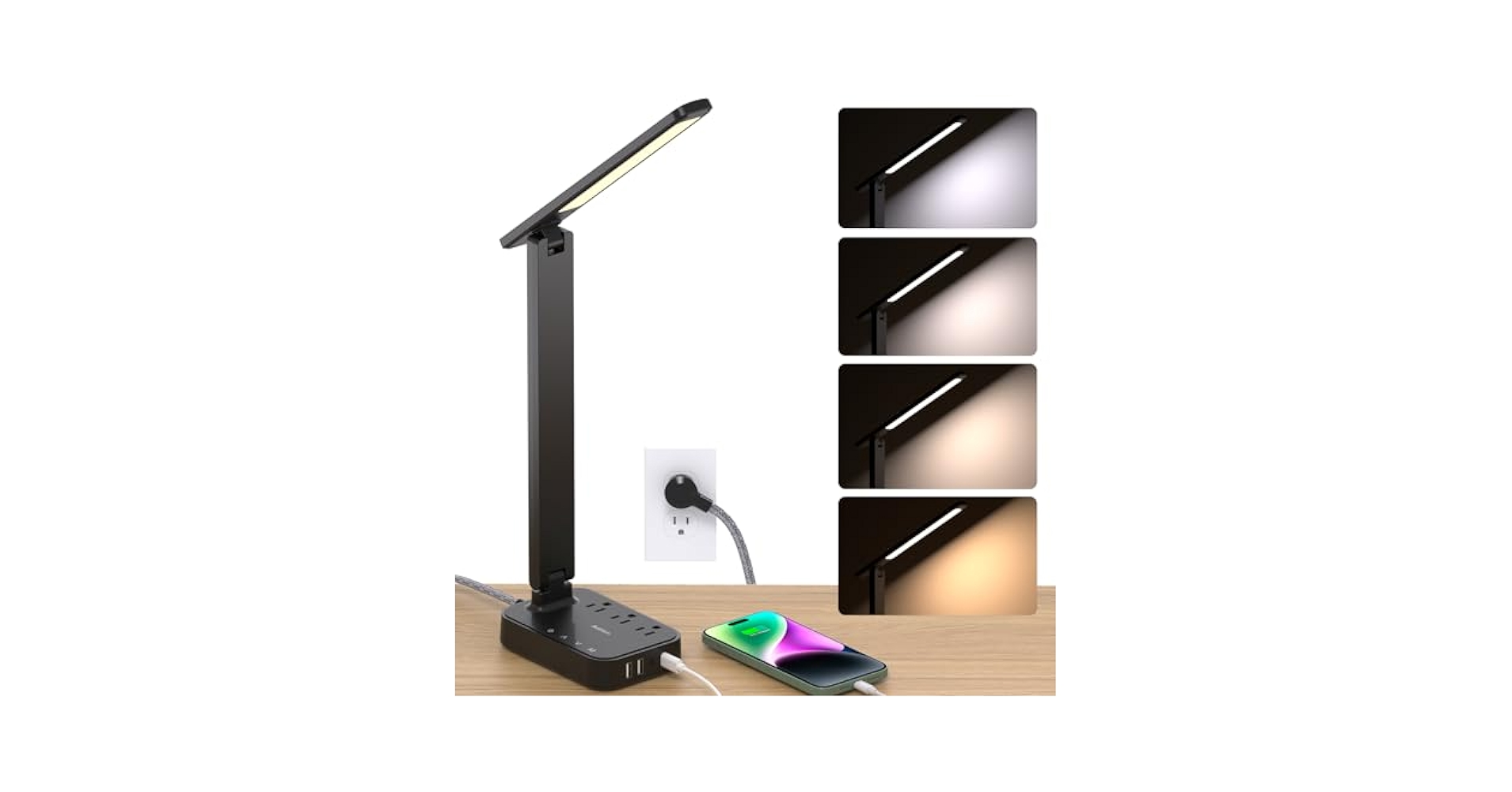
Replacing the LED strip is usually straightforward. Purchase a replacement strip that matches your lamp’s specifications. Carefully desolder the old strip and solder the new one in place, ensuring all connections are secure.
Credit: www.amazon.com
Improving Dim Or Uneven Light
Dim or uneven light from an LED desk lamp can reduce comfort and strain your eyes. Fixing this problem improves your workspace and helps you focus better. Several simple actions can restore bright, even lighting quickly.
Cleaning The Lamp Cover
Dust and dirt on the lamp cover block light and cause uneven brightness. Use a soft cloth or microfiber towel to wipe the cover gently. Avoid harsh chemicals; water or mild soap works best. Clean both inside and outside surfaces carefully. Regular cleaning keeps the light clear and bright.
Adjusting Brightness Settings
Many LED lamps have adjustable brightness levels. Check if your lamp includes a dimmer or multiple brightness modes. Increase brightness to improve light output. Test different settings to find the most comfortable and even light. Proper adjustment can balance brightness and reduce eye strain.
Replacing Diffusers
The diffuser spreads light evenly across your desk. Over time, it can yellow or crack, causing uneven light. Find a replacement diffuser that fits your lamp model. Remove the old diffuser carefully and install the new one. This can restore smooth, consistent lighting across your workspace.
Preventive Maintenance Tips
Preventive maintenance keeps your LED desk lamp working well for a long time. Small daily habits stop damage early. These tips help avoid common problems and extend the lamp’s life.
Regular Cleaning
Dust and dirt can block the light and cause overheating. Wipe the lamp with a soft, dry cloth often. Avoid wet cloths or harsh chemicals. Clean the vents gently to keep air flowing. This prevents dust buildup inside the lamp.
Safe Handling Practices
Handle the lamp carefully to avoid breaks and loose parts. Move it by the base, not the arm or light head. Do not twist or bend the lamp too much. Keep the power cord untangled and away from sharp edges. Always unplug the lamp before adjusting or cleaning.
Routine Checks
Look over the lamp regularly for signs of damage. Check the power cord for cracks or frays. Test the switch and dimmer to ensure they work well. Inspect the LED bulbs for flickering or dim spots. Fix small issues early to prevent bigger problems.
Credit: www.martview.com
Frequently Asked Questions
How Do I Fix A Flickering Led Desk Lamp?
Flickering often results from loose connections or a faulty switch. Check the wiring and tighten any loose parts. Replace the switch if needed. Also, verify the power source is stable and the bulb is properly seated.
What Causes An Led Desk Lamp Not To Turn On?
Common causes include a dead bulb, faulty power adapter, or damaged wiring. Test the bulb first, then check the power cord and plug. Replace any defective parts to restore functionality.
Can I Replace The Led Bulb In My Desk Lamp?
Yes, many LED desk lamps have replaceable bulbs. Check the lamp’s manual for the correct bulb type and replacement steps. Always use compatible LED bulbs to avoid damage and ensure optimal performance.
How Do I Fix A Dim Led Desk Lamp?
Dim lighting may be due to low power, dirty contacts, or aging LEDs. Clean the contacts and verify the power supply voltage. If dimness persists, consider replacing the LED bulb or driver.
Conclusion
Fixing a LED desk lamp can save money and reduce waste. Start by checking the power source and bulbs carefully. Simple steps often solve common problems quickly. Keep tools and parts ready before you begin. Take your time and follow instructions closely.
Small repairs can extend your lamp’s life a lot. Enjoy bright light again without buying a new lamp. Stay patient and try different fixes if needed. A little effort brings good results. Your desk will shine once more.



